
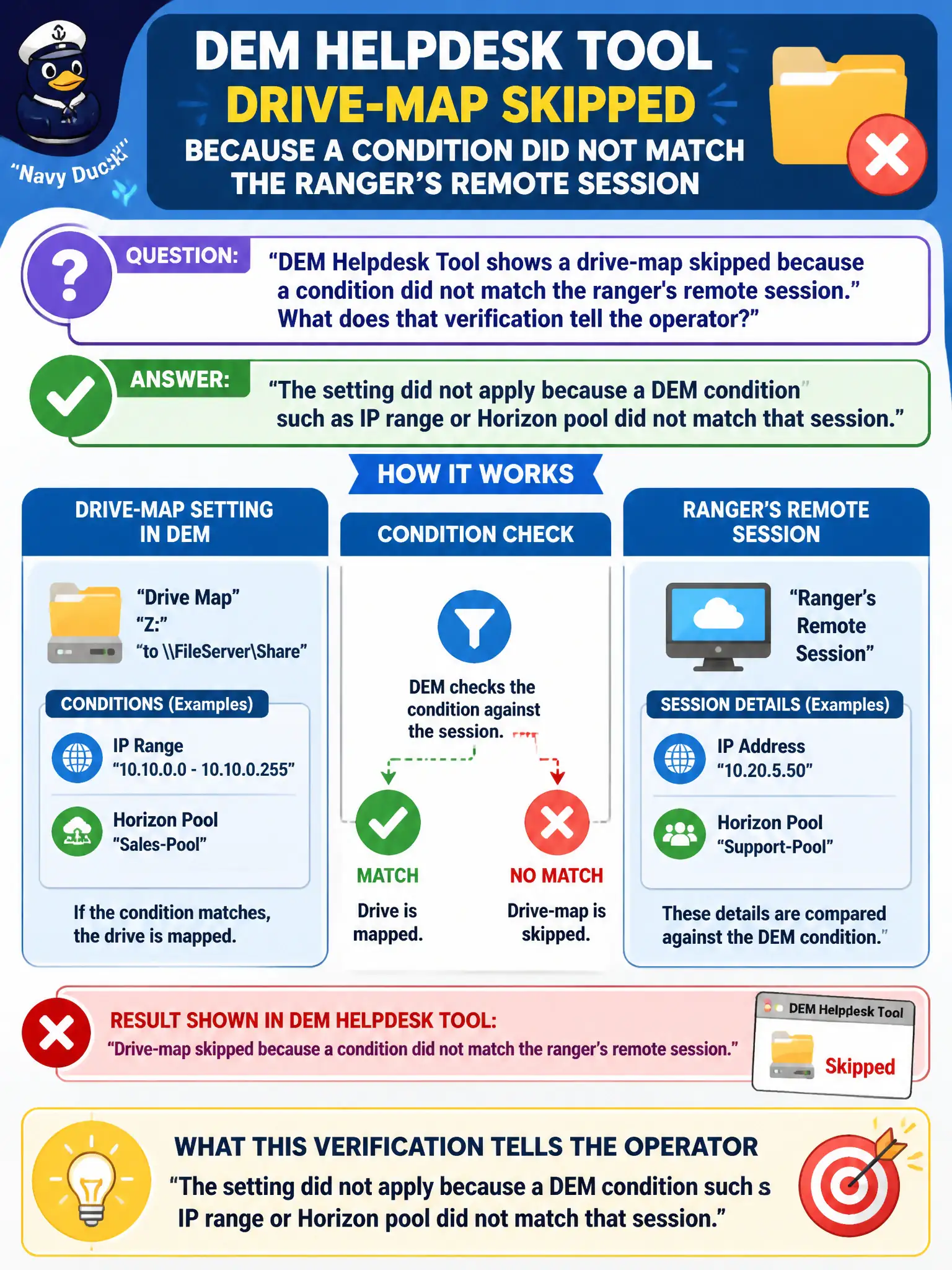
DEM Helpdesk Tool shows a drive-map skipped because a condition did not match the ranger's remote session. What does that verification tell the operator?
Select an answer to reveal the explanation.
Short Explanation
Skipped with a condition miss is DEM saying the ranger was on the wrong road — IP range or pool did not match — not that App Volumes died or the gold image is trash. The Helpdesk Tool is showing why the drive map stayed off. Entitlement missing is a different ticket.
Full Explanation
When DEM Helpdesk Tool shows a drive-map skipped because a condition did not match the ranger's remote session, that verification tells the operator the setting did not apply because a DEM condition such as IP range or Horizon pool did not match that session. Condition mismatch is an expected skip reason that Helpdesk Tool surfaces explicitly. Remote rangers often miss drive maps when VPN IP ranges fall outside DEM conditions; Helpdesk Tool makes that mismatch visible without image rebuilds. The skip does not prove App Volumes failed to attach a package or that DEM never runs on the desktop. Missing Horizon pool entitlement is not the only reason DEM skips items; condition mismatch is a first-class explanation shown by Helpdesk Tool. The gold image must not be rebuilt whenever a DEM condition fails; fix or understand the condition instead. Exam caveat: Helpdesk Tool skip-with-condition-miss means evaluate IP range, pool, or other DEM conditions—not rebuild gold images by default. Operational check: In DEM Helpdesk Tool, read the skip reason for the ranger's drive map, compare the session's IP and pool to the condition, and adjust the condition or session path as appropriate. Document the collection source and timestamp in the municipal ticket so the next operator can continue without rework.