
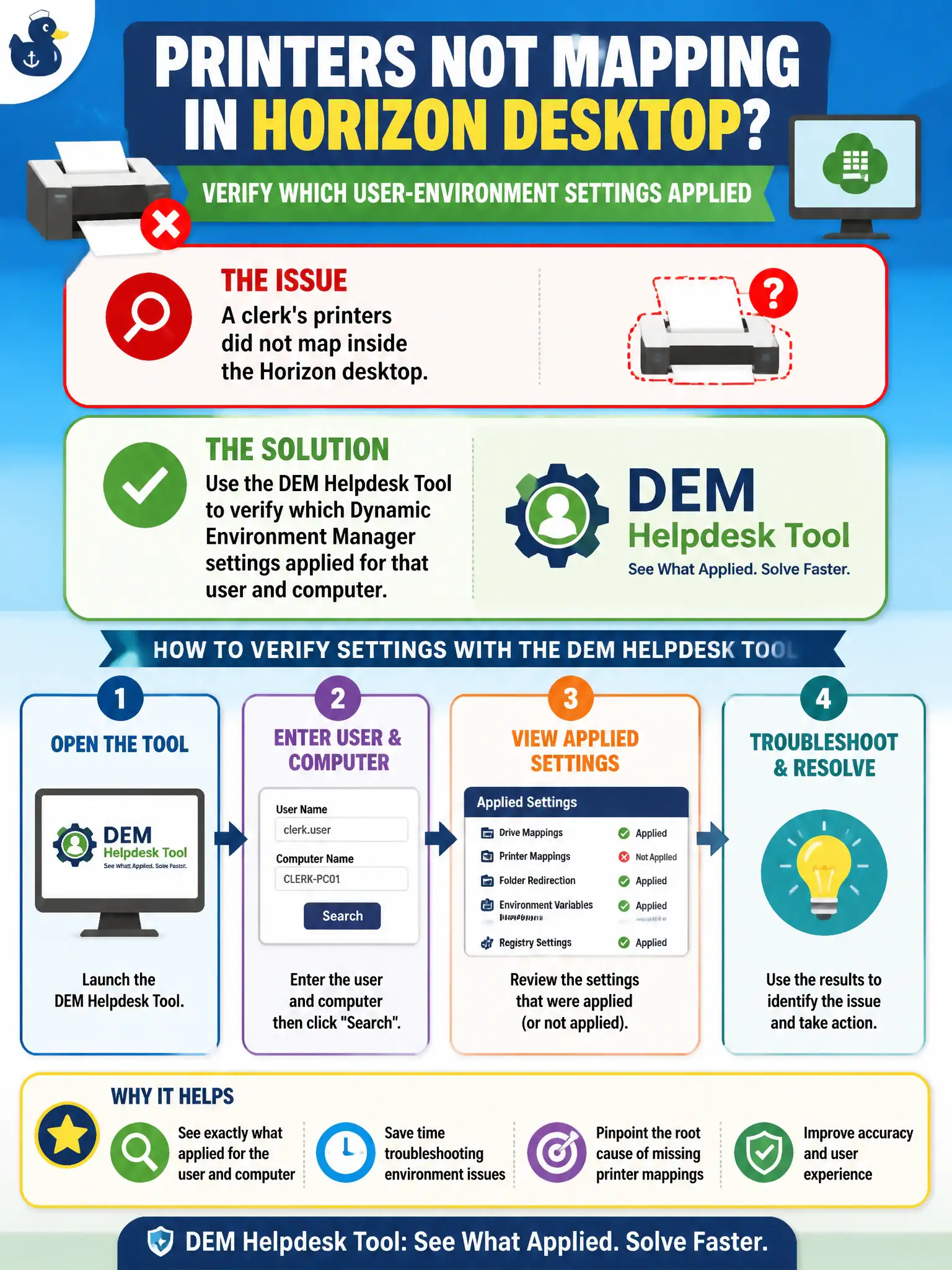
A clerk's printers did not map inside the Horizon desktop. How should the operator verify which user-environment settings applied?
Select an answer to reveal the explanation.
Short Explanation
Printer maps are DEM clipboards, not a new pool badge and not a writable disk. The DEM Helpdesk Tool shows which settings actually applied for that clerk and computer. Re-entitling, attaching a writable, or drawing an NSX printer VLAN will not verify DEM.
Full Explanation
When a clerk's printers did not map inside the Horizon desktop, the operator should use the DEM Helpdesk Tool to verify which Dynamic Environment Manager settings applied for that user and computer. Printer maps are DEM user-environment settings, and Helpdesk Tool shows applied versus skipped results. Clerk print outages at permitting windows are resolved faster when DEM Helpdesk shows skipped maps instead of bouncing users between pools. Re-entitling the clerk to a different Horizon pool as the first printer fix changes desktop entitlement rather than diagnosing DEM application. Assigning a new App Volumes writable so printers appear confuses packaging persistence with DEM printer mapping. Opening NSX Manager to add a printer VLAN does not verify whether DEM printer settings applied to the session. Exam caveat: Printer mapping failures inside Horizon desktops are diagnosed with DEM Helpdesk Tool applied-settings verification first. Operational check: Open DEM Helpdesk Tool for the clerk and computer, inspect whether printer settings applied or were skipped, and remediate conditions or assignments accordingly. Document the collection source and timestamp in the municipal ticket so the next operator can continue without rework.