
A technician hunts Intelligent Hub enrollment status inside App Volumes Manager. What should they understand?
Select an answer to reveal the explanation.
Short Explanation
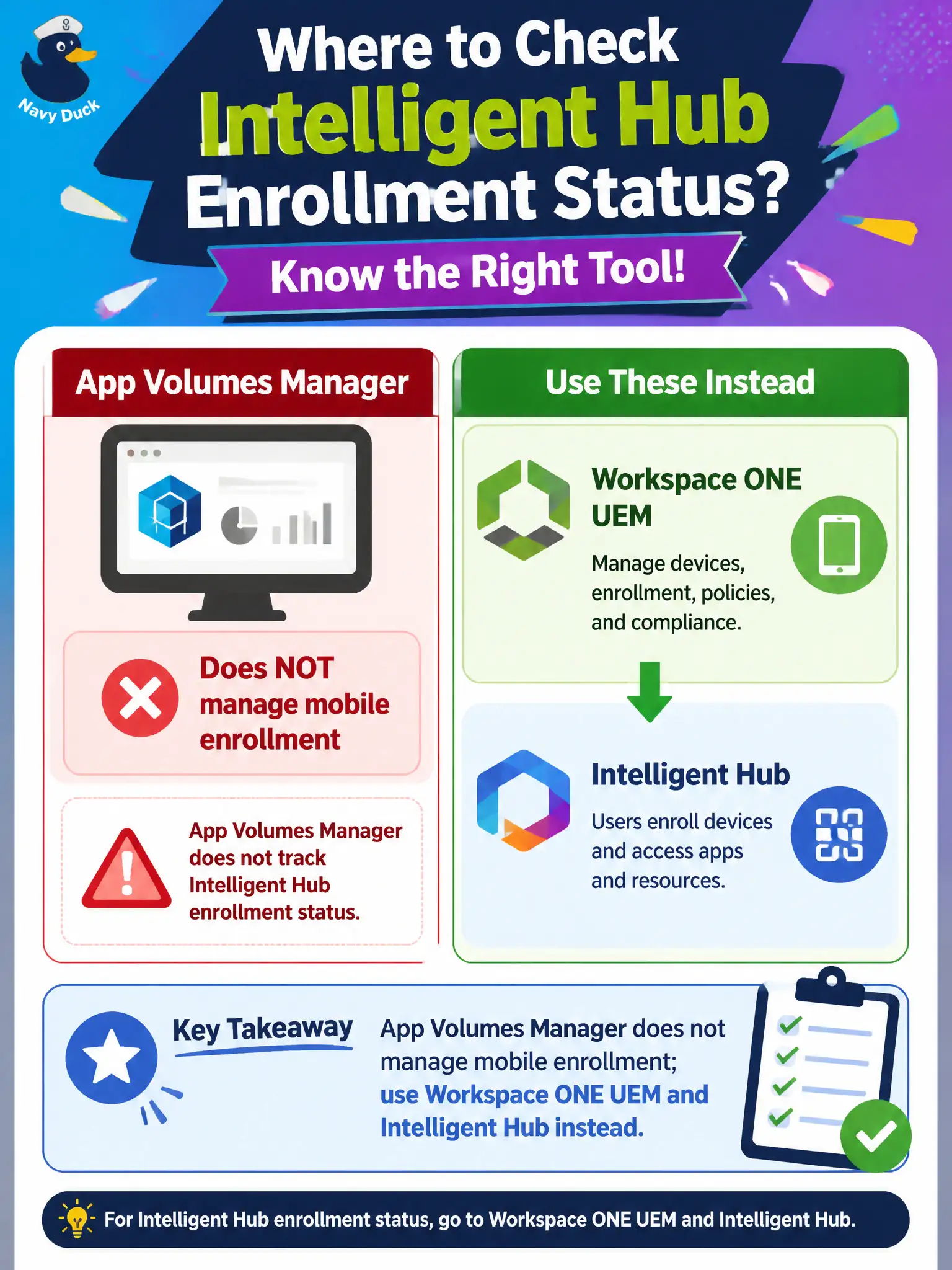
App Volumes Manager is the package warehouse, not the phone-enrollment desk. Hub QR codes, device records, and enrollment live in Workspace ONE UEM and Intelligent Hub — writables do not enroll phones. Wrong console — walk next door.
Full Explanation
When a technician hunts Intelligent Hub enrollment status inside App Volumes Manager, they should understand that App Volumes Manager does not manage mobile enrollment; use Workspace ONE UEM and Intelligent Hub instead. App Volumes is packaging for desktops, not phone enrollment or QR-code delivery. Civic technicians save time by routing enrollment questions to UEM rather than wandering package Inventory looking for QR codes during clinic onboarding. App Volumes Manager is not the system of record for Hub enrollment QR codes. Writable volumes do not enroll phones when assigned to a user entity. Package assignments do not replace UEM device records for enrollment status. Exam caveat: Do not look for Hub enrollment in App Volumes Manager; that status lives in Workspace ONE UEM and Intelligent Hub. Operational check: Close the App Volumes Manager search, open Workspace ONE UEM or Intelligent Hub for the device, and read enrollment status there. Document the collection source and timestamp in the municipal ticket so the next operator can continue without rework. Prefer vendor-documented steps over tribal shortcuts whenever civic uptime is at stake. Keep adjacent products in their lanes so troubleshooting stays scoped to the failing control plane.