
Volume datastore space and App Volumes license status look unhealthy. Which App Volumes Manager area is that, without designing a new SAN?
Select an answer to reveal the explanation.
Short Explanation
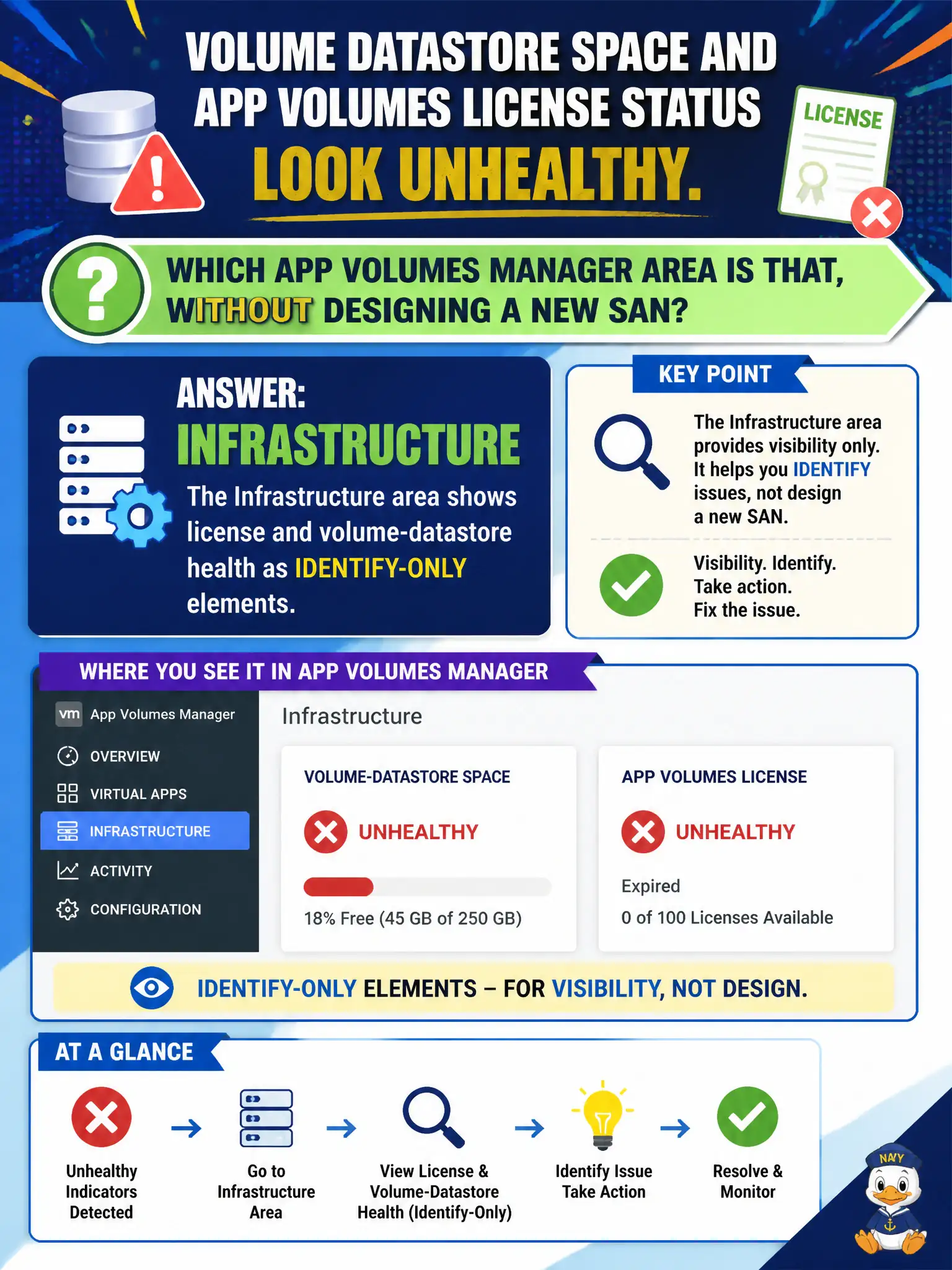
Datastore space and license lights are basement plumbing — Infrastructure in App Volumes Manager — not the Directory phone book and not a reason to design a new SAN. Identify those elements; do not open a storage architecture project. Horizon Administrators is the wrong console.
Full Explanation
When volume datastore space and App Volumes license status look unhealthy, the App Volumes Manager area to identify—without designing a new SAN—is Infrastructure, where license and volume-datastore health appear as identify-only elements. Infrastructure is the plumbing pane for storage and licensing signals. Assessor packaging outages from full datastores are caught early when operators check Infrastructure rather than hunting capacity clues in Directory. Directory lists AD users and groups and is not where datastore space and license health are identified. Inventory of application packages alone is not the pane that surfaces storage and license health in this objective. Horizon Console Settings/Administrators manages Horizon roles, not App Volumes datastore and license health. Exam caveat: Identify license and volume-datastore health in App Volumes Manager Infrastructure; do not jump to SAN redesign on the exam item. Operational check: Open App Volumes Manager Infrastructure, note license status and volume datastore capacity warnings, and escalate storage only with that evidence. Document the collection source and timestamp in the municipal ticket so the next operator can continue without rework.