
A GIS writable may not be attaching. Where does the operator confirm machine or user attachment status?
Select an answer to reveal the explanation.
Short Explanation
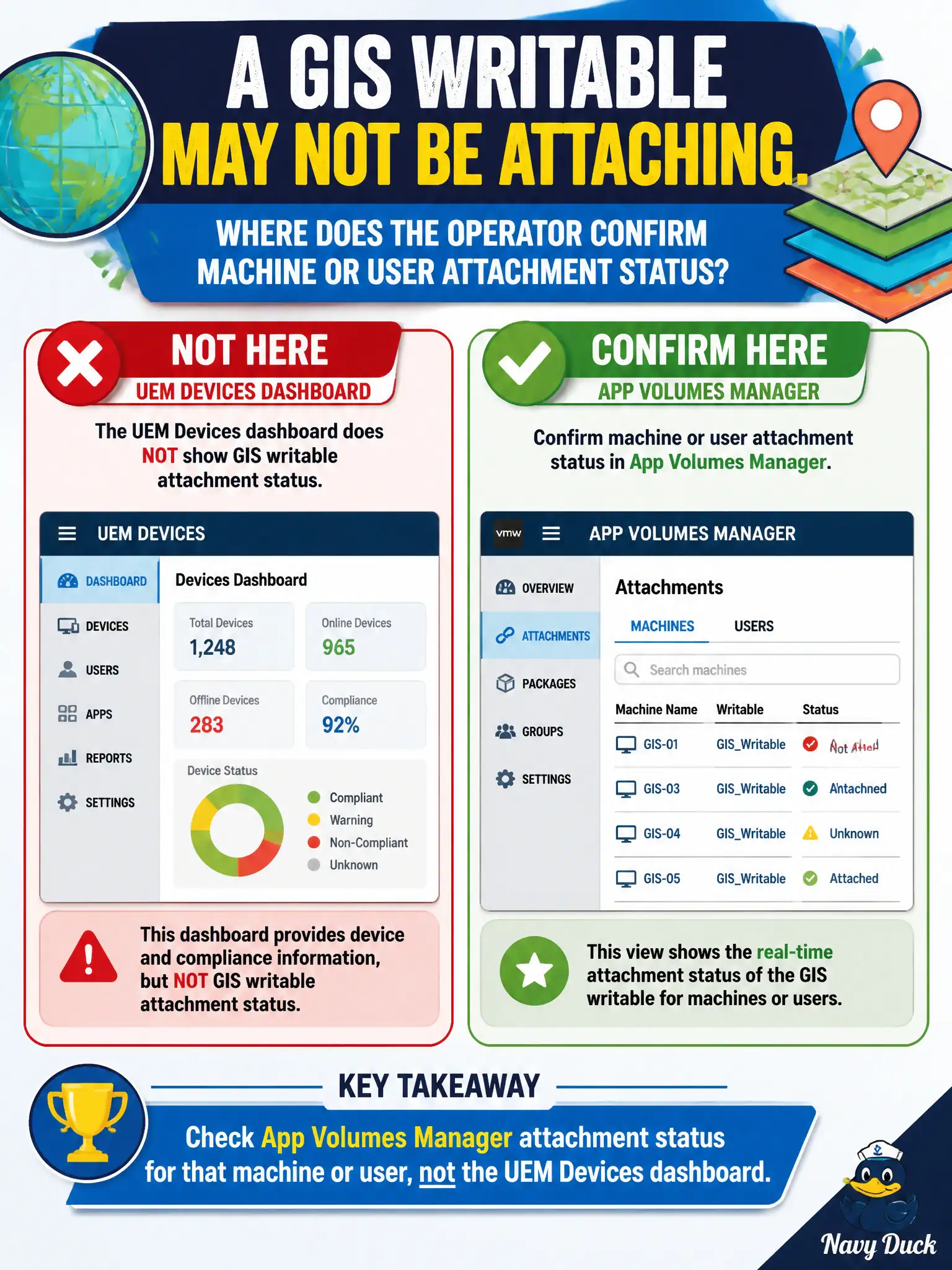
Attachment is whether the locker actually clicked onto the GIS desktop — that light is on App Volumes Manager for the machine or user. UEM compliance, a Help Desk protocol graph, and NSX overlays will not tell you if the writable mounted.
Full Explanation
When a GIS writable may not be attaching, the operator confirms machine or user attachment status in App Volumes Manager for that machine or user, not on the UEM Devices dashboard. Attachment status is an App Volumes Manager signal that shows whether the writable actually mounted. GIS plugin persistence tickets should check App Volumes attachment before blaming UEM compliance or NSX segments for missing plugins. Workspace ONE UEM Devices dashboard compliance rows report enrollment posture, not App Volumes writable attach state. Horizon Help Desk protocol graphs show session protocol metrics, not whether a writable clicked onto the guest. NSX inventory of attached overlay segments describes network constructs, not App Volumes attachment. Exam caveat: Writable attach confirmation is App Volumes Manager attachment status for the machine or user. Operational check: In App Volumes Manager, open the GIS user or machine record, verify writable attachment status, and retry login if detached. Document the collection source and timestamp in the municipal ticket so the next operator can continue without rework. Prefer vendor-documented steps over tribal shortcuts whenever civic uptime is at stake.