
An operator opens App Volumes Manager at the assessor office. Which navigation elements belong there, distinct from Horizon Console?
Select an answer to reveal the explanation.
Short Explanation
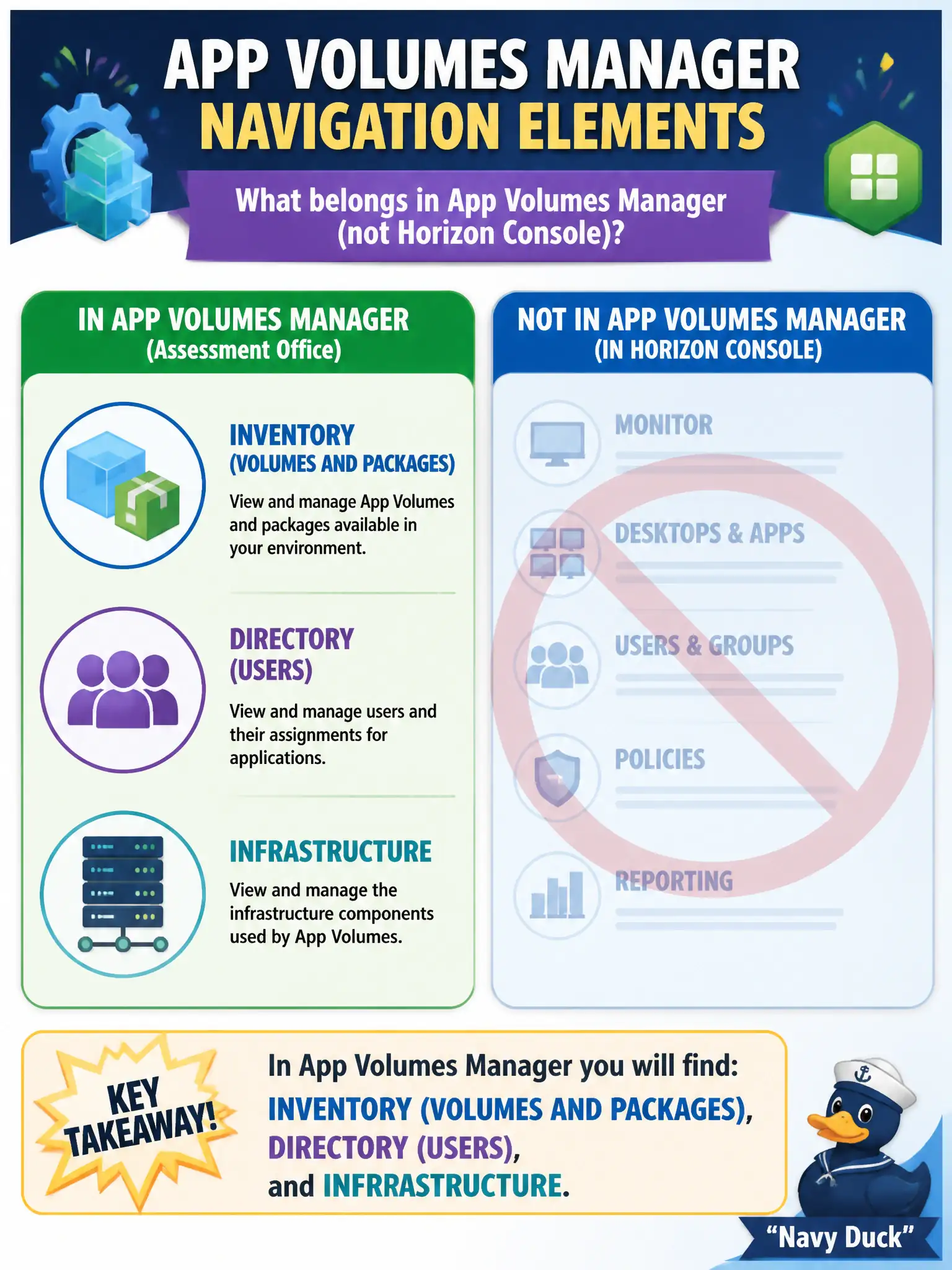
App Volumes Manager is the package warehouse: Inventory for volumes and packages, Directory for users, Infrastructure for storage and license plumbing. Horizon pool entitlements, UEM mail dashboards, and DEM printers are other warehouses. Name those three AVM areas.
Full Explanation
When an operator opens App Volumes Manager at the assessor office, the navigation elements that belong there—distinct from Horizon Console—are Inventory for volumes and packages, Directory for users, and Infrastructure. Those three areas form the App Volumes Manager map associates must identify. Assessor packaging teams should orient on those three App Volumes areas so they do not search for writables inside Horizon pool Inventory during tax season. Inventory of desktop pools, Users and Groups entitlements, and Horizon Settings belong to Horizon Console, not App Volumes Manager. Devices, Compliance, and Mail dashboards belong to Workspace ONE UEM rather than App Volumes navigation. Drive maps, shortcuts, and printer settings belong to the DEM Console and are not App Volumes Manager elements. Exam caveat: App Volumes Manager identification focuses on Inventory, Directory, and Infrastructure versus Horizon, UEM, or DEM panes. Operational check: In App Volumes Manager, open Inventory to see packages and volumes, Directory for users, and Infrastructure for storage and license health, confirming each area loads. Document the collection source and timestamp in the municipal ticket so the next operator can continue without rework.