
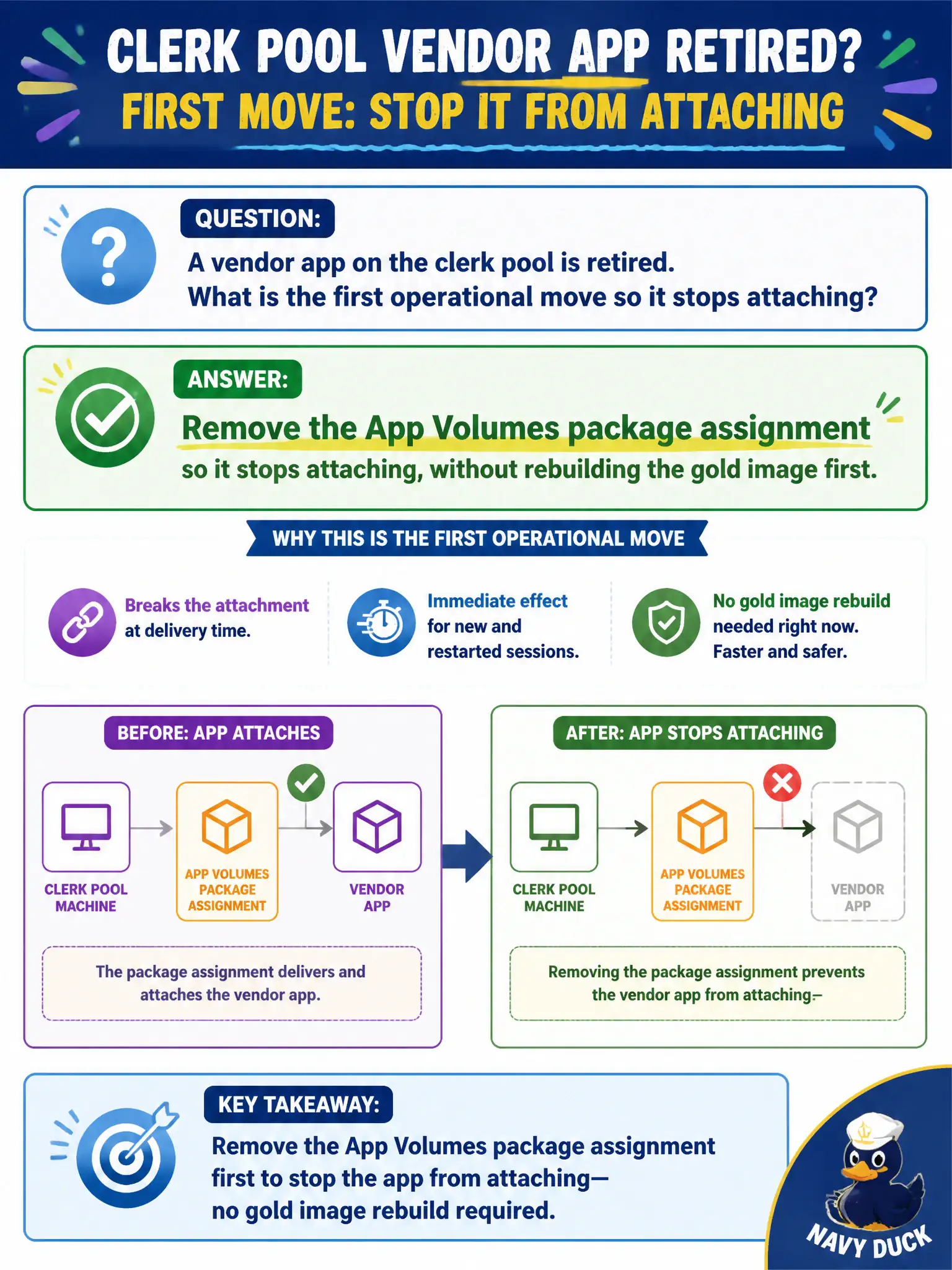
A vendor app on the clerk pool is retired. What is the first operational move so it stops attaching?
Select an answer to reveal the explanation.
Short Explanation
Stop clipping the retired badge on at login: unassign the package. You do not rebuild the whole gold image, blow up the pool, or wipe Hub on phones just to stop an App Volumes attach. Unassignment is the operational off switch.
Full Explanation
When a vendor app on the clerk pool is retired, the first operational move so it stops attaching is to remove the App Volumes package assignment, without rebuilding the gold image first. Unassignment stops delivery at login and is the least disruptive retirement step. Permit and clerk pools stay stable during app retirement when operators unassign packages instead of tearing down pools or gold images under change pressure. Rebuilding the gold image immediately so binaries leave the datastore is unnecessary as the first step to stop App Volumes attach. Deleting the Horizon pool and recreating it with a new Connection Server is disproportionate and unrelated to stopping a package assignment. Wiping Intelligent Hub enrollment on every clerk phone does not control App Volumes attach on desktops. Exam caveat: Stop retired packages by removing App Volumes assignments first; do not rebuild images or wipe Hub as the opening move. Operational check: In App Volumes Manager, remove the vendor package assignment from the clerk pool's users or computers, log into a clerk desktop, and confirm the app no longer attaches. Document the collection source and timestamp in the municipal ticket so the next operator can continue without rework.