
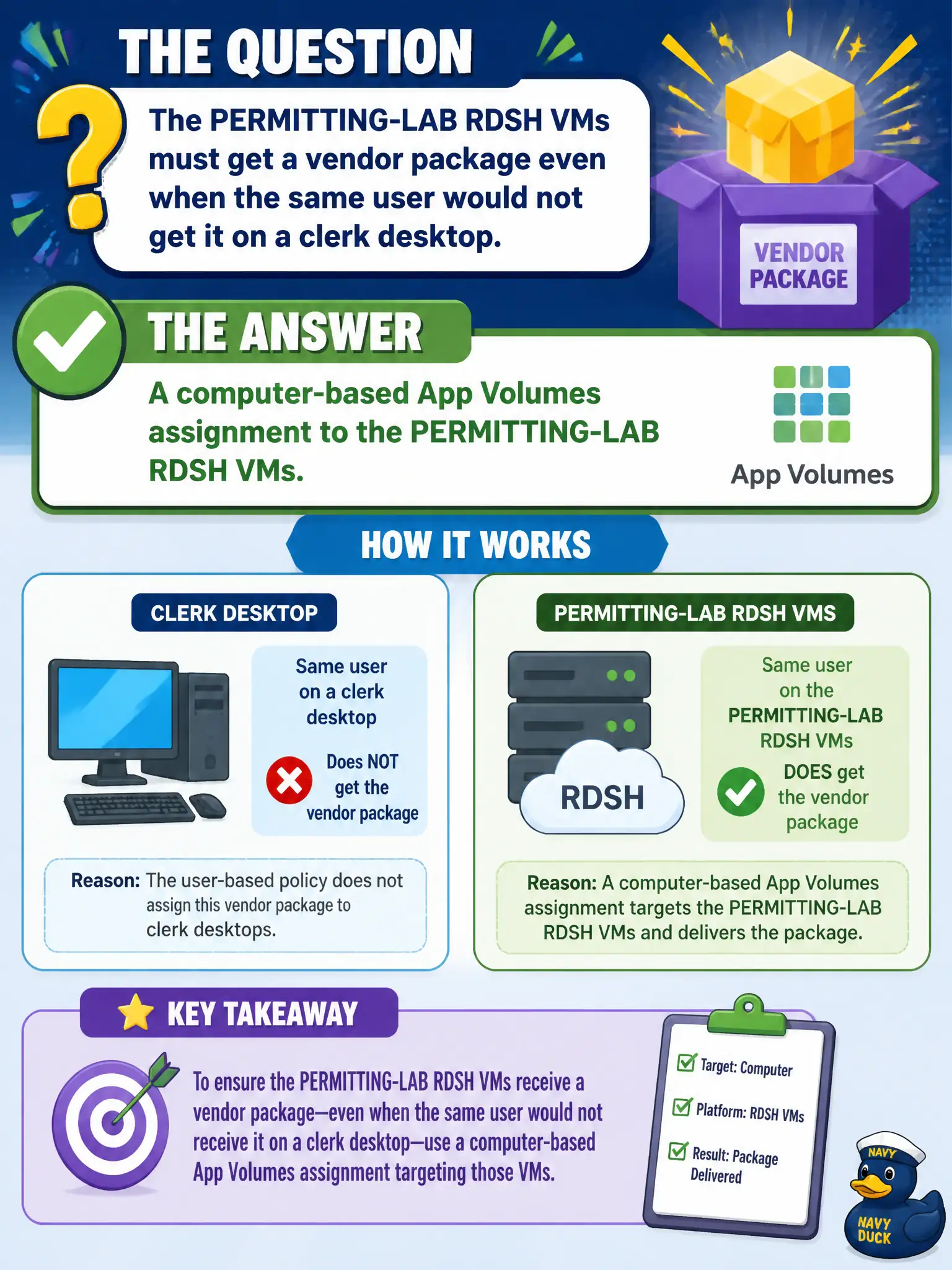
The PERMITTING-LAB RDSH VMs must get a vendor package even when the same user would not get it on a clerk desktop. What assignment target does that?
Select an answer to reveal the explanation.
Short Explanation
Computer assignment is pinning the app to those lab VMs, like a posted form that stays on the permitting-lab counters even if the clerk also sits at a different desk. User-only assignment would follow the person. Horizon entitlement and Hub on a phone do not attach that package to the RDSH machines.
Full Explanation
When PERMITTING-LAB RDSH VMs must get a vendor package even when the same user would not get it on a clerk desktop, the assignment target is a computer-based App Volumes assignment to those PERMITTING-LAB RDSH VMs. Computer assignment pins the package to the machines rather than following only the user account. Permit-lab training VMs can carry specialty vendor tools without polluting everyday clerk desktops when computer assignment is used deliberately. A user assignment only follows the account to every desktop and would not isolate the package to the lab RDSH VMs as required. A Horizon pool entitlement attaches desktops or published apps in Horizon; it does not by itself attach App Volumes packages. A Workspace ONE UEM internal-app assignment to the user's phone delivers mobile apps, not RDSH App Volumes packages. Exam caveat: Computer-based App Volumes assignment is the pattern when lab RDSH hosts must receive a package independent of the user's other desktops. Operational check: In App Volumes Manager, create a computer assignment of the vendor package to the PERMITTING-LAB RDSH VMs, then verify attach on a lab session and absence on a normal clerk desktop for the same user. Document the collection source and timestamp in the municipal ticket so the next operator can continue without rework.