
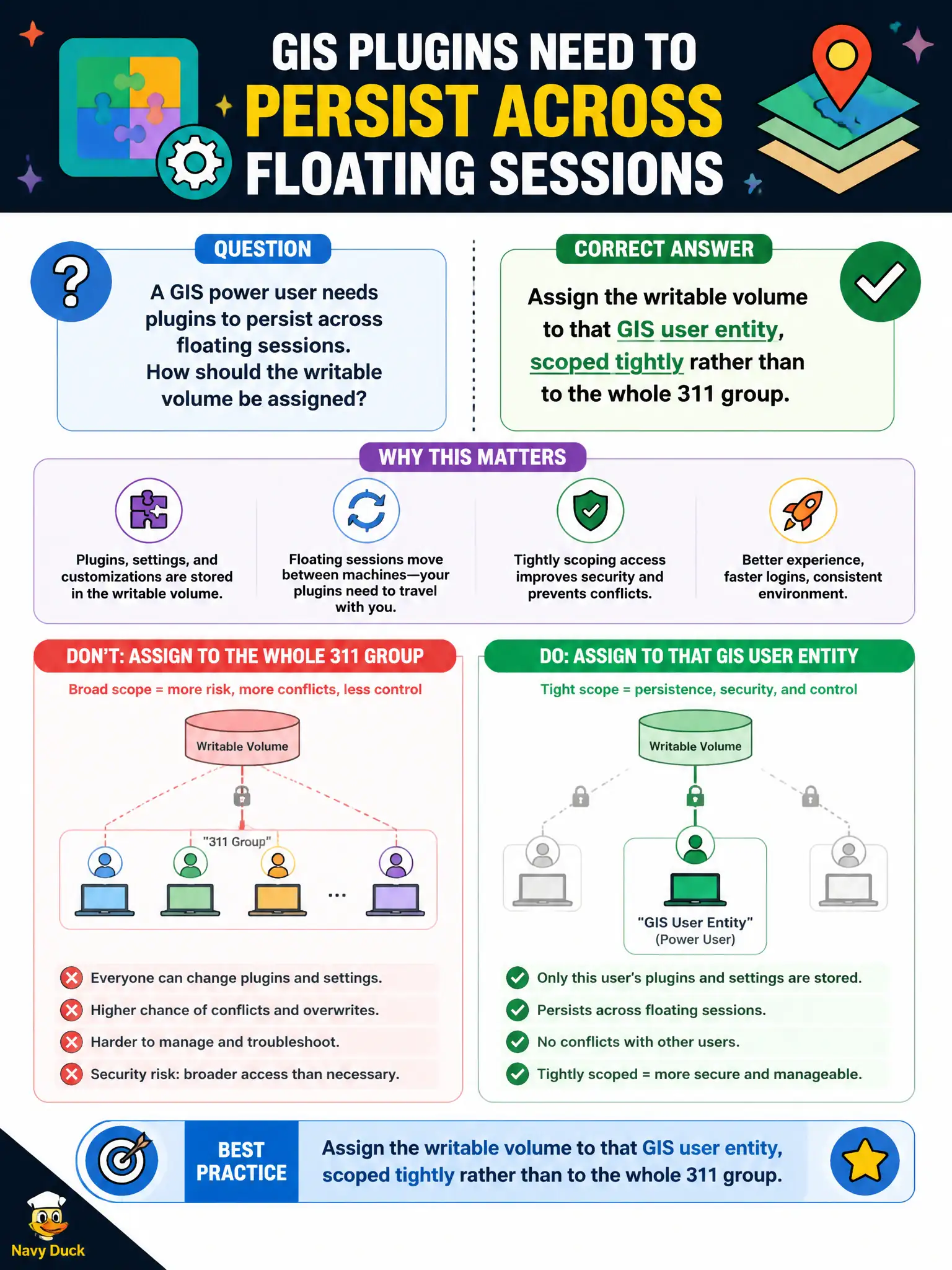
A GIS power user needs plugins to persist across floating sessions. How should the writable volume be assigned?
Select an answer to reveal the explanation.
Short Explanation
A writable is a personal locker, not a group coat-check. Assign it to that GIS user so plugins persist, and do not hang one locker on the whole 311 group. UEM Devices cannot attach App Volumes writables, and baking plugins into every clerk image is the blunt tool.
Full Explanation
When a GIS power user needs plugins to persist across floating sessions, the writable volume should be assigned to that GIS user entity and scoped tightly rather than to the whole 311 group. User-scoped writables preserve per-user changes without sharing a single writable across many people. GIS specialists keep custom plugins without forcing every 311 agent onto the same writable, which protects both persistence and isolation for contact-center staff. Assigning one writable volume to the entire 311 AD group incorrectly shares a personal writable across many users and risks cross-user data bleed. Capturing the plugins into the gold image for every clerk pool bloats the image and is not the writable-volume pattern for one power user. Attaching the writable from the UEM Devices dashboard is wrong because UEM does not assign App Volumes writables. Exam caveat: Writables are personal persistence; assign to the individual GIS user, not a broad group, and not via UEM. Operational check: In App Volumes Manager, assign the writable to the GIS user, validate plugins survive logoff and login on a floating desktop, and confirm 311 peers do not receive that writable. Document the collection source and timestamp in the municipal ticket so the next operator can continue without rework.