
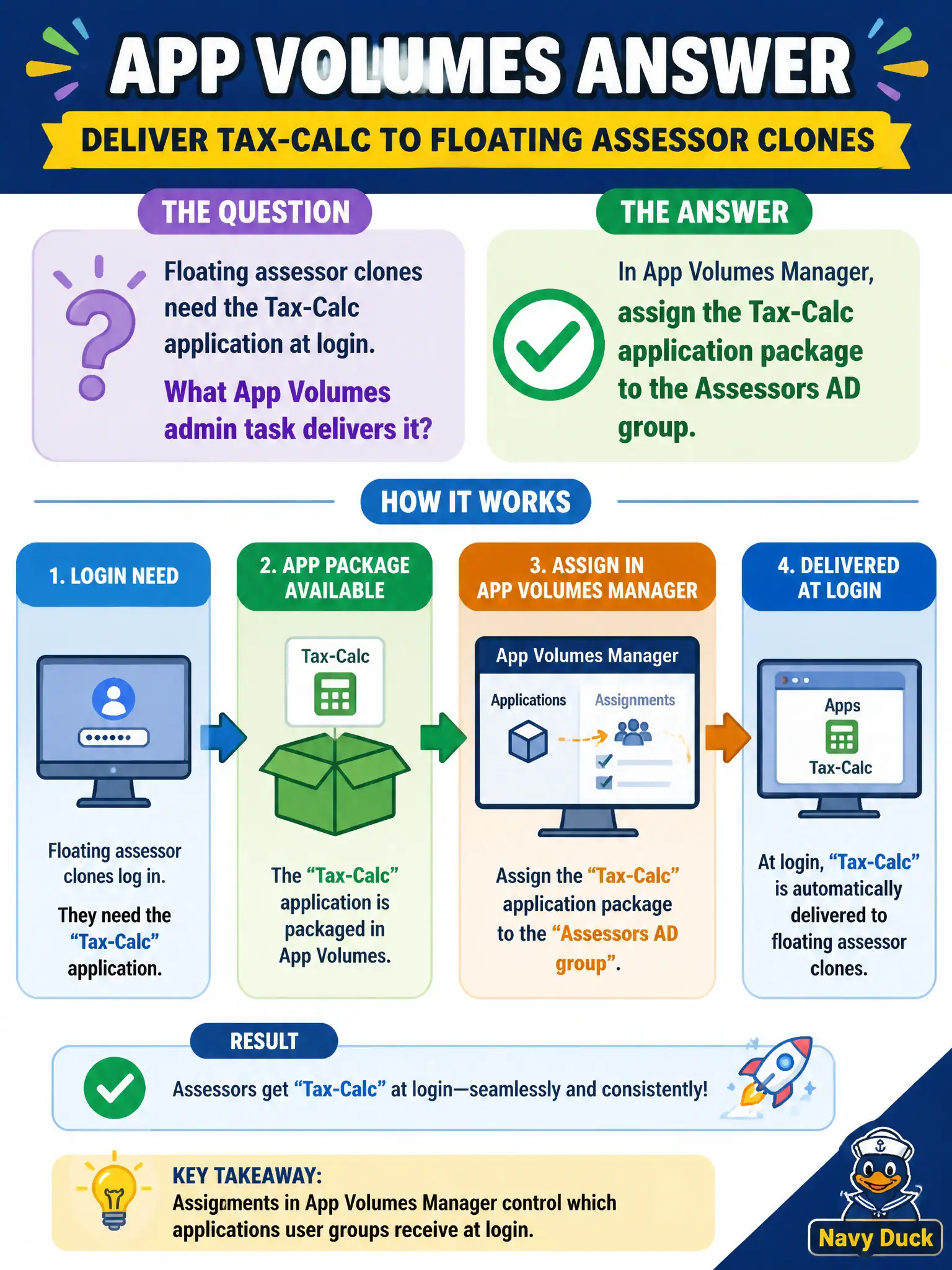
Floating assessor clones need the Tax-Calc application at login. What App Volumes admin task delivers it?
Select an answer to reveal the explanation.
Short Explanation
Tax-Calc on floating clones is a clip-on badge: assign the application package to the Assessors group in App Volumes Manager and it attaches at login. A GPU pool entitlement, a gold-image rebuild, and Hub on phones do not deliver that package to the VDI session.
Full Explanation
When floating assessor clones need the Tax-Calc application at login, the App Volumes admin task that delivers it is to assign the Tax-Calc application package to the Assessors AD group in App Volumes Manager. Package assignment attaches the application for entitled users when they log into floating desktops. Assessor season readiness hinges on that group assignment so floating clones stay thin while Tax-Calc still arrives consistently at login. Entitling Assessors to a Horizon GPU pool without App Volumes does not deliver Tax-Calc as a package attach at login. Rebuilding the gold image with Tax-Calc before the next tax season is heavier than necessary when App Volumes package assignment solves floating-clone delivery. Enrolling assessor phones in Intelligent Hub so Tax-Calc sideloads as a public app targets mobile delivery, not the VDI package attach path. Exam caveat: Floating-clone application delivery at login is an App Volumes package assignment to the user group, not a gold-image rebuild by default. Operational check: In App Volumes Manager, assign Tax-Calc to the Assessors group, log into a floating assessor desktop, and confirm the application appears after attach. Document the collection source and timestamp in the municipal ticket so the next operator can continue without rework.