
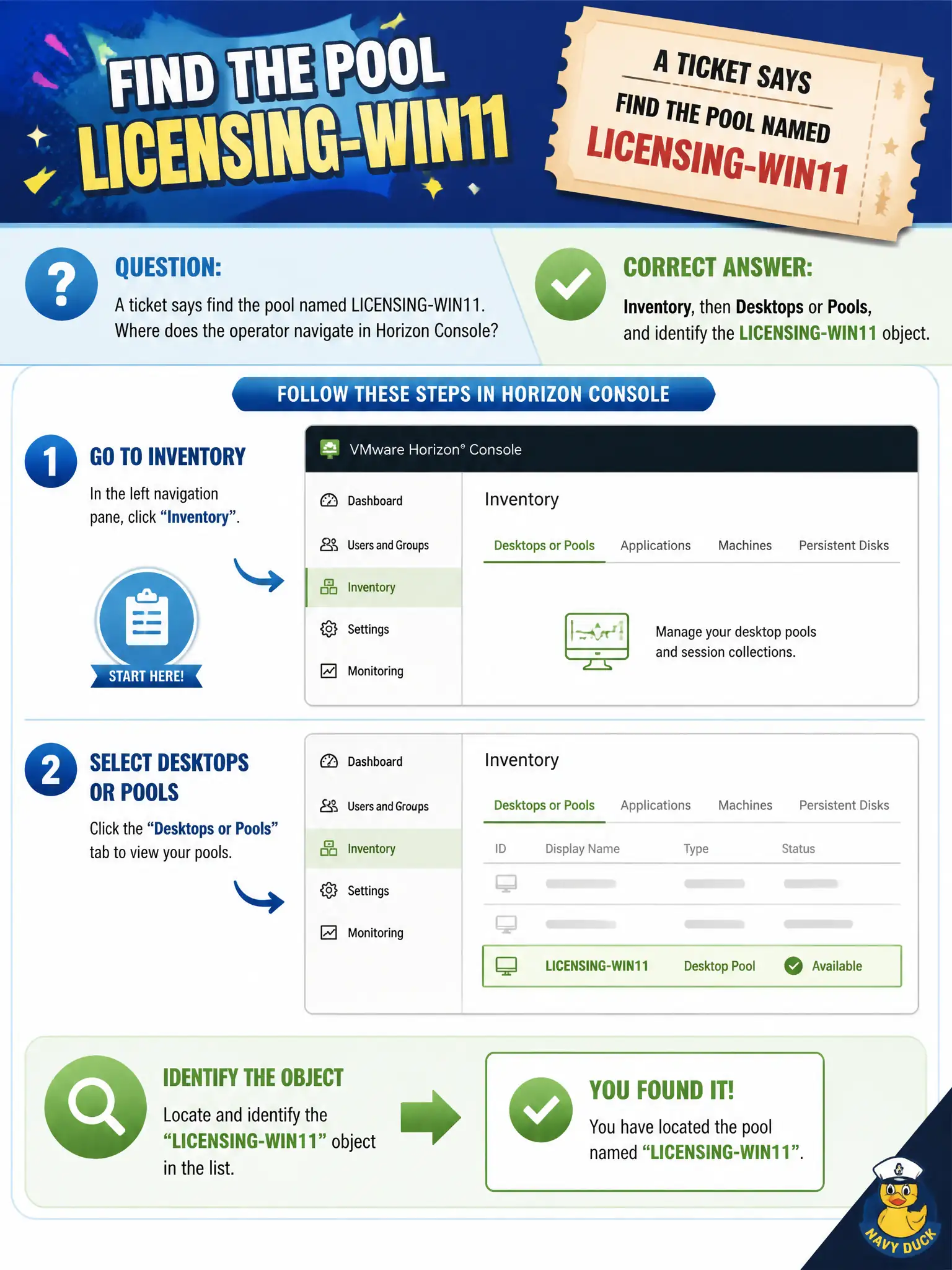
A ticket says find the pool named LICENSING-WIN11. Where does the operator navigate in Horizon Console?
Select an answer to reveal the explanation.
Short Explanation
LICENSING-WIN11 is a named pool on the Inventory shelf, not a Purchased UEM app and not a DEM printer tree. Open Inventory, then Desktops or Pools, and identify that object. Directory users in App Volumes will not list Horizon pools.
Full Explanation
When a ticket says find the pool named LICENSING-WIN11, the operator navigates in Horizon Console to Inventory, then Desktops or Pools, and identifies that object. Named pools are Inventory objects, and exact-name search is the associate path to confirm the ticket target. Finance licensing pools are frequently referenced by exact name in municipal tickets; Inventory search is the fastest confirmation path before any change. Workspace ONE UEM application catalog Purchased resources are not Horizon desktop pools and will not show LICENSING-WIN11. App Volumes Manager Directory users lists directory entities, not the LICENSING-WIN11 pool object in Horizon. DEM Helpdesk Tool applied-settings trees show user-environment application results, not Horizon pool inventory. Exam caveat: Named pool lookup is Horizon Inventory, not UEM catalog, App Volumes Directory, or DEM Helpdesk. Operational check: In Horizon Console Inventory, open Desktops or Pools, search for LICENSING-WIN11, and confirm the object details match the ticket. Document the collection source and timestamp in the municipal ticket so the next operator can continue without rework. Prefer vendor-documented steps over tribal shortcuts whenever civic uptime is at stake.