
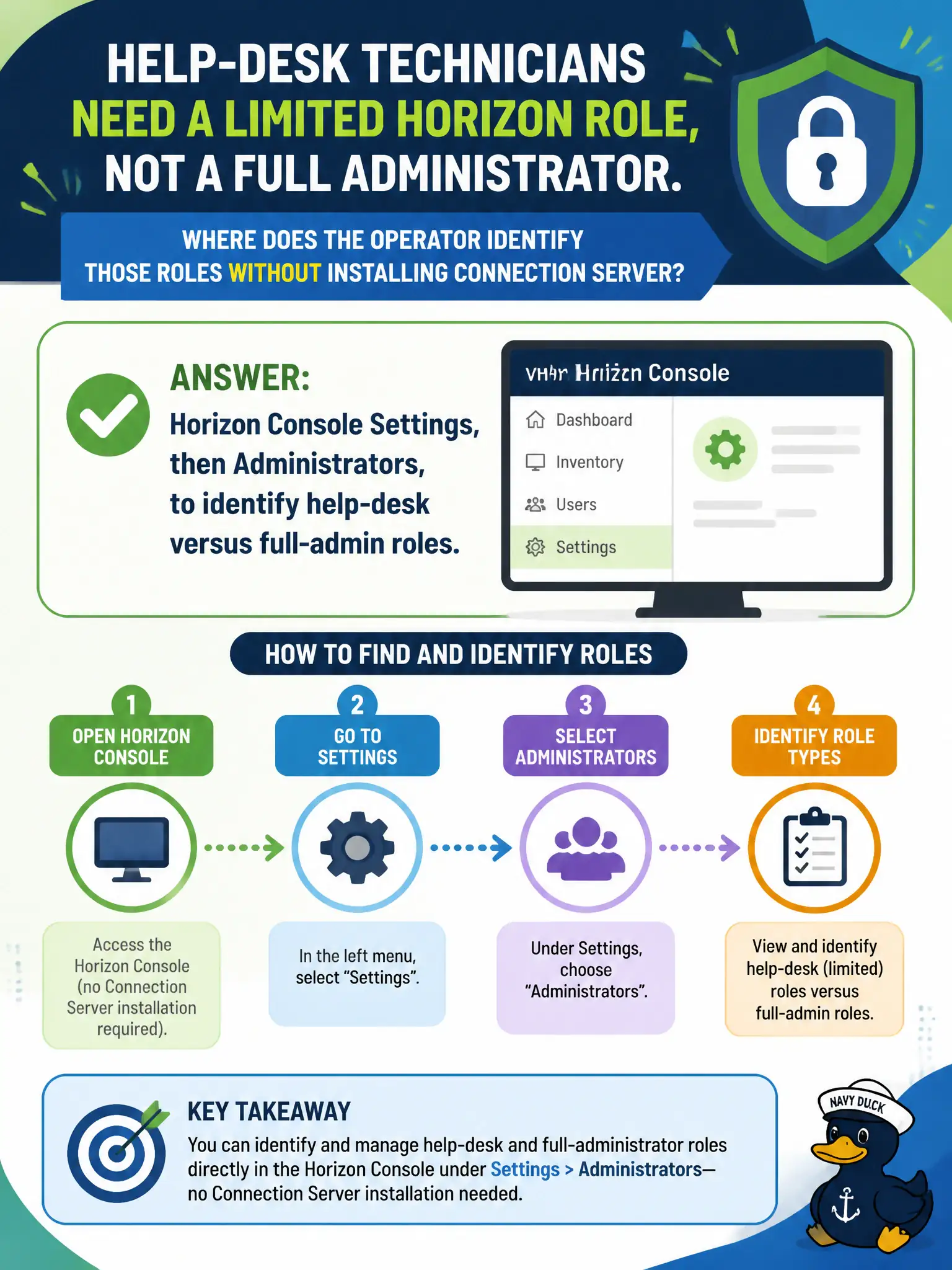
Help-desk technicians need a limited Horizon role, not a full administrator. Where does the operator identify those roles without installing Connection Server?
Select an answer to reveal the explanation.
Short Explanation
Help-desk versus full admin is a badge rack in Settings, not a reason to pour a new Connection Server. Open Horizon Console Settings, then Administrators, and identify the roles. Access Connector accounts and App Volumes licenses are other products.
Full Explanation
When help-desk technicians need a limited Horizon role rather than a full administrator, the operator identifies those roles in Horizon Console Settings, then Administrators, without installing a new Connection Server. Role identification is a Settings task that exposes help-desk versus full-admin permissions already defined in the pod. City service desks should receive least-privilege Horizon roles from that Administrators list so junior staff can assist clerks without full pod control during permitting rushes. Installing a new Connection Server replica to mint help-desk accounts is unnecessary and out of scope for identifying existing roles. Workspace ONE Access Connector service accounts are not where Horizon help-desk versus full-admin roles are identified. App Volumes Infrastructure license keys do not define Horizon administrator roles or permission sets. Exam caveat: Help-desk versus full-admin role identification is Settings → Administrators in Horizon Console, not a new replica install. Operational check: Open Horizon Console Settings, navigate to Administrators, and identify the help-desk role versus full administrator permissions for the technicians. Document the collection source and timestamp in the municipal ticket so the next operator can continue without rework.