
The operator needs farm and pool status in one place and group entitlements in another. Which Horizon Console distinction is correct?
Select an answer to reveal the explanation.
Short Explanation
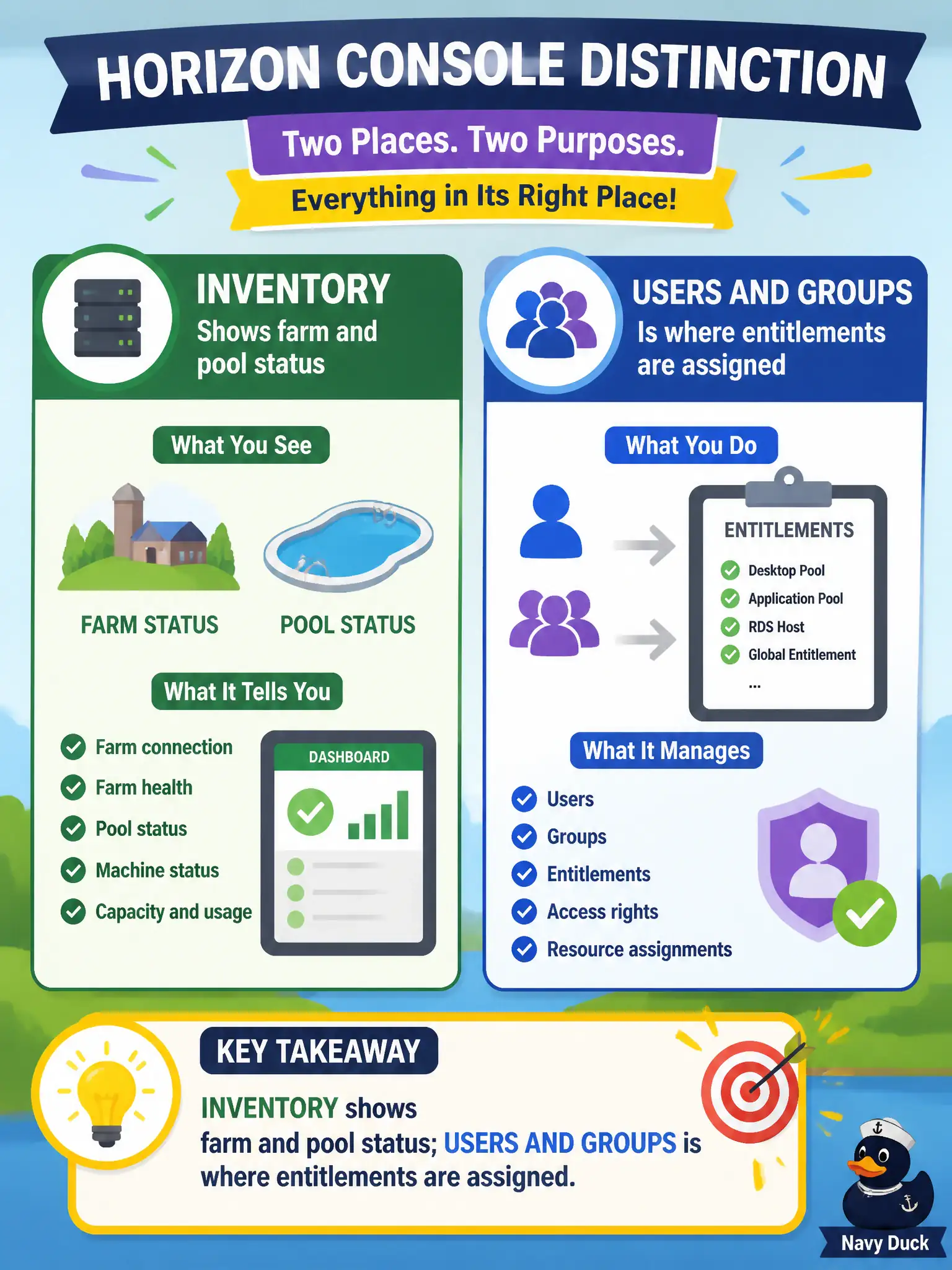
Think inventory clipboard versus guest list: Inventory tells you whether the farm and pool are healthy, Users and Groups is who is invited. UEM, vCenter tags, and NSX are the wrong lobbies. Administrators roles are not the session-count pane.
Full Explanation
When the operator needs farm and pool status in one place and group entitlements in another, the correct Horizon Console distinction is that Inventory shows farm and pool status while Users and Groups is where entitlements are assigned. Separating health inventory from entitlement assignment is the console model. Municipal operators reduce misclicks during incidents when runbooks say Inventory for health and Users and Groups for who can launch. Both farm status and entitlements do not live only on the UEM Devices dashboard. Entitlements are not authored only in vCenter Tags while pool status lives in NSX; those are the wrong consoles for Horizon entitlement and pool health. Settings/Administrators is not the only pane that lists pool session counts; Inventory is the status surface for farms and pools. Exam caveat: Remember Inventory for farm/pool status and Users and Groups for entitlements; do not collapse those into UEM, vCenter tags, or NSX. Operational check: Open Inventory to verify farm and pool health, then open Users and Groups to confirm entitlements, keeping the two tasks on their correct Horizon panes. Document the collection source and timestamp in the municipal ticket so the next operator can continue without rework.