
A new library fat-client PC must show entitled civic pools. What does the operator install and configure first?
Select an answer to reveal the explanation.
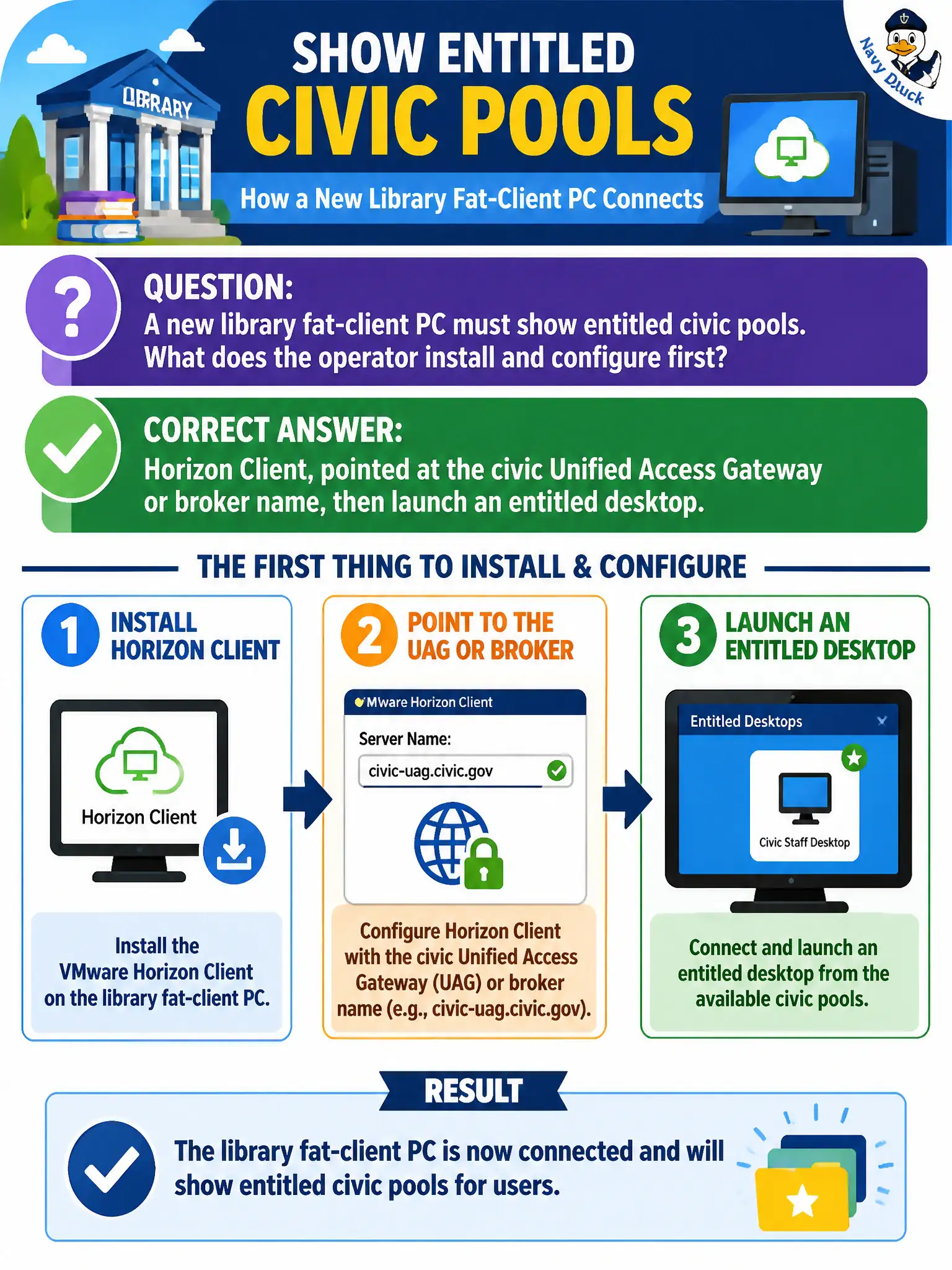
Short Explanation
The library PC is a ticket window: it needs the Horizon Client pointed at the civic UAG or broker so entitled pools even appear. Boxer is mail, App Volumes Agent without a session is not a desktop client, and NSX VPN is the wrong product family.
Full Explanation
When a new library fat-client PC must show entitled civic pools, the operator installs and configures Horizon Client first, pointed at the civic Unified Access Gateway or broker name, then launches an entitled desktop. That client is the endpoint program for brokered pools. Branch library rollouts should image Horizon Client connectivity tests before adding App Volumes or other agents to the checklist. Workspace ONE Boxer pointed at Exchange provides mail, not Horizon pool enumeration or desktop launch. Installing App Volumes Agent only, with no Horizon Client, does not present brokered pool icons as a Start menu substitute for Client. NSX Client VPN for overlay segments is not the Horizon desktop client and does not by itself show entitled pools. Exam caveat: New fat clients need Horizon Client to the broker or UAG before other agents matter for seeing pools. Operational check: Install Horizon Client on the library PC, configure the UAG or broker FQDN, authenticate, and confirm an entitled desktop launches. Document the collection source and timestamp in the municipal ticket so the next operator can continue without rework. Prefer vendor-documented steps over tribal shortcuts whenever civic uptime is at stake.