
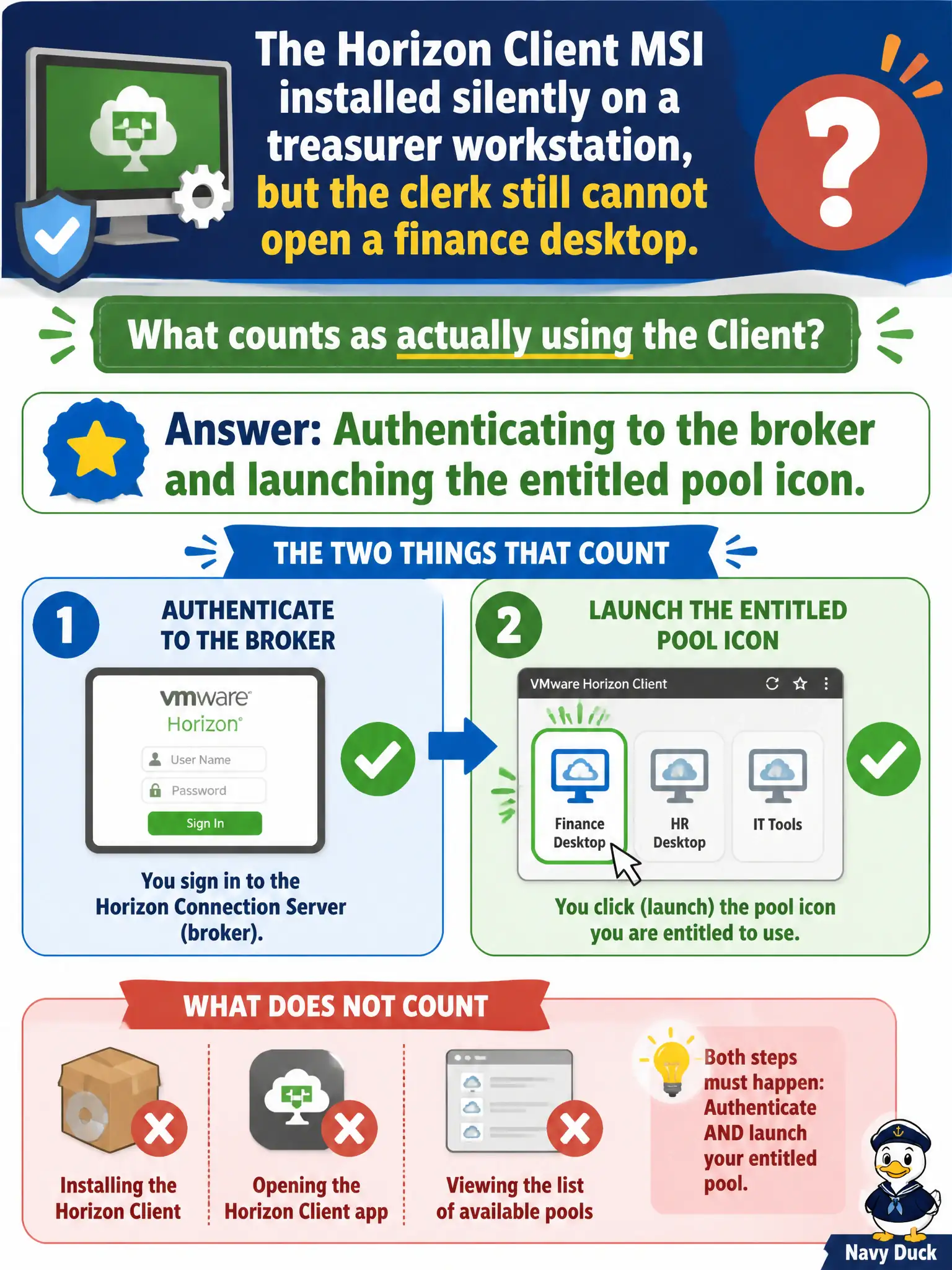
The Horizon Client MSI installed silently on a treasurer workstation, but the clerk still cannot open a finance desktop. What counts as actually using the Client?
Select an answer to reveal the explanation.
Short Explanation
A silent MSI is just putting the app on the Start menu — the clerk still has to badge in and tap the finance pool. Using Horizon Client means authenticate, then launch the entitled icon. Hub enrollment and a writable assignment are other counters.
Full Explanation
When the Horizon Client MSI installed silently on a treasurer workstation but the clerk still cannot open a finance desktop, actually using the Client means authenticating to the broker and launching the entitled pool icon. MSI exit code zero only proves installation, not successful use. Finance close calendars slip when teams mark Client deployment done on MSI codes alone without a supervised launch test. Confirming only that the MSI exit code was zero stops before broker authentication and launch validation. Enrolling the PC in Intelligent Hub and stopping there does not prove Horizon Client can open the finance desktop. Opening App Volumes Manager to assign a writable to the MSI confuses packaging with Client usage validation. Exam caveat: Installation success is not operational success; broker login plus entitled launch is the usage check. Operational check: From the treasurer workstation, open Horizon Client, authenticate to the civic broker or UAG, and launch the finance pool icon to confirm end-to-end use. Document the collection source and timestamp in the municipal ticket so the next operator can continue without rework. Prefer vendor-documented steps over tribal shortcuts whenever civic uptime is at stake.