
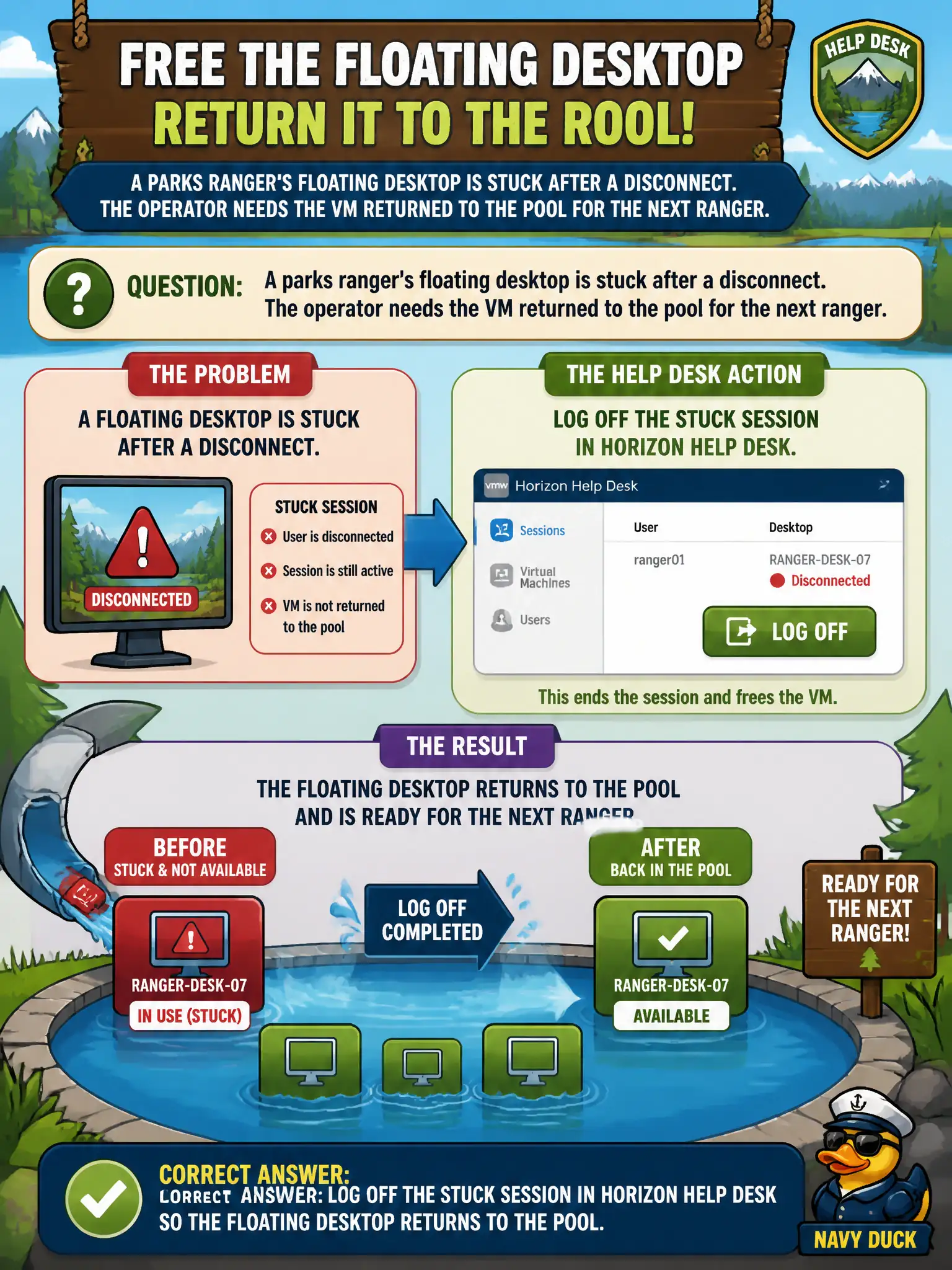
A parks ranger's floating desktop is stuck after a disconnect. The operator needs the VM returned to the pool for the next ranger. Which Help Desk action actually frees that floating desktop?
Select an answer to reveal the explanation.
Short Explanation
A floating desktop is a shared library PC: disconnect is just walking away with the screen locked, logoff is signing out so the next ranger can sit down. Help Desk logoff ends the Windows session and returns the VM to the pool. A message or a Cloud Control Plane reset does not free that seat.
Full Explanation
When a parks ranger's floating desktop is stuck after a disconnect and must return to the pool for the next ranger, the Help Desk action that frees that floating desktop is to log off the stuck session. Logoff releases the assignment so another ranger can obtain a clean floating desktop. Parks shift changes fail when stuck floating desktops remain assigned after disconnect; logoff is the operational release valve. Disconnecting the session leaves the VM assigned and waiting for reconnect, which does not free it for the next ranger. Sending a Help Desk message while leaving the session running does not return the floating desktop to the pool. Resetting the Horizon Cloud Control Plane tenant is far out of scope and does not correctly free one stuck floating session. Exam caveat: For floating pools, logoff (not mere disconnect) is the associate action that returns the desktop to availability. Operational check: In Horizon Help Desk, locate the stuck ranger session and perform logoff, then confirm the desktop returns to available inventory for the next ranger. Document the collection source and timestamp in the municipal ticket so the next operator can continue without rework. Prefer vendor-documented steps over tribal shortcuts whenever civic uptime is at stake.