
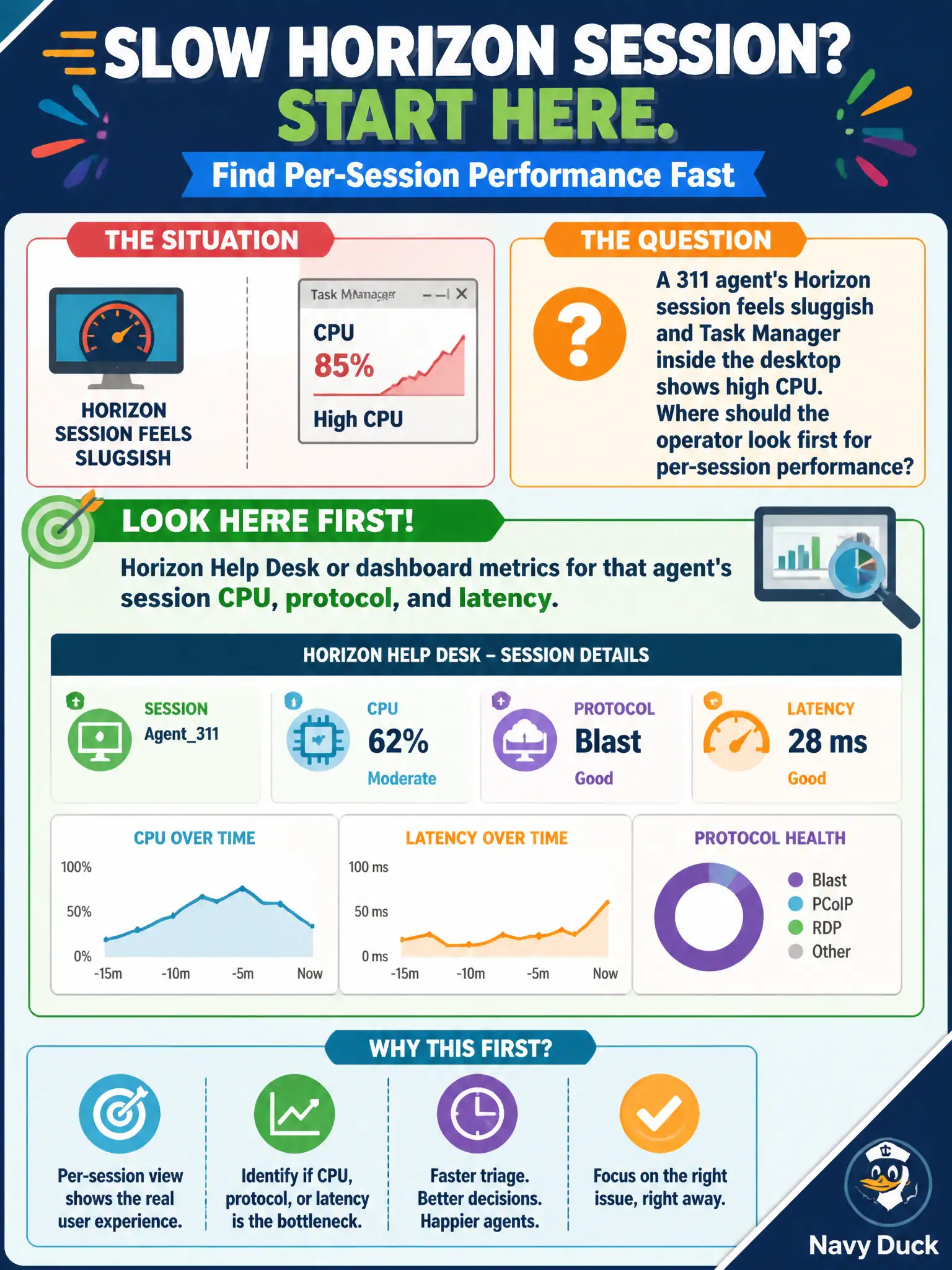
A 311 agent's Horizon session feels sluggish and Task Manager inside the desktop shows high CPU. Where should the operator look first for per-session performance?
Select an answer to reveal the explanation.
Short Explanation
High CPU inside a VDI session is a noisy copier in one cubicle, not a cluster fire alarm. Open Horizon Help Desk or the dashboard for that agent's session CPU, protocol, and latency. vCenter HA, NSX cookies, and Carbon Black isolate are different errands.
Full Explanation
When a 311 agent's Horizon session feels sluggish and Task Manager inside the desktop shows high CPU, the operator should look first at Horizon Help Desk or dashboard metrics for that agent's session CPU, protocol, and latency. Those surfaces expose per-session performance without redesigning the cluster. Contact-center slowdowns during peak call volume are triaged faster when supervisors read Horizon session metrics instead of toggling HA or isolating thin clients. vCenter HA admission-control settings on the gold-image cluster are capacity design controls, not the first per-session performance view. NSX load-balancer cookie persistence for a Connection Server VIP does not explain guest CPU saturation inside one agent's desktop. Carbon Black isolate on the agent's physical thin client is a security response, not the first Horizon performance check. Exam caveat: Per-session CPU, protocol, and latency belong in Horizon monitoring/Help Desk before host redesign or endpoint isolate. Operational check: Open Help Desk or the Horizon dashboard for the agent's session, note CPU, protocol, and latency, and compare against peer 311 sessions before escalating to infrastructure teams. Document the collection source and timestamp in the municipal ticket so the next operator can continue without rework.