
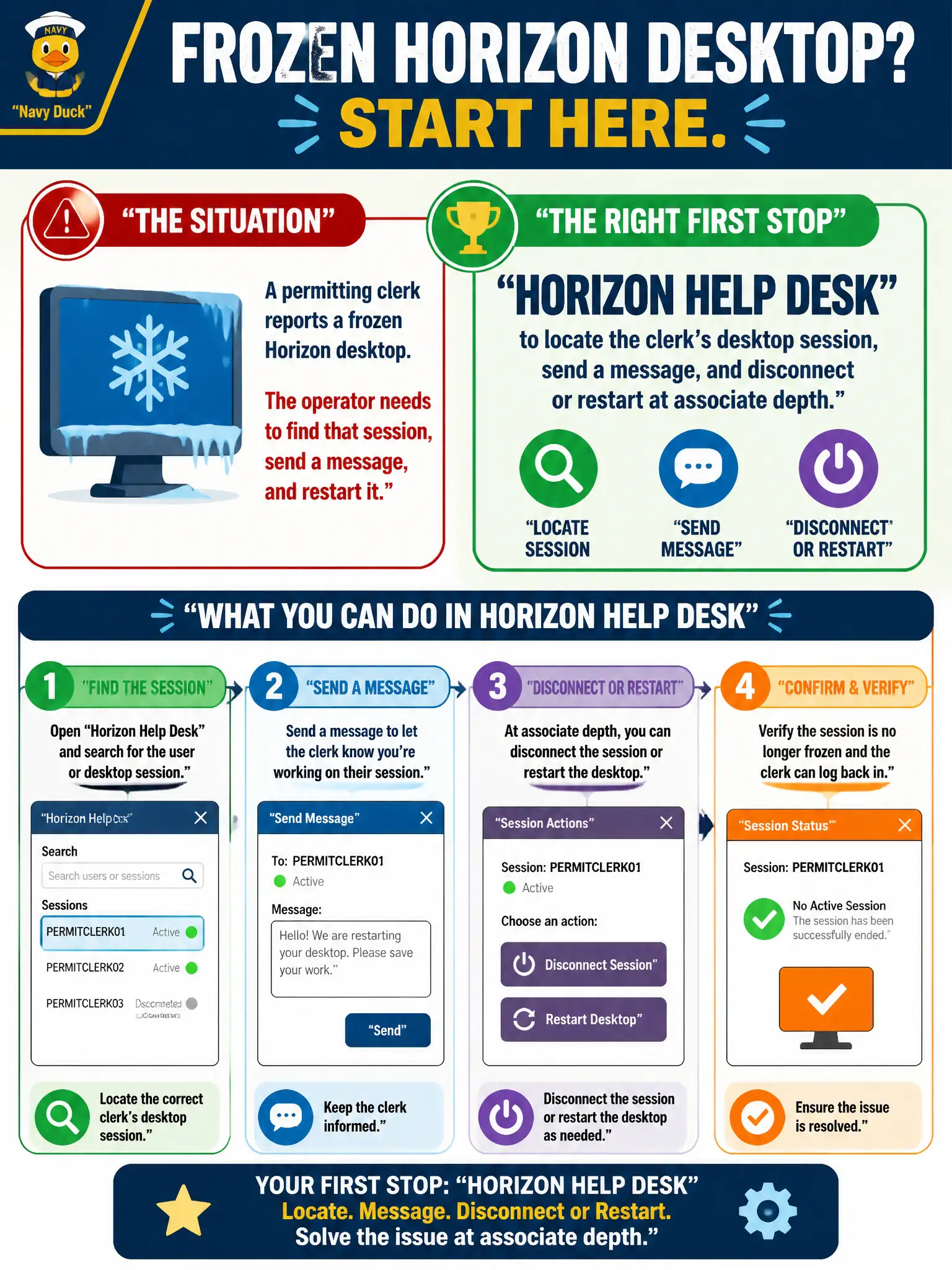
A permitting clerk reports a frozen Horizon desktop. The operator needs to find that session, send a message, and restart it. Which civic tool is the right first stop?
Select an answer to reveal the explanation.
Short Explanation
A frozen VDI session is a stuck kiosk at city hall, not a phone that needs a remote-control app. Horizon Help Desk is the session counter — find the clerk, ping them, disconnect or restart. Assist, Intelligence widgets, and NSX are different buildings.
Full Explanation
When a permitting clerk reports a frozen Horizon desktop and the operator needs to find that session, send a message, and restart it, Horizon Help Desk is the right first stop at associate depth. Help Desk locates the clerk's desktop session and supports messaging plus disconnect or restart actions. Permit counters recover faster when operators use Help Desk on the frozen session instead of remoting the wrong phone with Assist. Workspace ONE Assist on the clerk's enrolled phone remotely controls the handset; it does not unfreeze a brokered VDI session inside Horizon. Workspace ONE Intelligence device widgets for laptop inventory do not provide per-session message and restart controls for Horizon desktops. NSX Manager can reset firewall state but is not the associate tool for locating and restarting a user's Horizon session. Exam caveat: Session locate-message-restart for VDI is Horizon Help Desk territory, not Assist, Intelligence, or NSX. Operational check: Open Horizon Help Desk, search the permitting clerk's session, send a message if needed, and disconnect or restart the desktop per help-desk procedure. Document the collection source and timestamp in the municipal ticket so the next operator can continue without rework.