
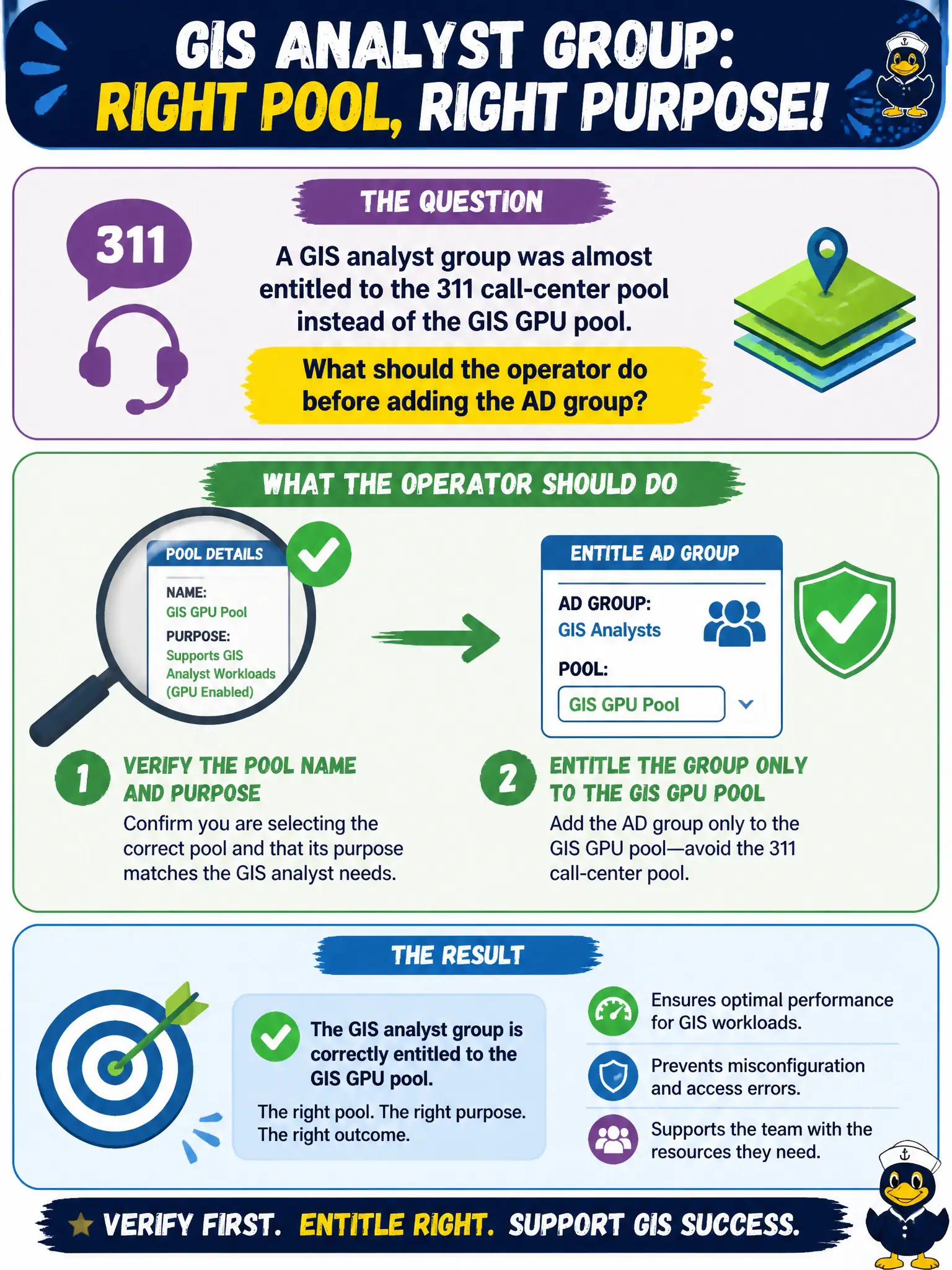
A GIS analyst group was almost entitled to the 311 call-center pool instead of the GIS GPU pool. What should the operator do before adding the AD group?
Select an answer to reveal the explanation.
Short Explanation
Entitlement is a labeled door, not a city-wide master key. Confirm you are opening the GIS GPU pool, not the 311 call-center pool, before you add the AD group.
Full Explanation
When a GIS analyst group was almost entitled to the 311 call-center pool instead of the GIS GPU pool, the operator should verify the pool name and purpose, then entitle the group only to the GIS GPU pool. Correct target identification prevents mis-entitlement. GIS and 311 pools look adjacent in console lists; a deliberate name-and-purpose check protects call-center capacity and GPU licensing. Entitling every civic pool to the group to avoid a second ticket creates excess access and license waste. Assigning App Volumes first and letting pool names resolve later does not perform Horizon entitlement correctly. Skipping verification because license counts are not pool-specific ignores that the wrong pool still grants the wrong desktop experience and GPU resources. Exam caveat: Always confirm pool identity and purpose before binding an AD group; sprawling entitlements are not a shortcut. Operational check: Open Horizon Inventory, confirm the GIS GPU pool object and description, then entitle the GIS analyst group only to that pool and spot-check a user launch. Keeping the civic evidence trail tied to the failing component also reduces cross-team handoffs that delay public services. Document the collection source and timestamp in the ticket so the next operator can continue without rework.