
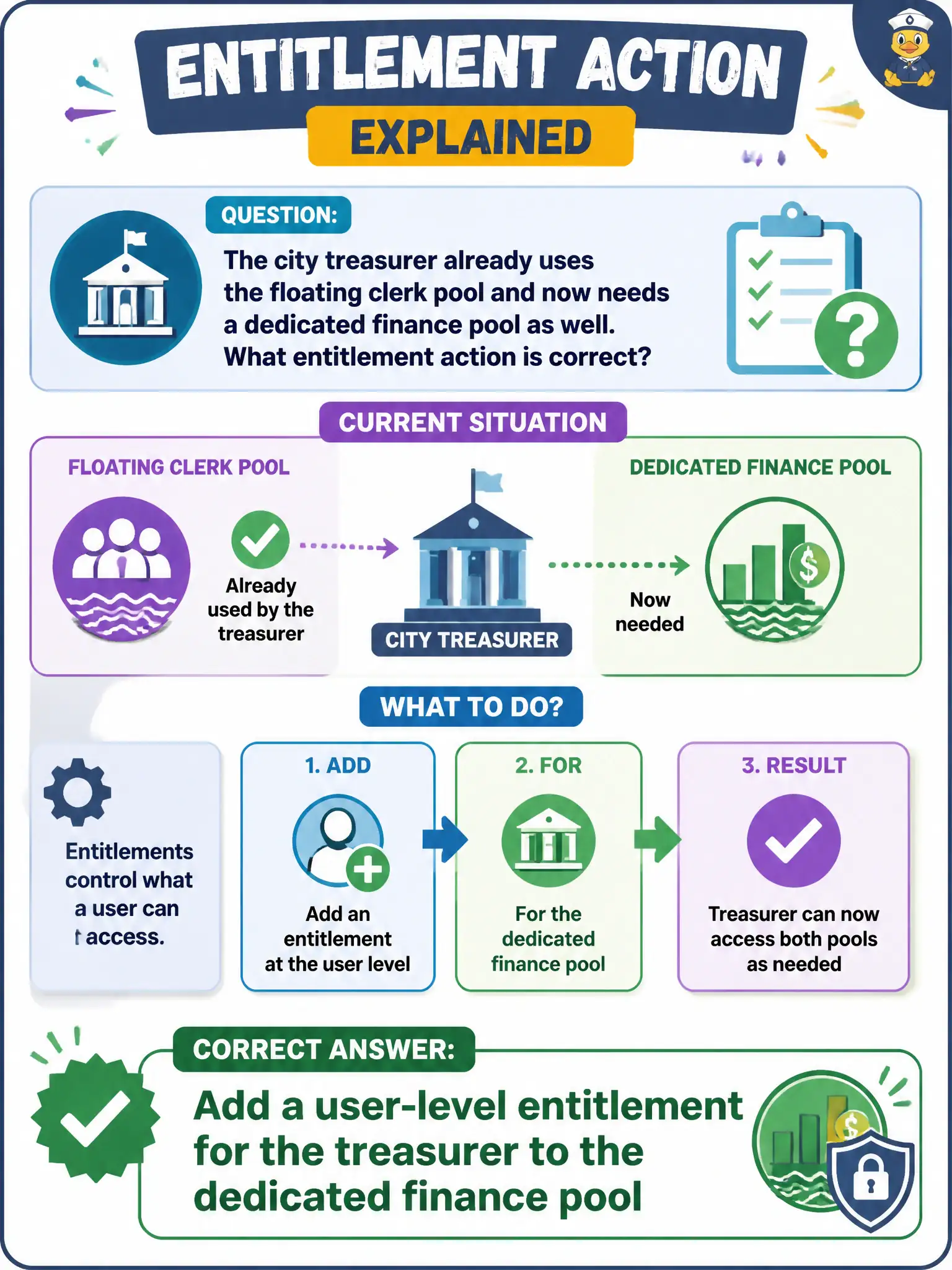
The city treasurer already uses the floating clerk pool and now needs a dedicated finance pool as well. What entitlement action is correct?
Select an answer to reveal the explanation.
Short Explanation
Horizon will let one treasurer hold two keys: the floating clerk pool and a dedicated finance pool. Entitlements can be a single user, not only a group, and you do not have to take the clerk key away.
Full Explanation
When the city treasurer already uses the floating clerk pool and now needs a dedicated finance pool as well, the correct entitlement action is to add a user-level entitlement for the treasurer to the dedicated finance pool. Users may hold multiple pool entitlements. Finance controllers often need both general clerk desktops and dedicated finance pools during close; additive entitlements preserve both workflows. Removing the clerk-pool entitlement is unnecessary; a user is not limited to a single pool entitlement. Assigning only an App Volumes package does not create or grant a Horizon pool. Enrolling the treasurer's phone in Intelligent Hub is not a substitute for entitling a Horizon desktop pool. Exam caveat: Additional pools are additive entitlements; do not revoke existing access unless the ticket requires it. Operational check: In Horizon Console, add the treasurer (or a finance user object) to the dedicated finance pool entitlements and confirm both clerk and finance icons appear after refresh. Keeping the civic evidence trail tied to the failing component also reduces cross-team handoffs that delay public services. Document the collection source and timestamp in the ticket so the next operator can continue without rework.