
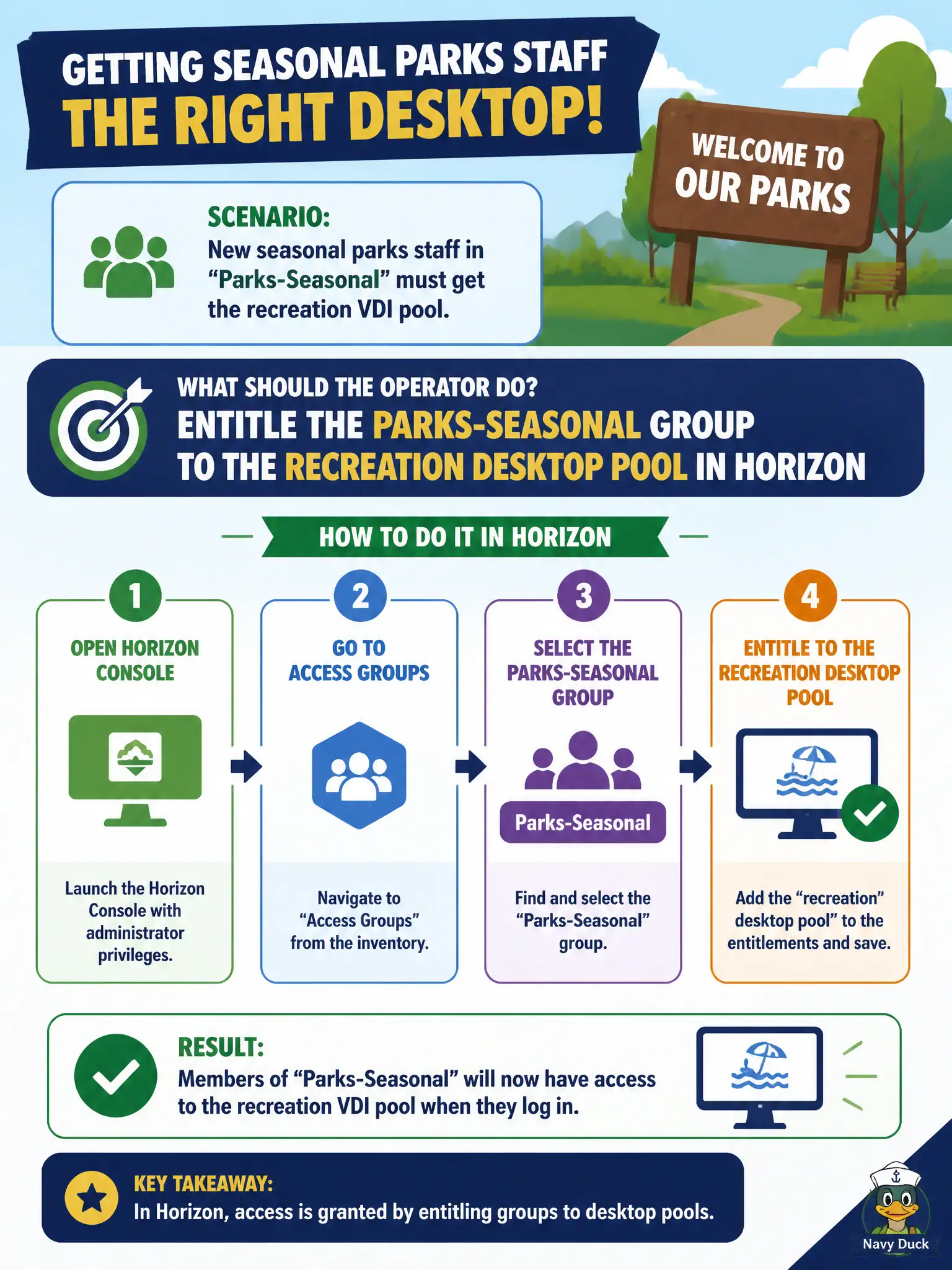
New seasonal parks staff in Active Directory group Parks-Seasonal must get the recreation VDI pool. What should the operator do?
Select an answer to reveal the explanation.
Short Explanation
A desktop pool is a Horizon guest list. Put Parks-Seasonal on that list in Horizon—App Volumes, phone enrollment, and Intelligence widgets do not hand out the recreation desktops.
Full Explanation
When new seasonal parks staff in Active Directory group Parks-Seasonal must get the recreation VDI pool, the operator should entitle that group to the recreation desktop pool in Horizon. Entitlement is the Horizon control that grants pool visibility and launch rights. Seasonal hiring spikes require group-based Horizon entitlements so recreation staff are productive on day one without one-off user tickets. Assigning an App Volumes writable volume to the group and skipping Horizon does not entitle users to a desktop pool. Enrolling each staff phone in UEM is valuable for mobility but is not the same as Horizon pool access. Publishing the pool only in Workspace ONE Intelligence widgets graphs nothing into an entitlement. Exam caveat: Pool access is a Horizon entitlement action on users or groups, not an App Volumes, UEM enrollment, or Intelligence substitute. Operational check: In Horizon Console Users and Groups, entitle Parks-Seasonal to the recreation pool, then verify a seasonal account sees and launches the pool in Horizon Client. Keeping the civic evidence trail tied to the failing component also reduces cross-team handoffs that delay public services. Document the collection source and timestamp in the ticket so the next operator can continue without rework.