
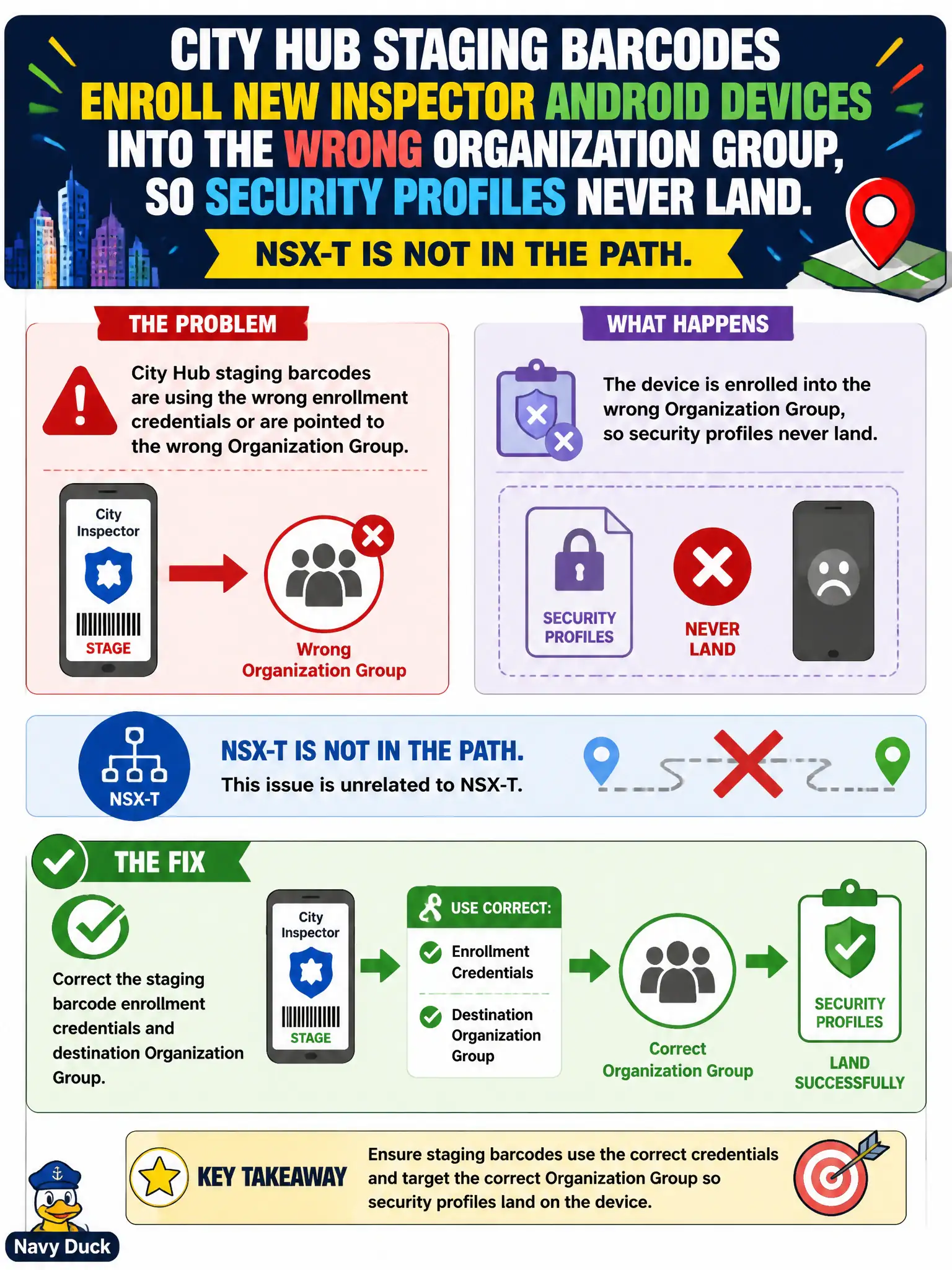
City Hub staging barcodes enroll new inspector Android devices into the wrong Organization Group, so security profiles never land. NSX-T is not in the path. What should the security administrator fix?
Select an answer to reveal the explanation.
Short Explanation
The barcode is the wrong locker key. Point staging at the inspector Organization Group with the right credentials so Hub drops the security profiles where they belong.
Full Explanation
When city Hub staging barcodes enroll new inspector Android devices into the wrong Organization Group so security profiles never land and NSX-T is not in the path, correct the staging barcode enrollment credentials and destination Organization Group. Staging barcodes encode where devices enroll; a wrong OG means profiles and compliance for inspectors never assign. Fixing barcode destination restores civic MDM targeting. Adding the inspectors to an NSX-T DFW section for Hub fails by concept because NSX-T is not in the path and DFW sections do not assign UEM Organization Groups. Issuing Carbon Black Cloud sensors as a substitute for UEM enrollment fails by concept because CBC sensors do not replace Workspace ONE UEM enrollment or OG-based profile delivery. Disabling Adaptive Access so Hub ignores Organization Groups fails by concept because Adaptive Access does not define UEM OG assignment and disabling it weakens access posture checks. Exam caveat: wrong OG from staging barcodes is an enrollment-configuration fix—not NSX DFW, CBC substitution, or Adaptive Access disable. Operational check: correct staging barcode OG and credentials, re-enroll a pilot inspector device, confirm security profiles install, and version-control barcode configs in the city UEM runbook for municipal field device onboarding.