
Library Android tablets never form a work profile during Workspace ONE UEM enrollment. The gateway firewall already allows the UEM FQDNs. What should the security administrator check?
Select an answer to reveal the explanation.
Short Explanation
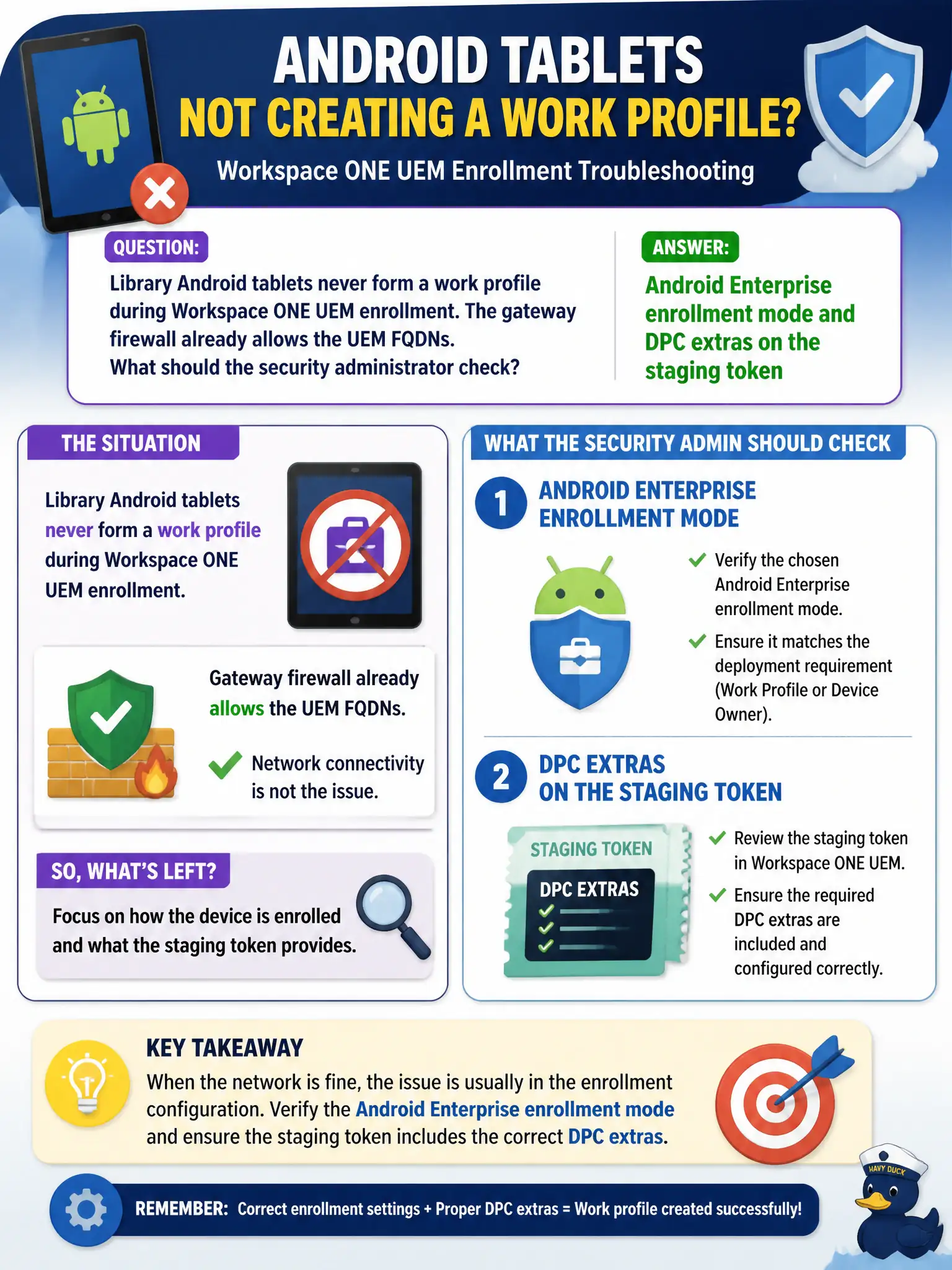
A work profile is a specific enrollment recipe, not a missing firewall hole. Check Android Enterprise mode and the DPC extras on the staging token.
Full Explanation
When library Android tablets never form a work profile during Workspace ONE UEM enrollment and the gateway firewall already allows the UEM FQDNs, check Android Enterprise enrollment mode and DPC extras on the staging token. Work profile creation depends on Android Enterprise mode and Device Policy Controller extras; open FQDNs alone do not configure that enrollment path for civic tablets. NSX-T gateway firewall logging on the tablet VLAN fails by concept because the stem already allows UEM FQDNs; logging will not create an Android work profile. Carbon Black Cloud macOS system-extension profiles fail by concept because macOS CBC profiles are irrelevant to Android Enterprise work-profile enrollment. NSX-T Identity Firewall user directory binding fails by concept because IDFW directory binding does not configure Android Enterprise DPC extras. Exam caveat: missing work profile with FQDNs already open points to Android Enterprise mode and staging DPC extras—not NSX logs, macOS CBC, or IDFW. Operational check: correct Android Enterprise enrollment mode and DPC extras on the staging token, re-enroll a library tablet, confirm work profile forms, and document the AE staging standard in the library UEM playbook for civic public tablets.