
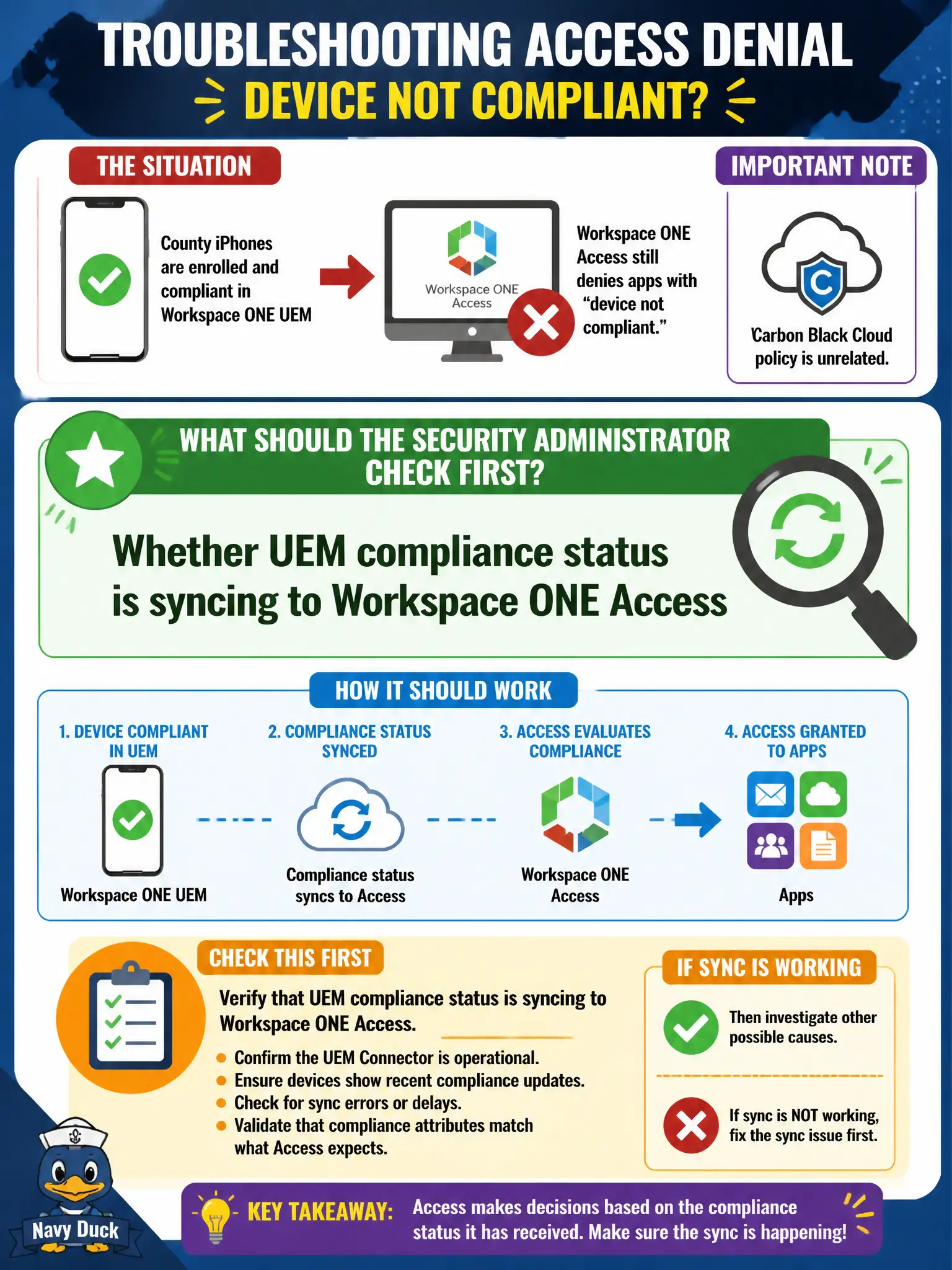
County iPhones are enrolled and compliant in Workspace ONE UEM, but Workspace ONE Access still denies apps with “device not compliant.” Carbon Black Cloud policy is unrelated. What should the security administrator check first?
Select an answer to reveal the explanation.
Short Explanation
UEM can give the iPhone a green sticker while Access still sees last week's red one. Check that compliance is actually syncing into Workspace ONE Access.
Full Explanation
When county iPhones are enrolled and compliant in Workspace ONE UEM but Workspace ONE Access still denies apps with device not compliant and Carbon Black Cloud policy is unrelated, check first whether UEM compliance status is syncing to Workspace ONE Access. Access Adaptive Access decisions depend on a healthy compliance sync from UEM; local UEM green does not help if Access never receives that posture for civic mobile apps. Whether NSX-T Identity Firewall has a drop rule for the iPhone SSID fails by concept because IDFW drop on an SSID does not explain Access denying apps for device compliance. Whether Carbon Black Cloud sensor groups include those iPhones fails by concept because CBC policy is unrelated per the stem and iPhones are not CBC Windows/macOS sensor targets for this compliance sync. Whether Guest Introspection is installed in VMware Tools on the phones fails by concept because phones do not run VMware Tools Guest Introspection. Exam caveat: UEM compliant plus Access not-compliant usually means broken UEM-to-Access compliance sync—check integration before NSX or CBC. Operational check: verify UEM–Access compliance integration, force a compliance refresh, confirm Access sees compliant, retest app launch, and monitor sync health in the county EUC operations dashboard for civic mobile access.