
911 CAD VMs have Carbon Black Cloud workload sensors, but automatic policy from vCenter tags never applies. UEM smart groups are healthy. What should the security administrator check?
Select an answer to reveal the explanation.
Short Explanation
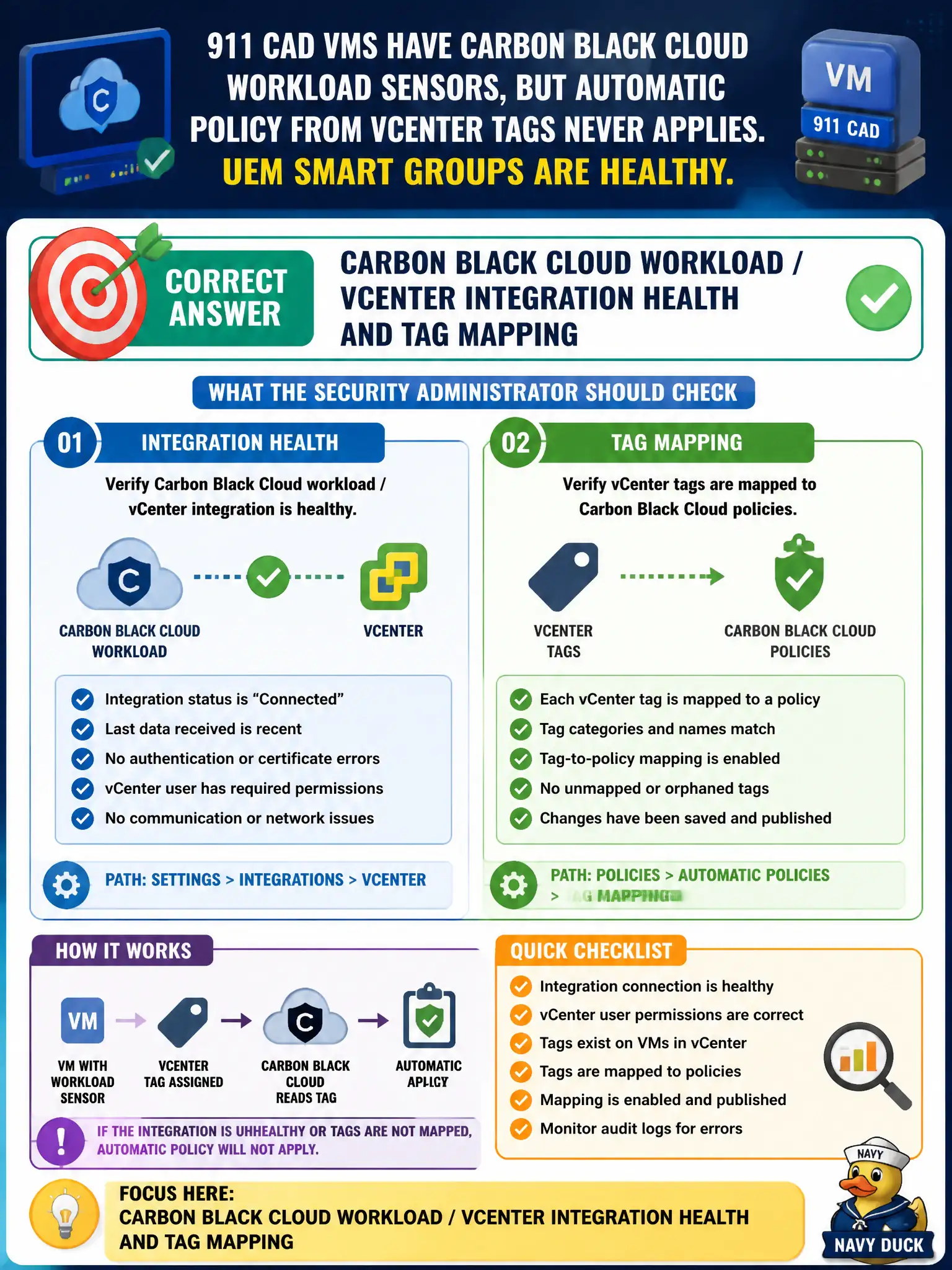
Workload policy follows vCenter tags through the Carbon Black Cloud connector, not through UEM smart groups. If the tags never stick, check that integration first.
Full Explanation
When 911 CAD VMs have Carbon Black Cloud workload sensors but automatic policy from vCenter tags never applies while UEM smart groups are healthy, check Carbon Black Cloud workload / vCenter integration health and tag mapping. Automatic workload policy depends on CBC's vCenter integration correctly reading tags; healthy UEM smart groups do not feed that path. Repairing integration and tag mapping restores civic CAD policy automation. Workspace ONE UEM smart-group assignment for the CAD VMs fails by concept because the stem already says UEM smart groups are healthy and UEM assignment is not the vCenter-tag path for CBC workload policy. NSX-T T0 BGP peering because tags ride the overlay fails by concept because BGP peering does not carry vCenter tags into CBC policy assignment. Workspace ONE Access IdP bindings for the CAD service account fail by concept because Access IdP bindings do not map vCenter tags to CBC workload policies. Exam caveat: tag-driven CBC workload policy means verify CBC–vCenter integration and tag mapping—not UEM, BGP, or Access. Operational check: validate CBC workload connector health to vCenter, confirm CAD VM tags match policy criteria, verify automatic policy assigns, and document the tag taxonomy in the 911 workload security standard for municipal public-safety VMs.