
An elections laptop still has the Carbon Black Cloud sensor installed after a lab test, but prevention is off and the console shows bypass or deregistered. What should the security administrator do?
Select an answer to reveal the explanation.
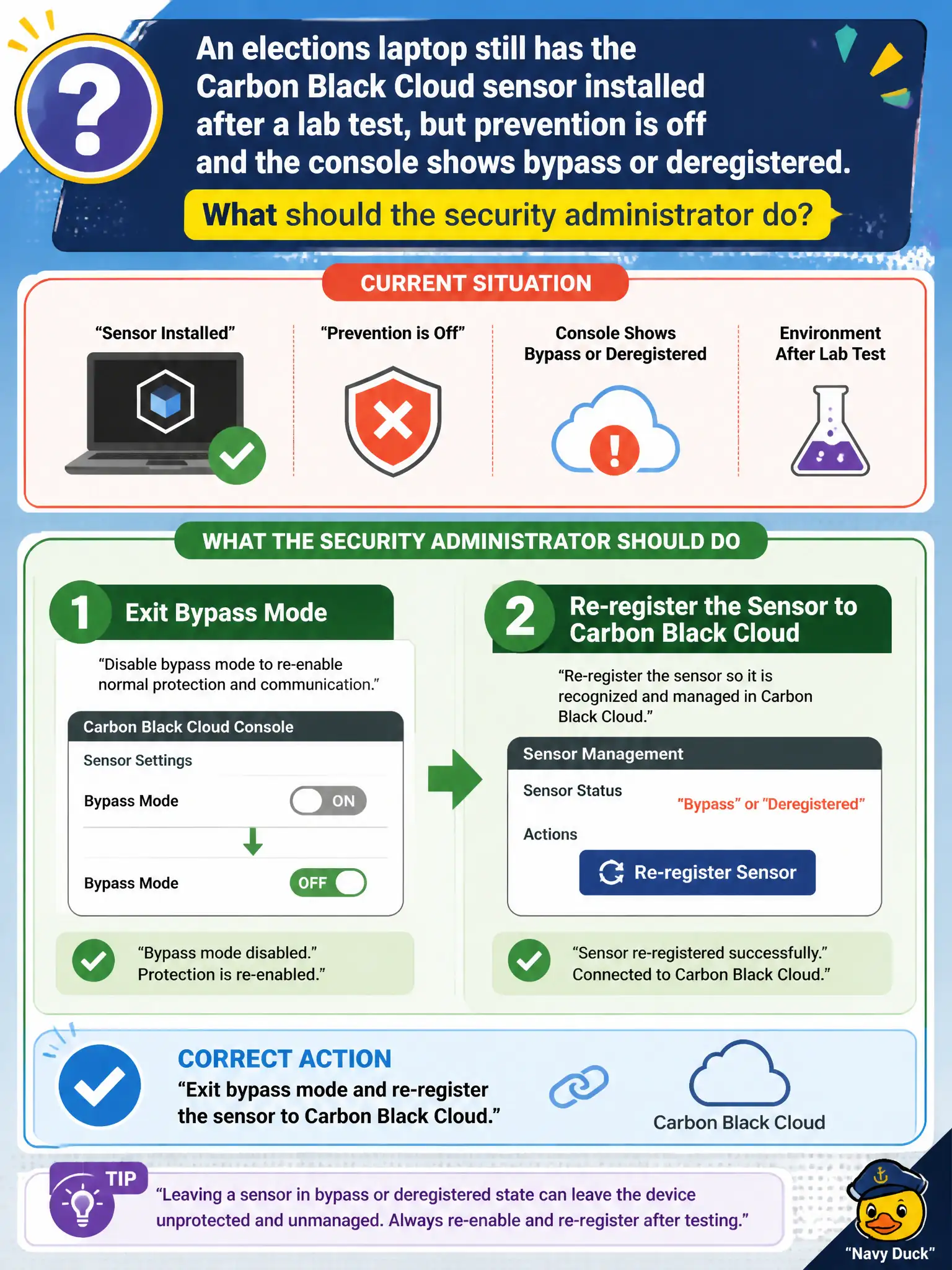
Short Explanation
Installed is not the same as on duty. If the elections laptop is in bypass or deregistered, take it out of bypass and register it again with Carbon Black Cloud.
Full Explanation
When an elections laptop still has the Carbon Black Cloud sensor installed after a lab test but prevention is off and the console shows bypass or deregistered, exit bypass mode and re-register the sensor to Carbon Black Cloud. A present sensor binary is not the same as an active, registered prevention posture; lab leftover bypass or deregistration leaves civic elections devices unprotected until re-registration. Creating a new NSX-T security group for the elections VLAN and waiting for Identity Firewall fails by concept because NSX groups and IDFW do not exit CBC bypass or re-register sensors. Uninstalling Workspace ONE Intelligent Hub so the sensor can re-register fails by concept because Hub removal does not fix CBC bypass/deregistered state and harms UEM management. Reimaging the laptop onto a Guest Introspection-only template fails by concept because GI-only templates do not restore CBC prevention registration and discard needed endpoint controls. Exam caveat: installed-but-bypass/deregistered means exit bypass and re-register in CBC—NSX, Hub uninstall, or GI-only reimage are wrong first moves. Operational check: take the laptop out of bypass, re-register to the elections CBC org, confirm prevention policy applies, and scrub lab images so future elections builds do not ship deregistered sensors for civic election security.