
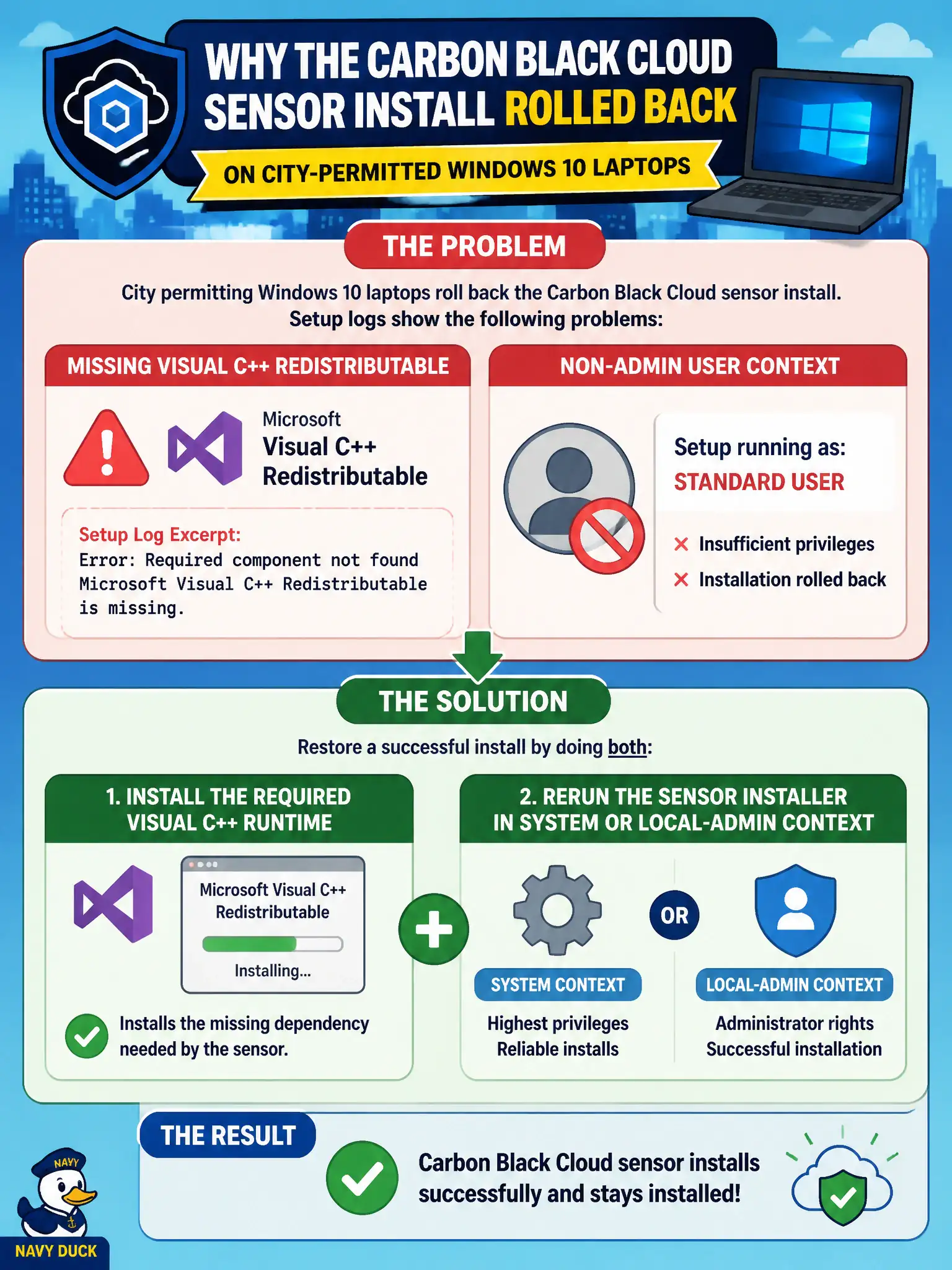
City permitting Windows 10 laptops roll back the Carbon Black Cloud sensor install. Setup logs show a missing Visual C++ redistributable and a non-admin user context. What restores a successful install?
Select an answer to reveal the explanation.
Short Explanation
The installer is picky about tools and keys. Put the Visual C++ runtime on the laptop and run the sensor as SYSTEM or local admin, not as a clerk double-clicking the MSI.
Full Explanation
When city permitting Windows 10 laptops roll back the Carbon Black Cloud sensor install because setup logs show a missing Visual C++ redistributable and a non-admin user context, install the required Visual C++ runtime and rerun the sensor installer in SYSTEM or local-admin context. CBC sensor setup needs documented prerequisites and elevated context; clerk-level installs without VC++ fail and roll back. Fixing prerequisites restores civic permitting endpoint protection. Pushing the sensor through NSX-T Guest Introspection instead of Windows fails by concept because Guest Introspection does not install the CBC Windows sensor in place of MSI prerequisites. Enrolling the laptops in Workspace ONE Access as the sensor installer fails by concept because Access is an IdP/SSO product, not a CBC sensor deployment mechanism. Disabling Microsoft Defender permanently and double-clicking the MSI as a standard clerk fails by concept because permanent Defender disable is poor practice and non-admin context still fails prerequisites. Exam caveat: sensor install failures with VC++ missing and non-admin context mean fix runtime and elevation—do not reroute through GI, Access, or Defender disable. Operational check: deploy VC++ via UEM or software distribution, install the sensor as SYSTEM/admin, confirm Online in CBC, and bake prerequisites into the city Windows image checklist for municipal permitting devices.