
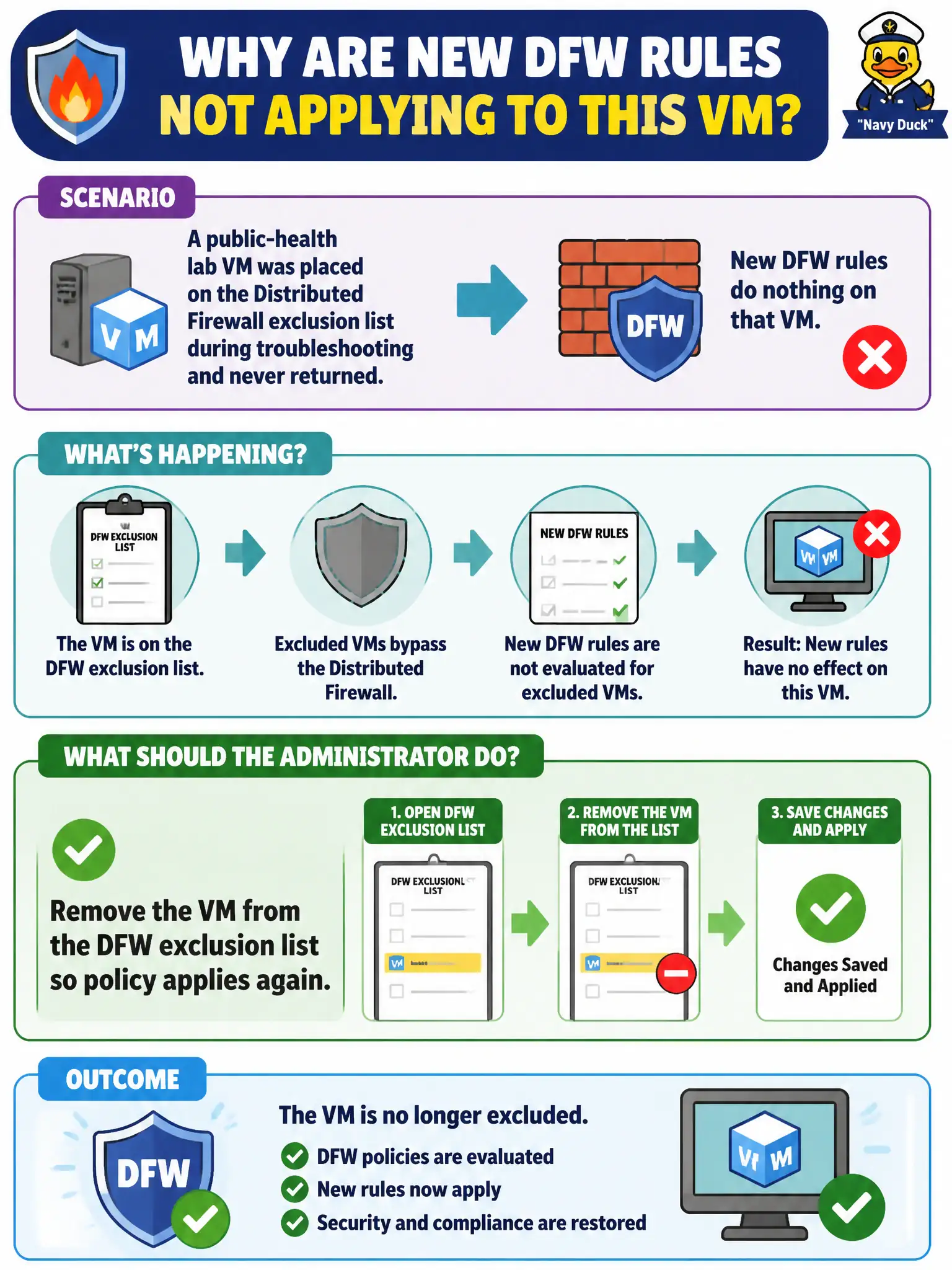
A public-health lab VM was placed on the Distributed Firewall exclusion list during troubleshooting and never returned. New DFW rules do nothing on that VM. What should the administrator do?
Select an answer to reveal the explanation.
Short Explanation
Exclusion is a do-not-inspect sticky note that people forget to peel off. While it is there, every new DFW rule is theater. Take the VM off the list.
Full Explanation
When a public-health lab VM was placed on the Distributed Firewall exclusion list during troubleshooting and never returned, remove the VM from the DFW exclusion list so policy applies again. Exclusion is a persistent do-not-inspect sticky note; while it remains, every new DFW rule is theater on that lab VM and civic clinical micro-segmentation fails silently. Peeling the exclusion restores enforcement. Adding a duplicate allow in the Emergency section for the same VM fails by concept because excluded VMs still bypass DFW regardless of extra allows. Disabling the Distributed Firewall cluster-wide to match the exclusion fails by concept because that removes protection for all workloads instead of fixing one forgotten exclusion. Enrolling the VM in Workspace ONE Access as a firewall substitute fails by concept because Access SSO is not Distributed Firewall enforcement on a lab VM. Exam caveat: forgotten DFW exclusions are a frequent VCP-SEC operational trap—check exclusion lists when rules never hit a single VM. Operational check: remove the lab VM from the exclusion list, confirm realization and hit counts for new rules, revalidate clinical segmentation, and add an exclusion-review step to the public-health change checklist for civic healthcare governance.