
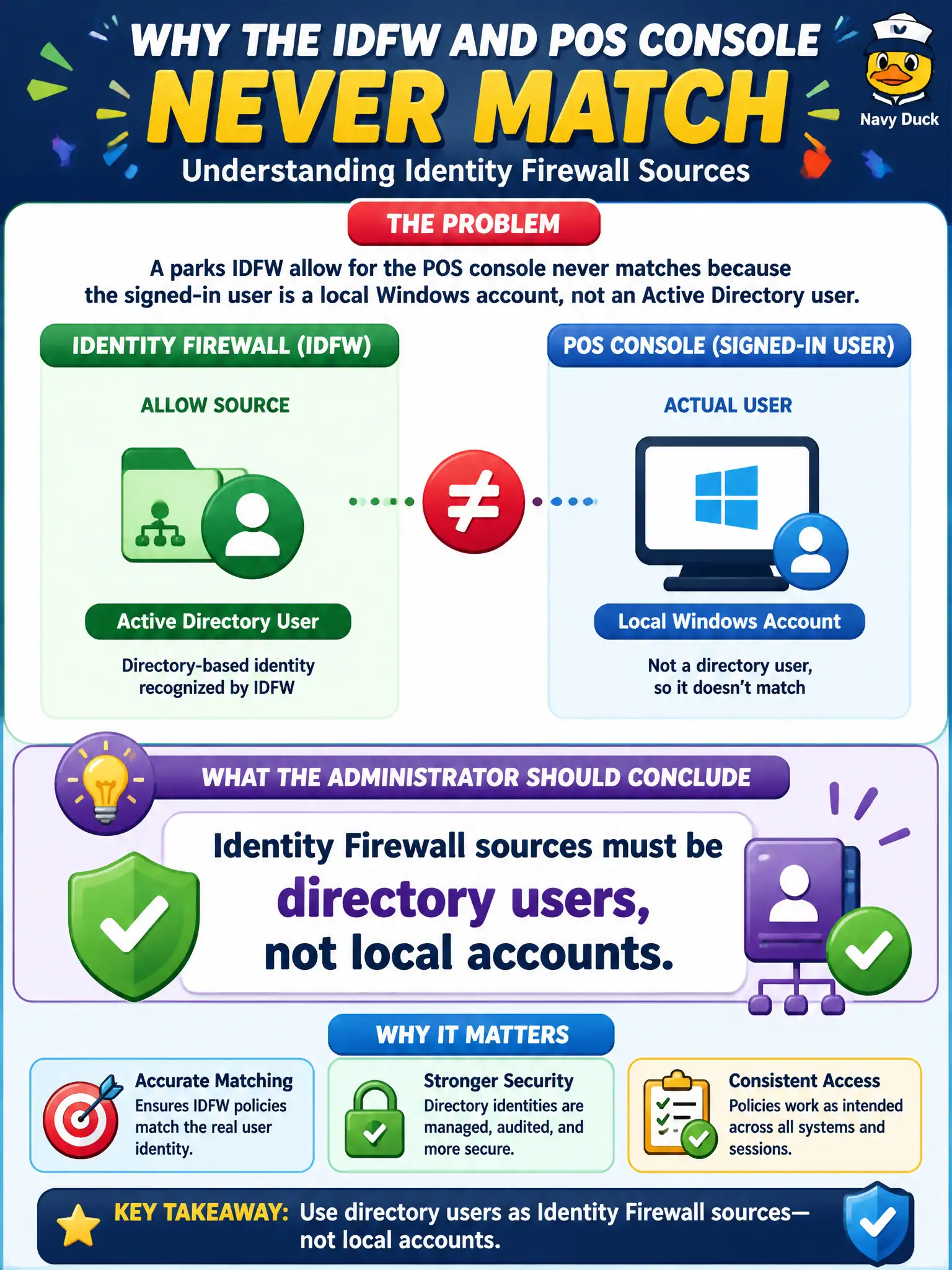
A parks IDFW allow for the POS console never matches because the signed-in user is a local Windows account, not an Active Directory user. What should the administrator conclude?
Select an answer to reveal the explanation.
Short Explanation
IDFW looks up who you are in the directory, not a local nickname on the PC. A local Windows logon is invisible to that mapping. Put the clerk on an AD account or the rule never hits.
Full Explanation
When a parks IDFW allow for the POS console never matches because the signed-in user is a local Windows account, not an Active Directory user, conclude that Identity Firewall sources must be directory users, not local accounts. IDFW maps directory identities into NSX groups; a local Windows logon has no directory SID mapping and remains invisible to that rule. Put concession staff on AD accounts so civic POS IDFW can enforce. Local accounts are valid Identity Firewall sources after a tag is added fails by concept because tagging does not turn a local account into a directory-backed IDFW identity source. Carbon Black Cloud maps local users into NSX groups automatically fails by concept because CBC does not populate NSX IDFW groups from local Windows accounts. Workspace ONE UEM compliance replaces AD for IDFW fails by concept because UEM compliance is device posture, not the directory source IDFW requires. Exam caveat: IDFW equals directory users—local accounts are a classic miss even when tags or UEM look healthy. Operational check: confirm the POS console logon is an AD user in the IDFW group, retest the allow, remove reliance on local accounts for POS admins, and update parks identity standards in the municipal retail security runbook.