
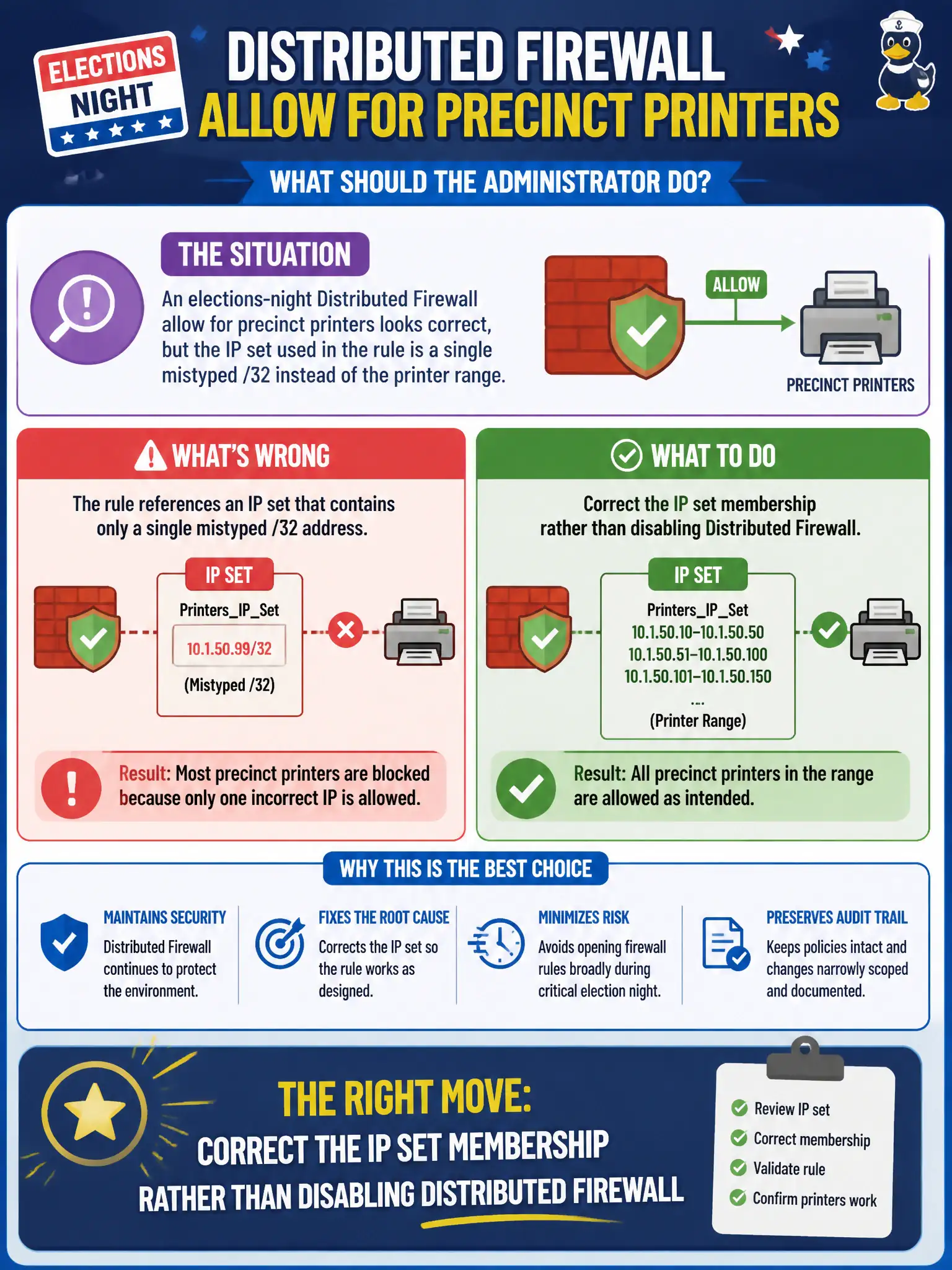
An elections-night Distributed Firewall allow for precinct printers looks correct, but the IP set used in the rule is a single mistyped /32 instead of the printer range. What should the administrator do?
Select an answer to reveal the explanation.
Short Explanation
The rule can be perfect and still miss if the address book has a typo. Fix the IP set—the /32 versus the real printer range—and leave DFW on. Do not shut the whole elections firewall down.
Full Explanation
When an elections-night Distributed Firewall allow for precinct printers looks correct but the IP set used in the rule is a single mistyped /32 instead of the printer range, correct the IP set membership rather than disabling Distributed Firewall. The rule logic can be perfect and still miss if the address object is wrong; fixing the /32 versus the real printer range restores civic printer access without shutting off elections segmentation. Disabling Distributed Firewall on every elections segment fails by concept because that abandons east-west control across the elections fabric for a single object typo. Replacing the IP set with a Carbon Black Cloud hash fails by concept because process hashes are not network address objects for DFW printer allows. Creating a Workspace ONE Tunnel catch-all for printers fails by concept because Tunnel is managed VPN for enrolled devices, not a substitute for correcting an NSX IP set. Exam caveat: verify address-set membership when hit counts stay zero—do not disable DFW or swap in CBC or Tunnel for a typo. Operational check: correct the IP set to the precinct printer range, retest print flows on election night staging, confirm allow hits, and peer-review IP sets in the elections network change control for civic election integrity.