
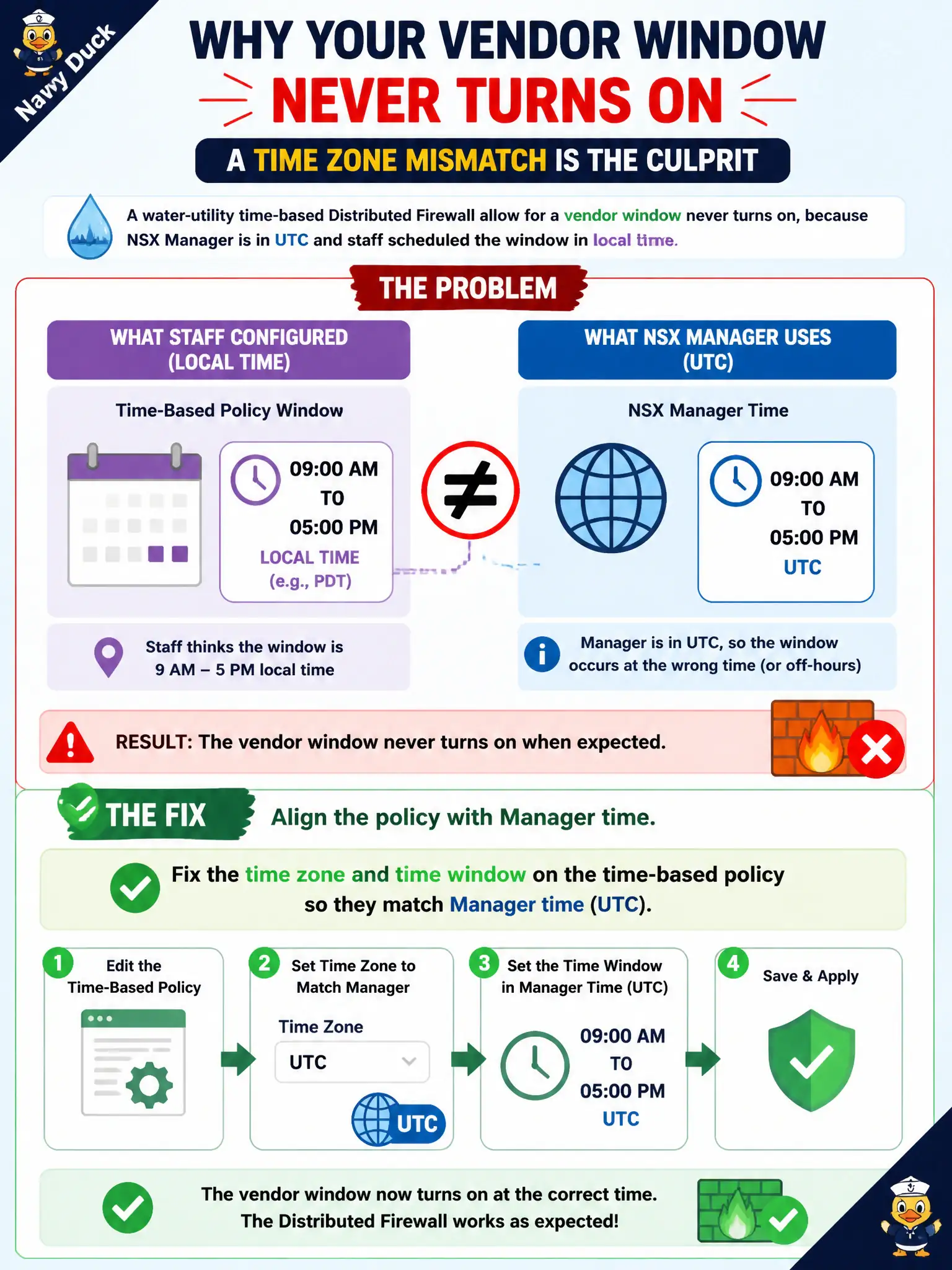
A water-utility time-based Distributed Firewall allow for a vendor window never turns on, because NSX Manager is in UTC and staff scheduled the window in local time. What should the administrator fix?
Select an answer to reveal the explanation.
Short Explanation
Time-based rules use the Manager clock, not the wall clock in the plant. If Manager is UTC and the window was typed as local, the gate never opens. Fix the time zone and window, and leave NTP on.
Full Explanation
When a water-utility time-based Distributed Firewall allow for a vendor window never turns on because NSX Manager is in UTC and staff scheduled the window in local time, fix the time zone and time window on the time-based policy so they match Manager time. Time-based rules use the Manager clock, not the wall clock in the plant; a local-looking window typed against UTC Manager time never opens for the vendor. Align zone and window so civic vendor access works as intended. Carbon Black Cloud as the scheduler for DFW fails by concept because CBC does not schedule NSX Distributed Firewall time windows. A Workspace ONE Access policy to change NSX clocks fails by concept because Access SSO policy does not set NSX Manager time zones for DFW schedules. Disable NTP so Manager drifts into the local window fails by concept because disabling NTP creates broader certificate and log skew and is not a valid scheduling fix. Exam caveat: time-based DFW follows Manager time—match zone and window deliberately; never disable NTP to fake a local window. Operational check: correct the time-based policy zone and window relative to Manager UTC, verify the vendor window activates, keep NTP healthy, and record the scheduling standard in the water-utility vendor-access procedure for civic OT governance.