
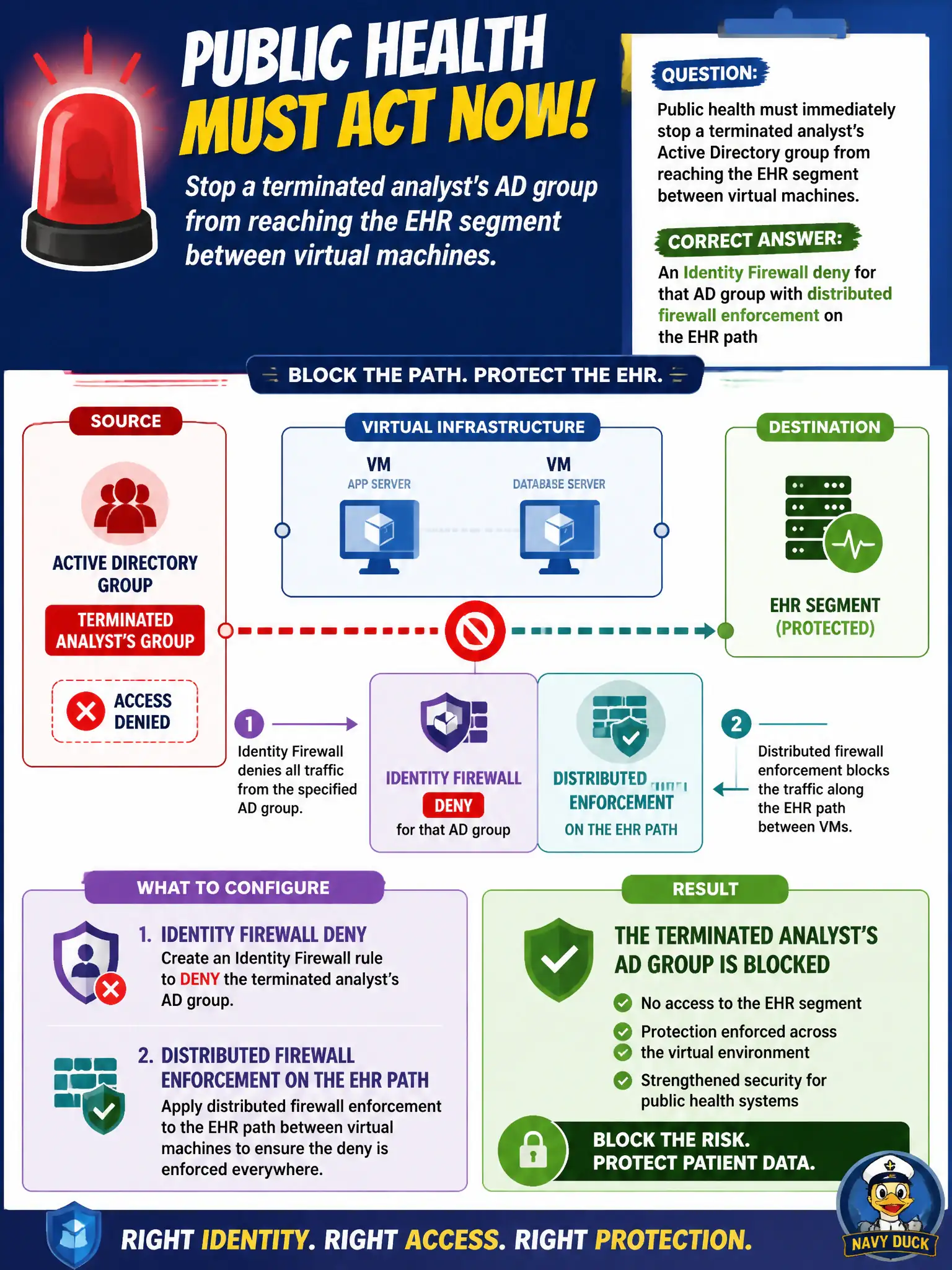
Public health must immediately stop a terminated analyst’s Active Directory group from reaching the EHR segment between virtual machines. What should the administrator configure?
Select an answer to reveal the explanation.
Short Explanation
Access can hide an app tile. It cannot tackle a VM that already talks east-west to the EHR. IDFW plus DFW is the user-named stop sign on that segment.
Full Explanation
Public health must immediately stop a terminated analyst’s Active Directory group from reaching the EHR segment between VMs by using an Identity Firewall deny for that AD group with distributed firewall enforcement on the EHR path. User-based deny on the east-west path matches the threat of residual group access after termination.
A Workspace ONE Access policy that only hides the EHR catalog icon does not stop VM-to-VM packets if the user still has a path. A Carbon Black isolation rule that only quarantines the analyst’s laptop may miss other jump hosts still in the AD group path. A gateway firewall allow-any on the EHR uplink so Access can filter east-west sessions inverts controls and leaves east-west open.
Exam caveat: terminated-user east-west to EHR is an IDFW/DFW problem, not merely hiding a SaaS icon.
Operational check: publish IDFW deny for the group, verify EHR segment denies from a test account in that group, confirm logging, and coordinate AD group removal with HR offboarding.
IDFW deny on the EHR path answers terminated-analyst risk where hiding a catalog icon cannot. Coordinate with IAM so AD group removal and IDFW deny are both evidenced in the offboarding ticket within the same hour for public-health compliance.