
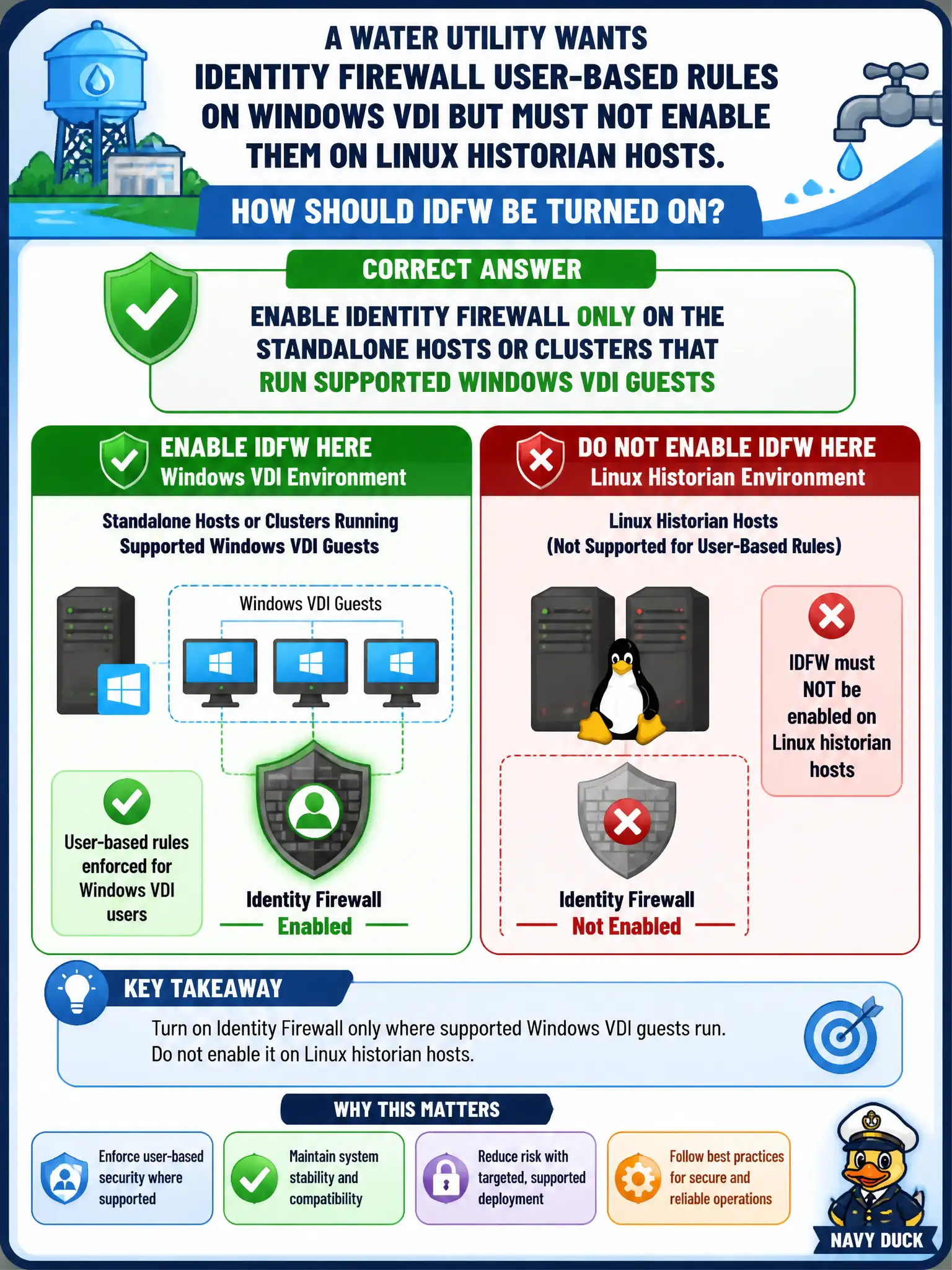
A water utility wants Identity Firewall user-based rules on Windows VDI but must not enable them on Linux historian hosts. How should IDFW be turned on?
Select an answer to reveal the explanation.
Short Explanation
IDFW is a cluster-or-host switch, not a whole-plant light. Flip it on where the supported Windows VDI lives and leave the Linux historian hosts alone.
Full Explanation
Water-utility Identity Firewall for Windows VDI must be enabled only on the standalone hosts or clusters that run supported Windows VDI guests. Scoped IDFW enablement keeps Linux historian hosts from inheriting user-to-IP mapping they do not need and may not support cleanly.
Enabling Identity Firewall on every transport node so Linux historians inherit user mapping overscopes IDFW onto the wrong guest population. Publishing a Carbon Black sensor group for historians does not make CBC an IDFW enablement plane. Attaching a Workspace ONE Access policy to the historian segment does not correctly “skip” user-based DFW on Linux in place of proper IDFW host scoping.
Exam caveat: IDFW enablement is host/cluster scoped—match it to supported Windows VDI, not every transport node.
Operational check: enable IDFW only on VDI clusters, verify historians remain without IDFW, test a Windows VDI user rule, and document which clusters are IDFW-enabled in the water-utility security design.
Scoped IDFW enablement keeps Linux historians off a Windows-centric mapping feature. Inventory which water clusters are IDFW-on, label historian clusters IDFW-off in CMDB, and re-validate after any cluster expansion so a new host profile does not silently enable IDFW everywhere.