
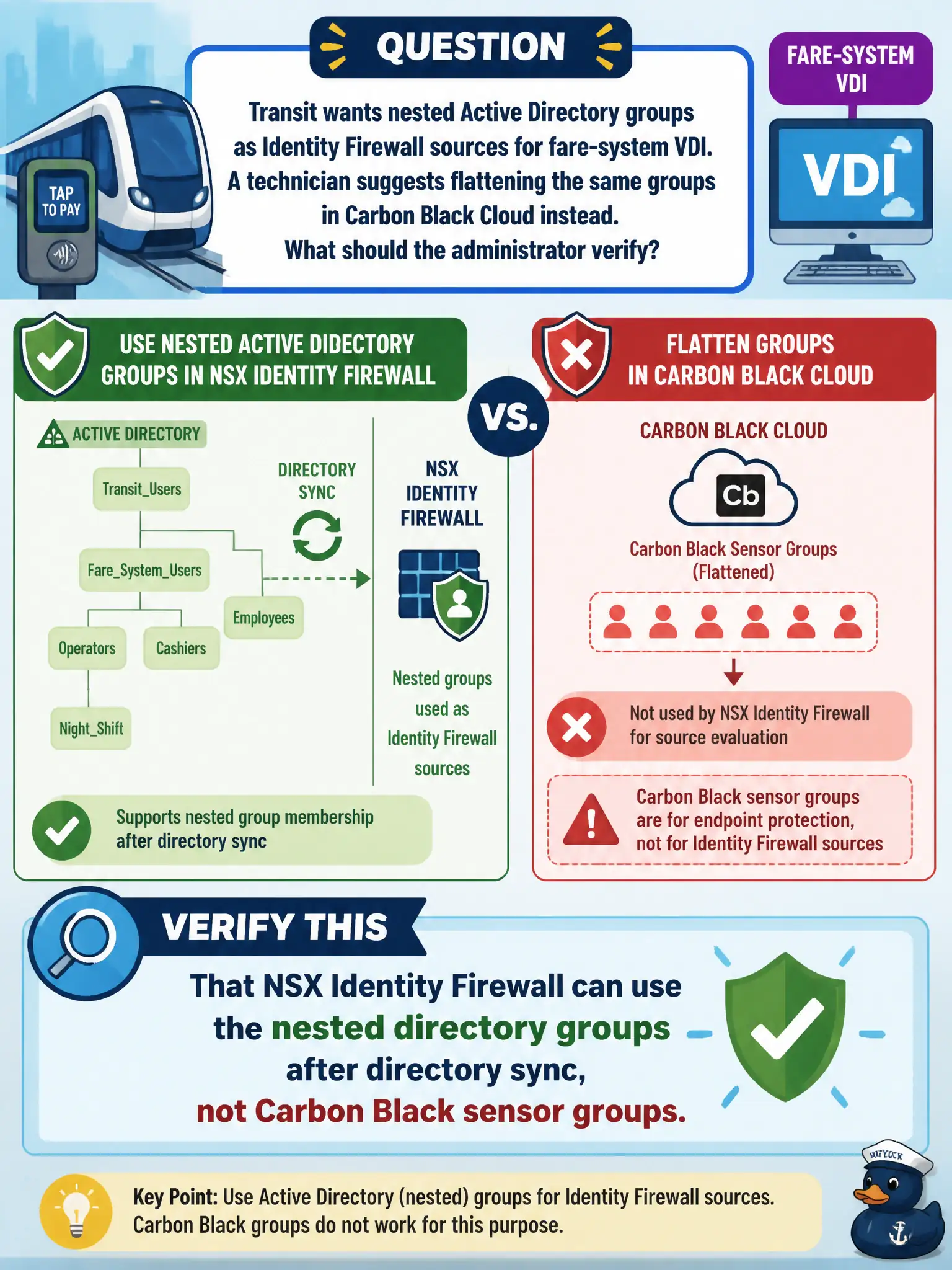
Transit wants nested Active Directory groups as Identity Firewall sources for fare-system VDI. A technician suggests flattening the same groups in Carbon Black Cloud instead. What should the administrator verify?
Select an answer to reveal the explanation.
Short Explanation
Identity Firewall reads the city's AD nesting, not a Carbon Black sensor roster. Confirm NSX syncs those nested groups, then use them as rule sources. Flattening in Carbon Black does not feed DFW user mapping.
Full Explanation
Transit nested Active Directory groups as Identity Firewall sources for fare-system VDI must be verified in NSX after directory sync—NSX Identity Firewall consumes those directory groups, not Carbon Black sensor groups. Flattening the same groups only in CBC does not make them IDFW sources.
Treating Carbon Black Cloud sensor groups as the IDFW source of truth is the wrong control plane. Nested groups do not work only if converted to vSphere tags on the Edge. Workspace ONE Access nested groups do not automatically become Distributed Firewall sources without NSX directory configuration.
Exam caveat: IDFW sources are NSX directory groups; CBC and Access group stores are separate.
Operational check: sync nested fare AD groups into NSX, confirm nesting resolves for IDFW, publish a pilot rule, test a nested-group user on VDI, and reject CBC watchlists as IDFW sources.
Nested AD groups in NSX IDFW must resolve after sync—prove nesting with a user who is only in a child group. Reject CBC watchlists as sources in design reviews, and keep a diagram of which nested fare groups are authoritative for VDI firewall season to season. Keep nested-group resolution evidence and a child-group user test with the fare VDI change record so the next on-call engineer can prove IDFW sources without rediscovering nesting behavior under pressure.