
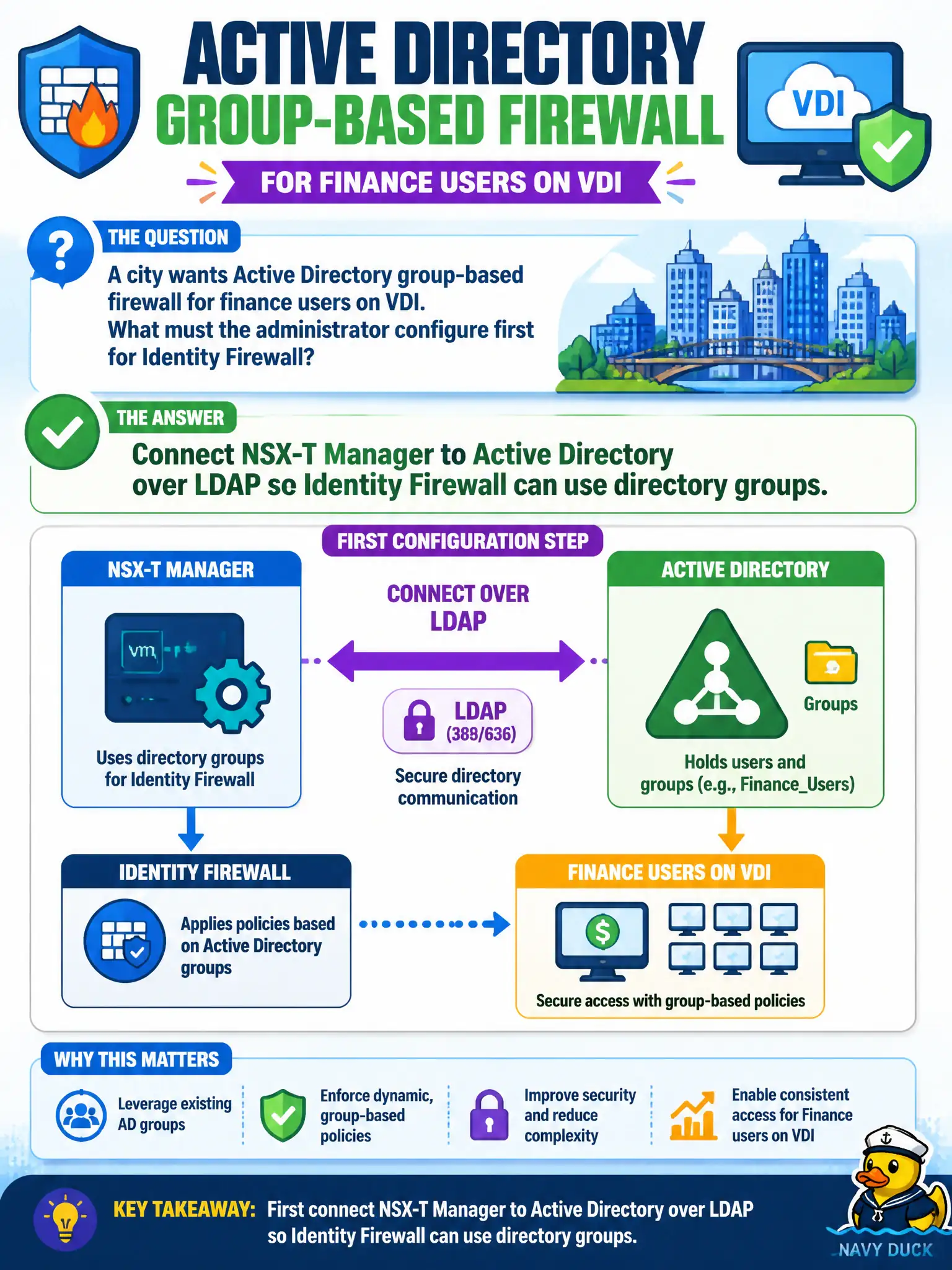
A city wants Active Directory group-based firewall for finance users on VDI. What must the administrator configure first for Identity Firewall?
Select an answer to reveal the explanation.
Short Explanation
Identity Firewall needs a phone book of users, and that book is Active Directory on NSX Manager. Connect LDAP first, then group-based rules for finance VDI. Carbon Black sensor groups and Access policies are other directories, not the IDFW source.
Full Explanation
City Active Directory group-based firewall for finance users on VDI requires Identity Firewall, which starts by connecting NSX-T Manager to Active Directory over LDAP so directory groups become usable in policy. Without that directory connection, IDFW cannot source finance AD groups.
Mapping finance users only in Carbon Black Cloud sensor groups does not populate NSX Identity Firewall sources. Creating a Workspace ONE Access policy and assuming IDFW inherits it confuses admin/app IdP policy with NSX directory-based IDFW. Writing IP-based DFW only because “IDFW does not use a user directory” contradicts how IDFW is designed.
Exam caveat: LDAP directory configuration on NSX Manager is the prerequisite for AD group-based IDFW rules.
Operational check: configure the AD LDAP connection, sync finance groups, verify groups appear for IDFW, publish a pilot user-based rule on VDI, and test a finance user allow/deny.
LDAP to AD is the on-ramp for finance IDFW on city VDI. After groups sync, map a pilot finance group to a non-prod VDI segment, prove allow/deny by user, and document the directory connection owners so Identity and NSX teams share one break/fix path. Keep screenshots of the LDAP sync status and a successful finance-user allow/deny test with the VDI change record so the next on-call engineer can replay Identity Firewall validation without rediscovering directory prerequisites under pressure.