
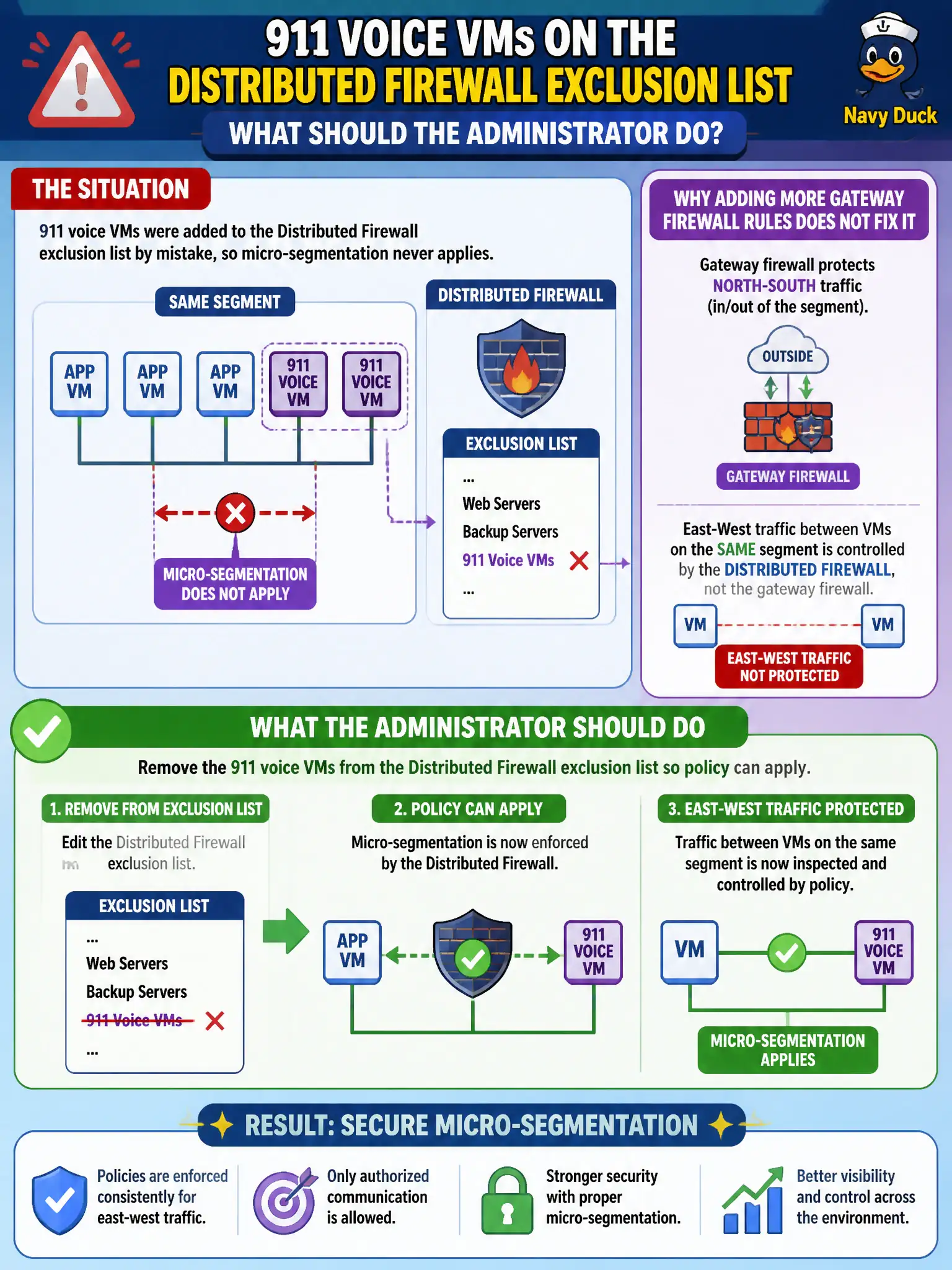
911 voice VMs were added to the Distributed Firewall exclusion list by mistake, so micro-segmentation never applies. Adding more gateway firewall rules does not fix east-west on the same segment. What should the administrator do?
Select an answer to reveal the explanation.
Short Explanation
The exclusion list is a VIP pass that walks voice VMs around Distributed Firewall. Take the pass back and policy applies again. Extra gateway rules and UEM enrollment do not un-exclude a vNIC.
Full Explanation
911 voice VMs added to the Distributed Firewall exclusion list by mistake will never receive micro-segmentation. Remove them from the exclusion list so policy can apply. Extra gateway firewall rules cannot restore east-west DFW on the same segment for excluded VMs.
Adding more Tier-0 gateway rules fails because exclusion-list VMs skip Distributed Firewall even when gateway rules exist for other paths. Enrolling voice VMs in Workspace ONE UEM does not clear NSX DFW exclusions. Putting voice VMs in a Carbon Black Cloud sensor group named Exclusion does not change NSX exclusion-list behavior.
Exam caveat: exclusion list means DFW does not apply—troubleshoot exclusions before writing more unrelated gateway rules.
Operational check: remove the 911 voice VMs from the exclusion list, publish intended DFW, verify realization and test east-west policy, and audit the exclusion list for other accidental infrastructure or workload members.
Exclusion-list mistakes silently exempt 911 voice from the very controls responders expect. Audit exclusions monthly, alert on new members, and require dual approval before any production VM joins the list so east-west policy cannot be undone by a helpful but wrong change.