
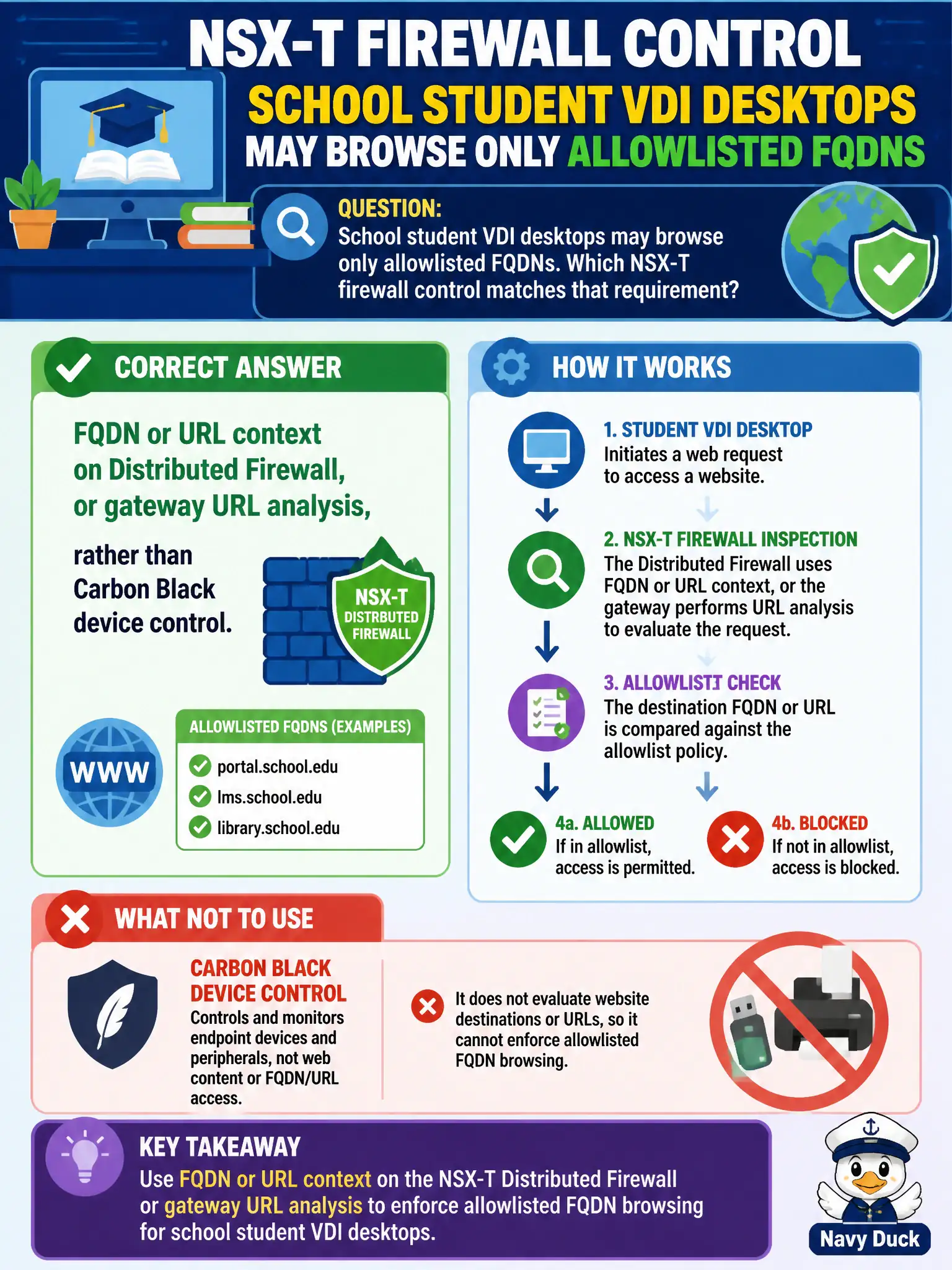
School student VDI desktops may browse only allowlisted FQDNs. Which NSX-T firewall control matches that requirement?
Select an answer to reveal the explanation.
Short Explanation
Allowlisting school sites is a firewall job with names, not a USB lock. NSX can match FQDN or URL on Distributed Firewall or gateway URL analysis. Carbon Black device control keeps thumb drives in check, not https://classroom sites.
Full Explanation
School student VDI that may browse only allowlisted FQDNs needs FQDN or URL context on Distributed Firewall, or gateway URL analysis, as the NSX path for name-based web allows. That is a firewall URL/FQDN control, not an endpoint USB device-control feature.
Carbon Black Cloud device control for USB storage is not a web filter for HTTPS destinations. A vSphere DRS affinity rule named after each allowed FQDN places VMs on hosts; it does not filter URLs. Claiming Workspace ONE Access is the only way to filter raw TCP from VDI to the Internet without a firewall ignores NSX FQDN/URL firewall capabilities.
Exam caveat: match the requirement (FQDN allow list) to FQDN/URL firewall features, not adjacent EUC or endpoint products.
Operational check: configure FQDN/URL context for the student VDI group, test an allowlisted and a blocked name, confirm rule hits, and document the allow list owner with curriculum networking staff.
FQDN/URL controls turn student VDI browsing into an explicit civic allow list. Review the list with curriculum owners each term, test newly added educational domains, and monitor for TLS/SNI gaps so blocked categories are not accidentally escaped through raw IP browsing without a complementary control.