
Courts require emergency deny rules that always evaluate first during an incident. Where should the administrator put those rules?
Select an answer to reveal the explanation.
Short Explanation
NSX categories are a line at the courthouse—Emergency goes near the front, not the back of Application. Bottom-of-list is not highest priority. Carbon Black and Access policies are different products and do not reorder Distributed Firewall.
Full Explanation
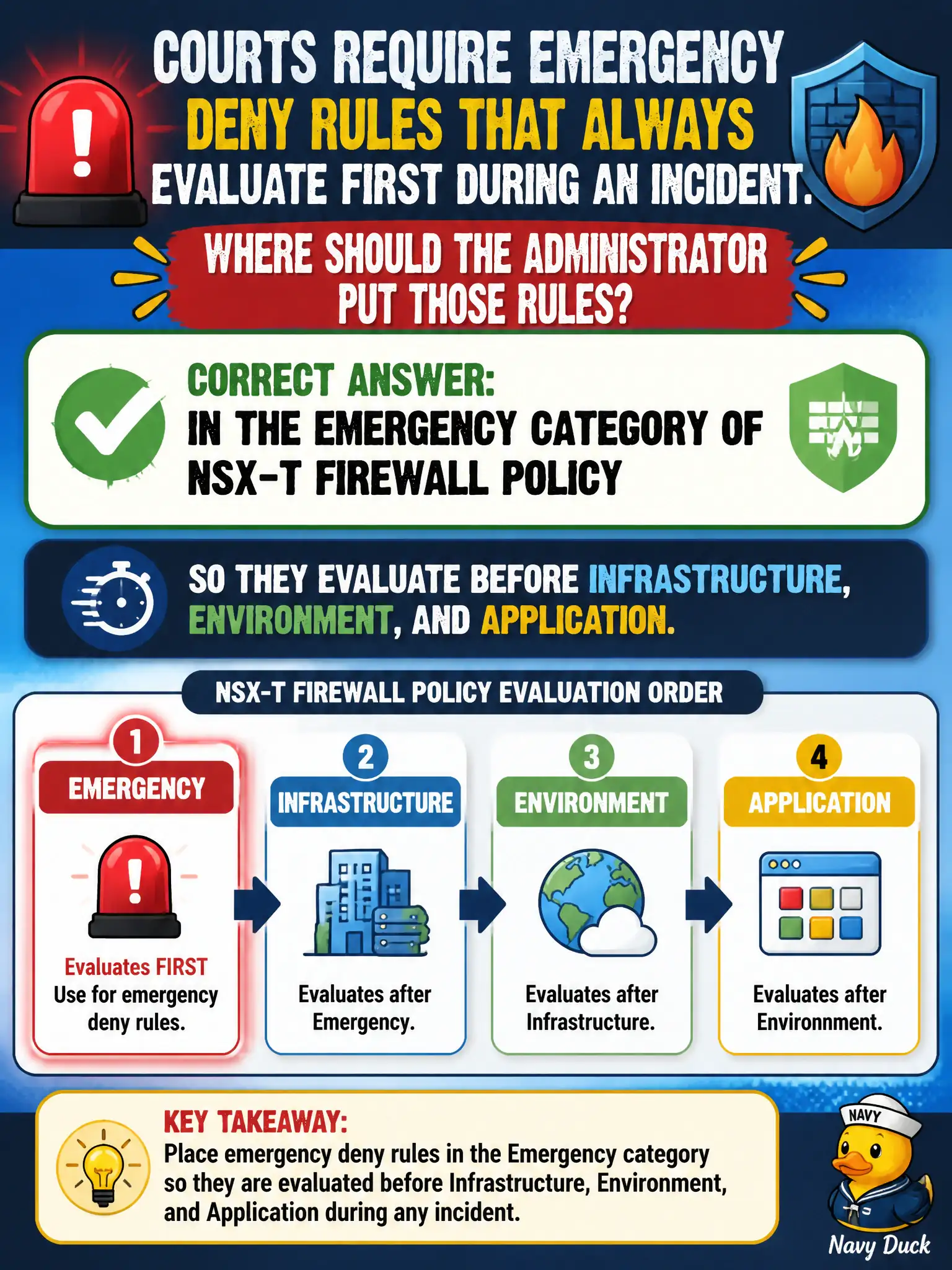
Courts emergency deny rules must live in the Emergency category of NSX-T firewall policy so they evaluate before Infrastructure, Environment, and Application during an incident. Category order is the mechanism that guarantees first-hit incident response rules without relying on “put it somewhere in Application.”
Placing emergency denies at the bottom of Application is wrong because later categories and lower rules are not first-hit emergency controls. A Carbon Black Cloud prevention policy labeled Emergency is endpoint prevention, not NSX category ordering. A Workspace ONE Access deny for VM-to-VM traffic does not implement NSX Distributed Firewall category precedence.
Exam caveat: memorize category order—Emergency first—when the stem says incident deny must always win.
Operational check: create the deny in Emergency, verify rule order in Manager, test that it hits before Application allows, and record the Emergency section in the courts incident runbook.
Emergency-category placement is the courts’ break-glass ordering guarantee. During tabletop, publish an Emergency deny, show it preceding Application allows in the effective order, and train incident commanders to open Emergency first rather than hunting through Application sections under stress.