
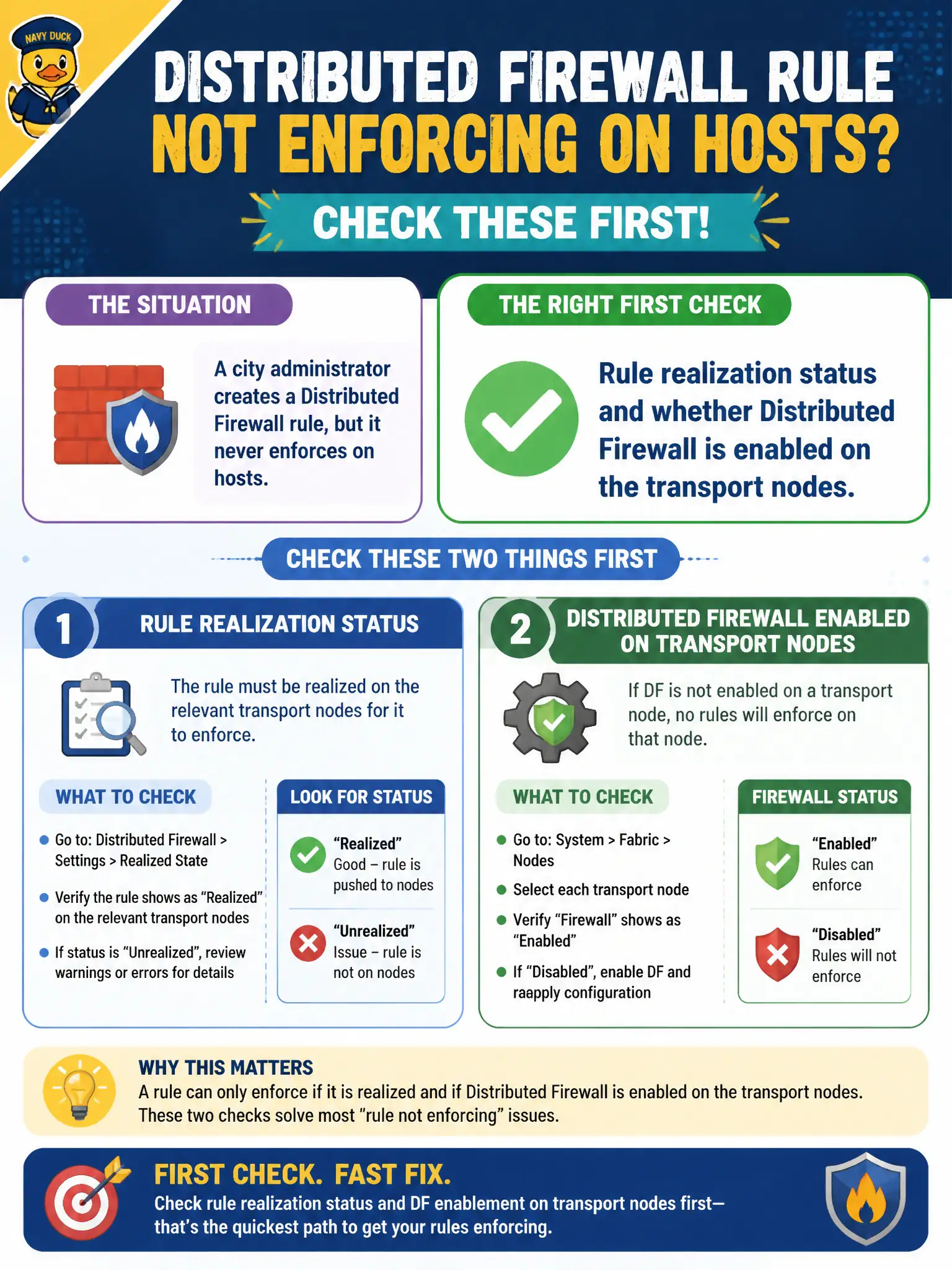
A city administrator creates a Distributed Firewall rule, but it never enforces on hosts. What should be checked first?
Select an answer to reveal the explanation.
Short Explanation
A rule that never realizes is a posted speed-limit sign that never made it to the street. Check realization and that the firewall is actually on for those transport nodes. Access policies and Carbon Black groups will not push DFW to the host.
Full Explanation
When a city administrator creates a Distributed Firewall rule that never enforces on hosts, check rule realization status and whether Distributed Firewall is enabled on the transport nodes first. Unrealized rules or DFW-disabled nodes explain silent non-enforcement before blaming unrelated identity products.
Workspace ONE Access policies for the administrator’s login session do not realize NSX DFW on hosts. Carbon Black Cloud sensor group membership for Manager appliances is irrelevant to host DFW realization. Whether the rule comment includes a vendor-neutral control-family number does not affect enforcement.
Exam caveat: realization and DFW-enabled transport nodes are the first troubleshooting fork for “rule exists but nothing happens.”
Operational check: open realization status for the rule, confirm target transport nodes show DFW enabled and Up, fix prep or publish errors, retest traffic, and only then inspect rule match logic.
Realization and DFW-enabled nodes are the city’s “is the gate installed?” checks. Automate a daily report of unrealized rules and disabled transport nodes into the security channel, and require those two green lights before any priority incident blames rule logic or identity products.