
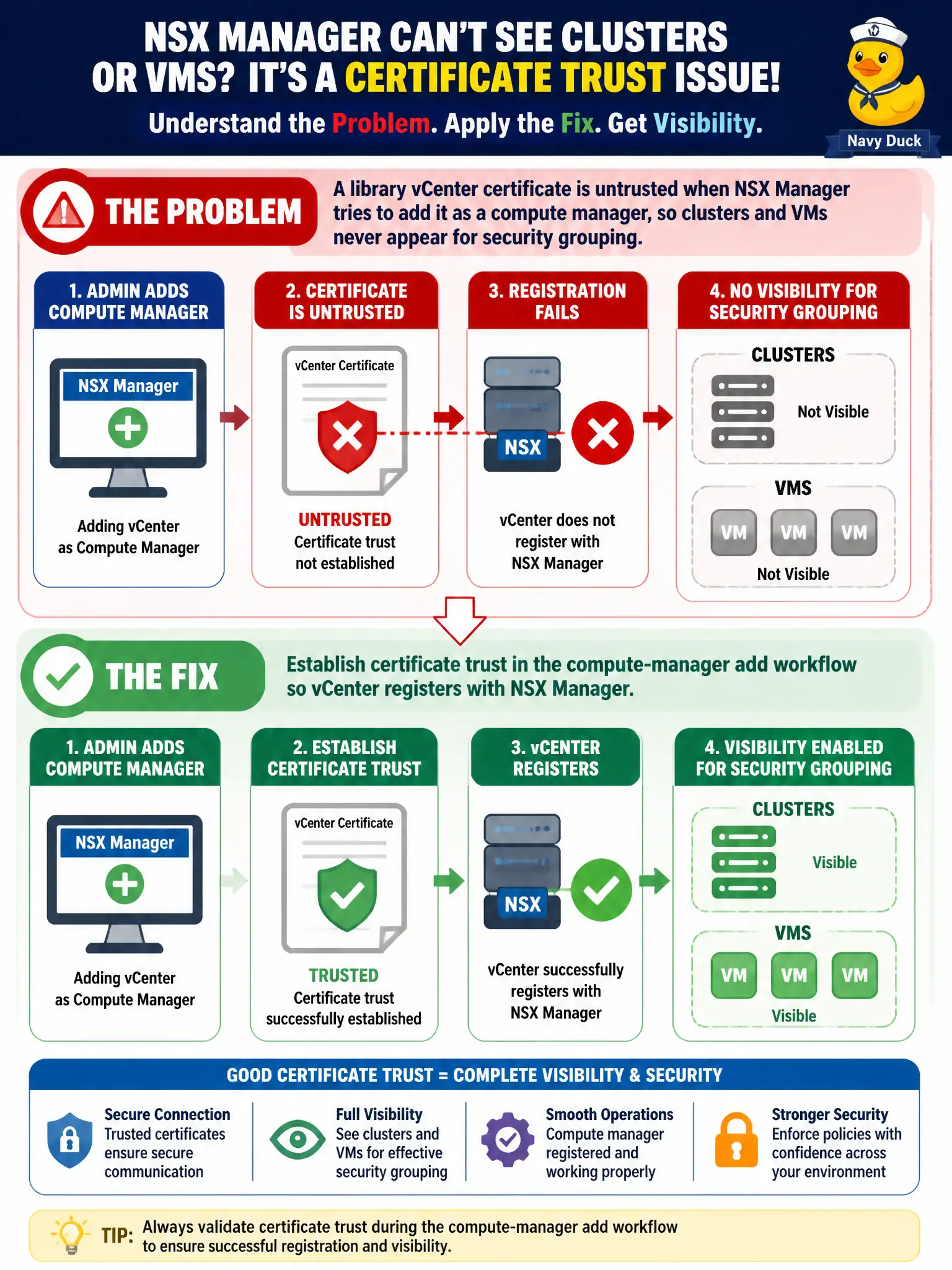
A library vCenter certificate is untrusted when NSX Manager tries to add it as a compute manager, so clusters and VMs never appear for security grouping. What should the administrator fix in the install workflow?
Select an answer to reveal the explanation.
Short Explanation
NSX cannot inventory library VMs if it does not trust vCenter's ID badge. The compute-manager add step is where that trust is accepted. Tweaking DFW syntax or Carbon Black cert checks will not make clusters show up.
Full Explanation
When a library vCenter certificate is untrusted during compute-manager add, NSX Manager never imports clusters and VMs for security grouping. Establish certificate trust in the compute-manager add workflow so vCenter registers cleanly and inventory becomes available for groups and Distributed Firewall.
Rewriting Distributed Firewall rules to IP ranges papers over missing inventory instead of fixing registration. Disabling certificate checking in Carbon Black Cloud sensor policy does not trust vCenter to NSX Manager. Replacing vCenter with a Workspace ONE Access connector as the NSX compute manager is invalid—Access is not a vSphere compute manager.
Exam caveat: compute-manager trust failures present as empty inventory; fix certificates before redesigning all rules as IP sets.
Operational check: import or accept the vCenter certificate per the add-compute-manager flow, confirm clusters/VMs appear, build a pilot library security group, and only then publish grouping-based DFW.
Certificate trust during compute-manager add is the library handshake between vCenter and NSX. After trust succeeds, re-inventory clusters, confirm no lingering certificate alarms, and store the renewal procedure beside the civic PKI calendar so the next vCenter cert rotation does not empty NSX grouping overnight.