
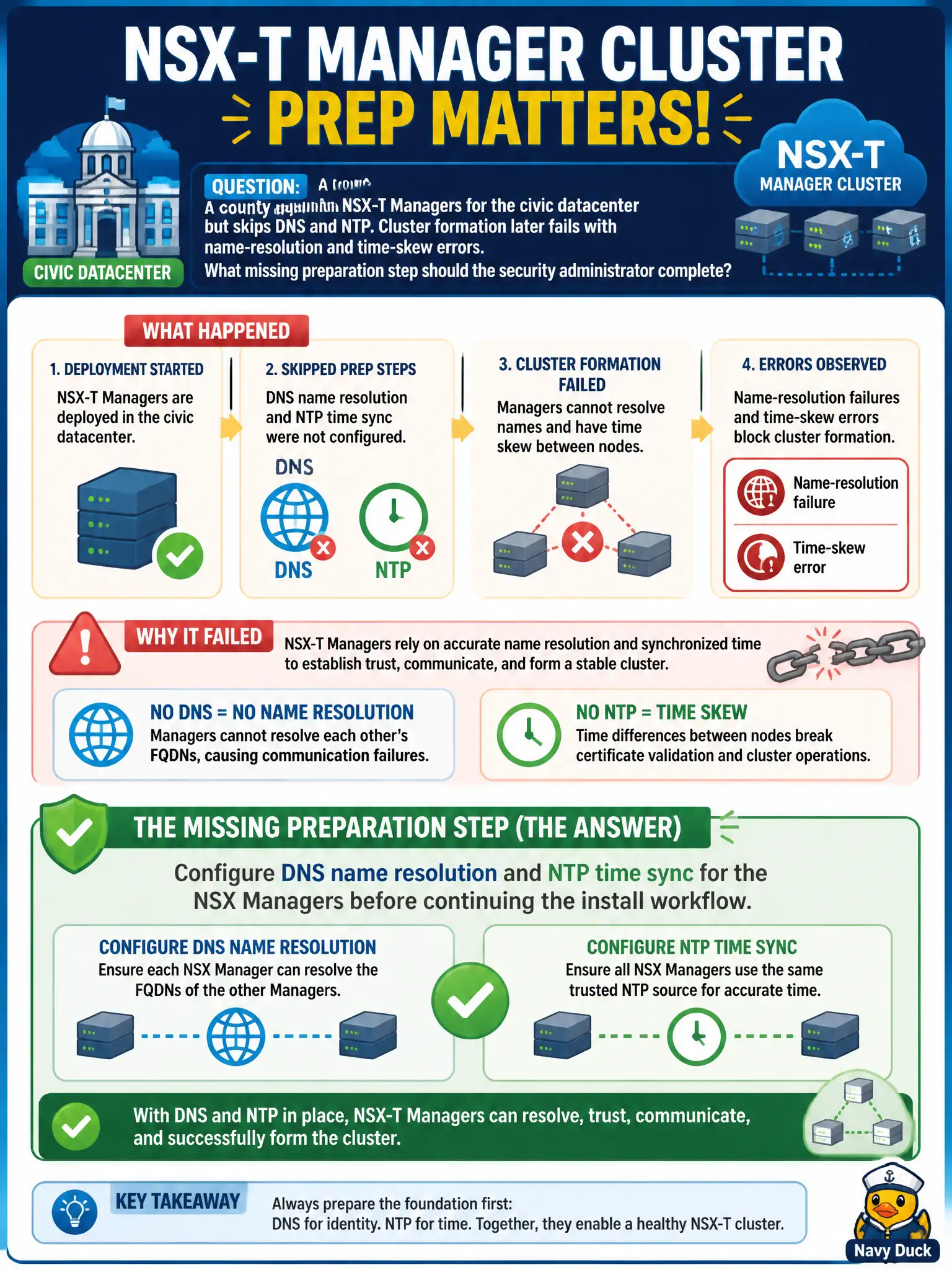
A county deploys NSX-T Managers for the civic datacenter but skips DNS and NTP. Cluster formation later fails with name-resolution and time-skew errors. What missing preparation step should the security administrator complete?
Select an answer to reveal the explanation.
Short Explanation
NSX Managers are picky roommates—they need names they can look up and clocks that agree. Skip DNS and NTP and the cluster acts like nobody showed up to the same meeting. Fix name resolution and time sync in prep; that is not a Carbon Black sensor-clock problem.
Full Explanation
County NSX-T Manager cluster formation depends on working DNS name resolution and NTP time sync among Managers. Configure DNS and NTP for the NSX Managers before continuing the install workflow so nodes can find each other by name and avoid certificate and cluster failures driven by clock skew in the civic datacenter.
Opening a Carbon Black Cloud case for sensor clock drift on the Manager VMs does not replace DNS/NTP preparation for the NSX control plane. Publishing a Workspace ONE Access policy that requires compliant clocks on administrator laptops constrains admin devices, not Manager-to-Manager name and time requirements. Skipping Manager clustering and writing Distributed Firewall rules against raw IPs abandons HA design instead of fixing prerequisites.
Exam caveat: name resolution and time sync are first-class Manager install prerequisites—policy work cannot paper over cluster formation errors.
Operational check: verify each Manager resolves the others by FQDN, confirm NTP offset is near zero, re-run cluster formation, and record DNS/NTP sources in the county NSX install runbook.
DNS and NTP failures on county Managers look like random cluster ghosts. After configuring resolvers and time sources, deliberately skew a lab Manager clock in a non-prod clone if available, watch cluster alarms, then document the approved NTP stratum and DNS zones so future rebuilds do not skip the same civic prerequisites.