
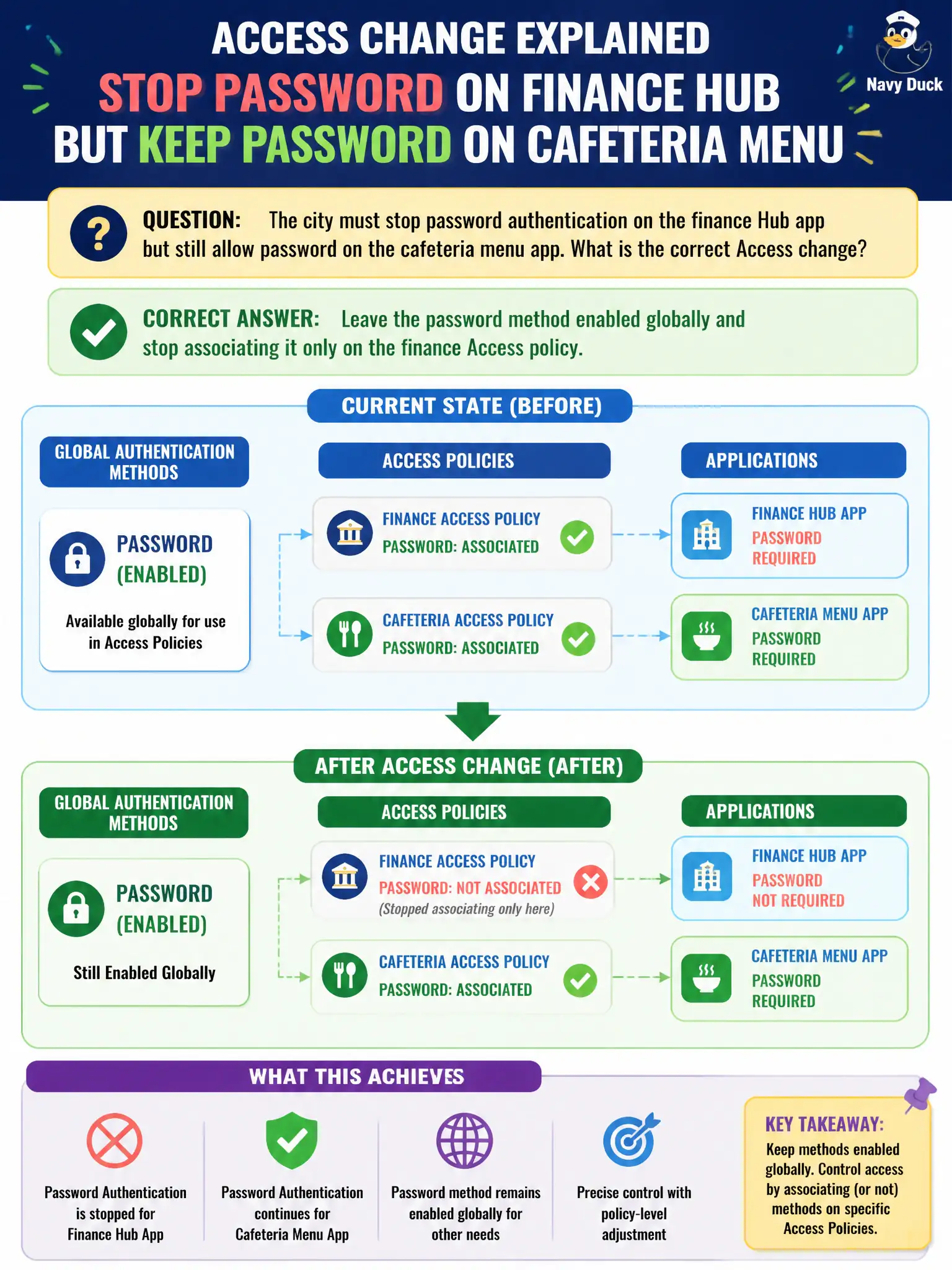
The city must stop password authentication on the finance Hub app but still allow password on the cafeteria menu app. What is the correct Access change?
Select an answer to reveal the explanation.
Short Explanation
Authentication methods are like keys on a ring: you keep the key, you just do not hang it on the finance door. Leave password enabled, drop it from the finance policy, and keep it on the cafeteria policy—do not melt the key for the whole city.
Full Explanation
Leave the password authentication method enabled globally in Workspace ONE Access and remove password only from the finance Access policy while cafeteria retains it. Authentication methods are enabled once and then associated per application policy; selective removal is a policy association change, not a global disable. Disabling password entirely breaks every city app that still legitimately needs password, including the cafeteria menu app called out in the stem. Deleting the built-in identity provider is a blunt IdP change that does not surgically drop password from finance and can orphan break-glass or local authentication paths. Creating an NSX distributed firewall deny for TCP 443 to finance blocks network reachability rather than changing Access authentication requirements and can cause outages unrelated to MFA design. Exam caveat: global method enablement versus per-policy method lists are frequently tested—know which layer to change when only one app must drop password. Operational check: verify finance policy no longer lists password, cafeteria policy still does, test both Hub apps from a pilot user, and document the per-app method matrix in the city finance security change ticket for civic audit evidence and future policy reviews.