
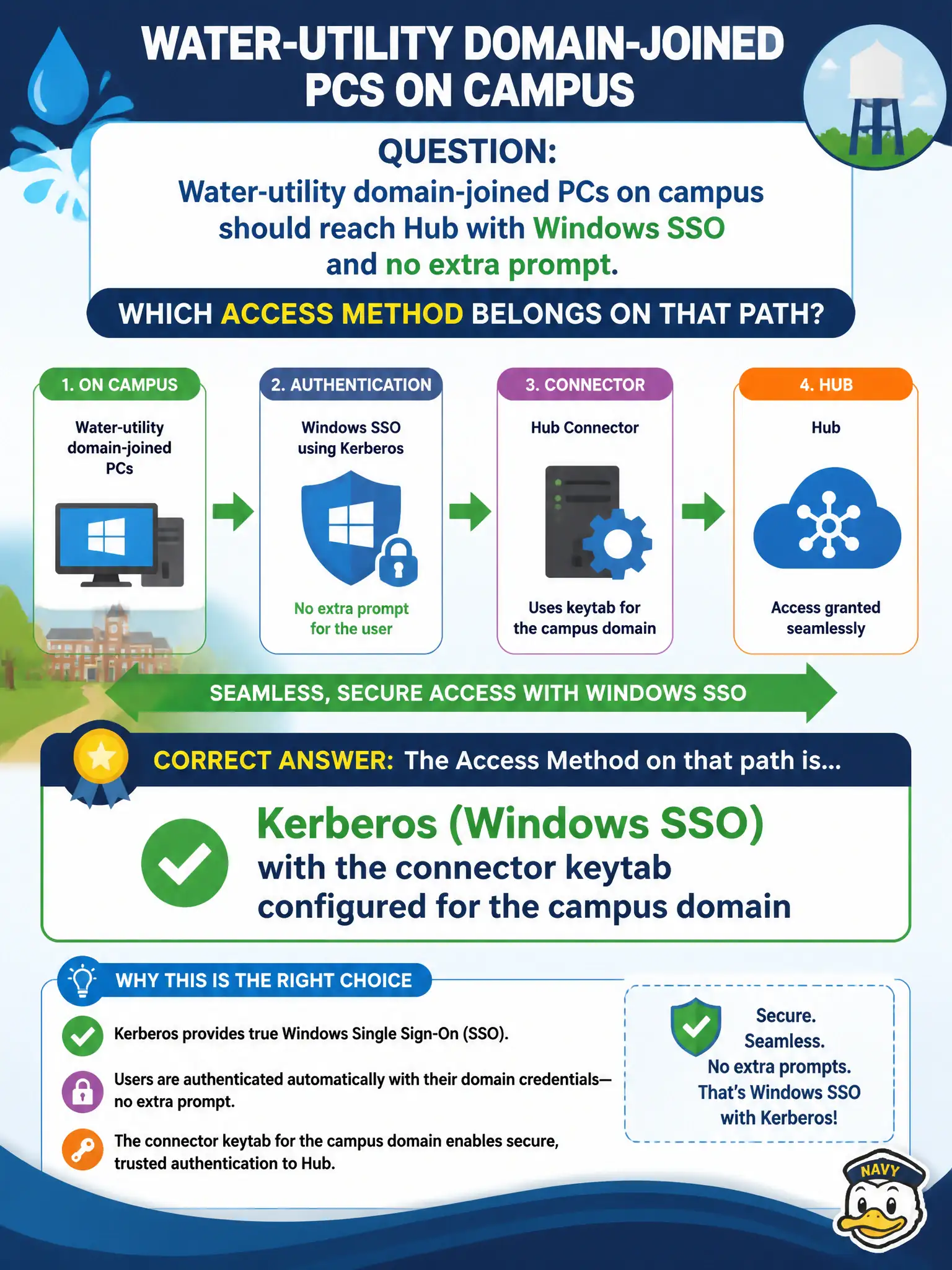
Water-utility domain-joined PCs on campus should reach Hub with Windows SSO and no extra prompt. Which Access method belongs on that path?
Select an answer to reveal the explanation.
Short Explanation
A domain-joined desktop already has a Kerberos ticket in its pocket—that is Windows SSO, not the phone flavors of Mobile SSO. Enable Kerberos in Access and load the connector keytab so campus PCs walk through without another prompt.
Full Explanation
Use Kerberos (Windows SSO) with the connector keytab configured for the campus domain so water-utility domain-joined PCs reach Hub without an extra prompt. Windows SSO consumes the desktop Kerberos ticket already present on domain-joined campus machines; it is not Mobile SSO for phones. Mobile SSO (for iOS) with an Apple Kerberos profile targets iOS devices, not Windows desktops on the plant floor. Mobile SSO (for Android) with a UEM credential profile likewise addresses Android certificate SSO, not Windows integrated authentication. Built-in OTP only forces interactive tokens and abandons silent Windows SSO for on-campus domain-joined PCs that already hold tickets. Exam caveat: Kerberos/Windows SSO requires proper connector keytab and domain configuration—enabling the method without the keytab still fails SSO even when the method appears selected. Operational check: confirm keytab on the Access connector, place Kerberos on the campus policy, test Hub from a domain-joined utility PC with no password prompt, rotate keytab ownership documentation, and record the SSO design in the water-utility municipal identity runbook so plant operations retain a supportable civic SSO path after connector upgrades.