
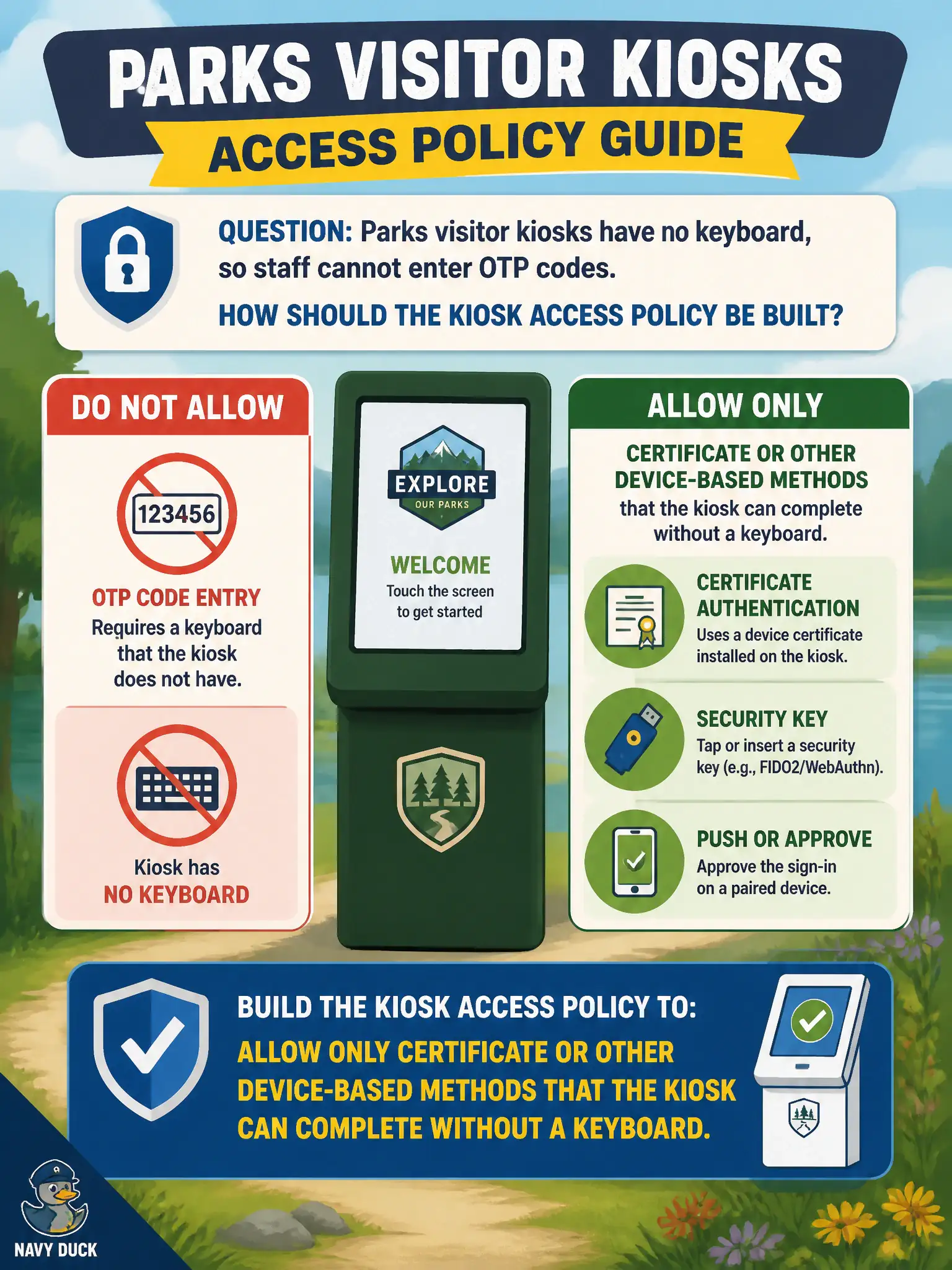
Parks visitor kiosks have no keyboard, so staff cannot enter OTP codes. How should the kiosk Access policy be built?
Select an answer to reveal the explanation.
Short Explanation
A kiosk without a keyboard cannot type a door code. Hang certificate or device methods on that policy—the machine can flash a cert, it cannot punch OTP or a RADIUS token.
Full Explanation
Allow only certificate or other device-based methods on the parks kiosk Access policy so authentication can complete without a keyboard for OTP or token entry. Kiosks without keyboards cannot satisfy interactive OTP or RADIUS typing requirements, so policies must use methods the device can complete automatically with provisioned credentials. Requiring built-in OTP as the only method matches attended staff laptops but fails keyboardless visitor kiosks in parks facilities. Forcing RADIUS token entry at every Hub launch likewise demands interactive input the kiosk cannot provide. Disabling all Access methods and relying on an open NSX segment removes authentication entirely and is not an Access policy design for Hub on public-facing kiosks. Exam caveat: method selection must match device UX constraints—certificate/device methods for kiosks, interactive MFA for attended endpoints. Operational check: deploy kiosk certificates, restrict the kiosk policy to those methods, validate Hub launch without keyboard input, deny a test OTP-only path, and keep the kiosk method list in the parks department runbook so public visitor systems remain usable, secure, and auditable for municipal operations.