
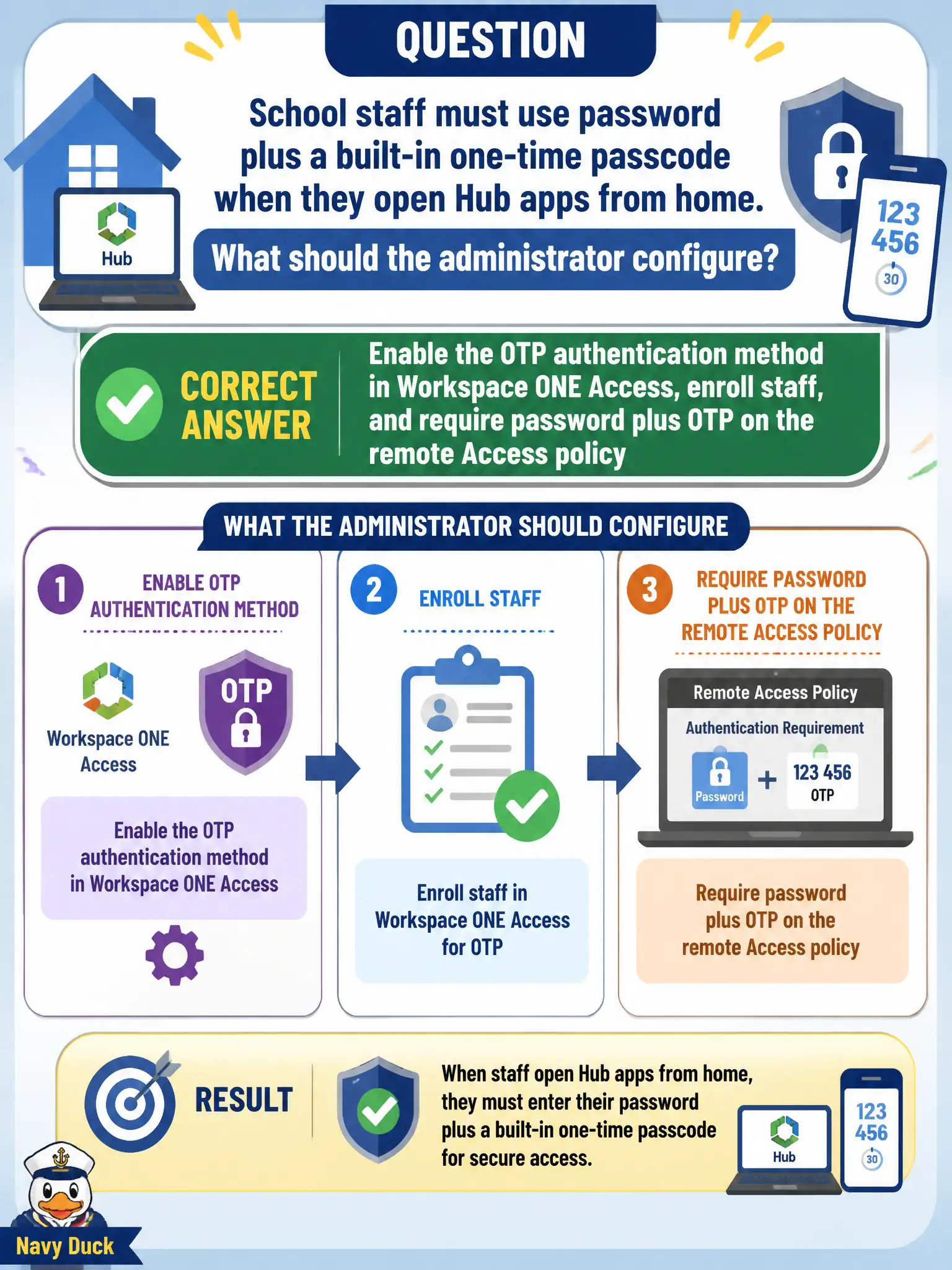
School staff must use password plus a built-in one-time passcode when they open Hub apps from home. What should the administrator configure?
Select an answer to reveal the explanation.
Short Explanation
Home MFA is a door code after the house key—not a firewall tag and not a healthy Carbon Black sensor. Turn on the built-in OTP method in Access, enroll the teachers, and require password plus OTP on the from-home policy.
Full Explanation
Enable the OTP authentication method in Workspace ONE Access, enroll school staff, and require password plus OTP on the remote Access policy so home Hub launches meet MFA without relying on network or sensor substitutes. Built-in OTP is an Access second factor for users on unmanaged or remote browsers where Mobile SSO may not apply, which matches teachers working from home. Enabling only NSX identity firewall on the staff VLAN addresses micro-segmentation inside the campus network, not Hub MFA for staff working from home outside that VLAN. Deploying CB Defense sensors and treating a clean sensor as the second factor confuses endpoint health with an authentication method Access can enforce at login time. Switching home users to Mobile SSO (for iOS) fails when they use unmanaged browsers that are not on the iOS Mobile SSO certificate path. Exam caveat: remote policies commonly stack password+OTP; Mobile SSO is for managed mobile paths, not a universal MFA substitute for every home browser. Operational check: enable OTP, enroll a pilot teacher, apply password+OTP on the remote policy, verify home Hub access prompts for OTP after password, confirm campus policies remain unchanged where appropriate, and file enrollment steps in the school-district identity runbook for civic remote-access assurance so future helpdesk staff can reproduce the control.