
Library Windows PCs receive client certificates from Workspace ONE UEM and must use those certificates to reach Hub. How should certificate-based authentication be set up in Access?
Select an answer to reveal the explanation.
Short Explanation
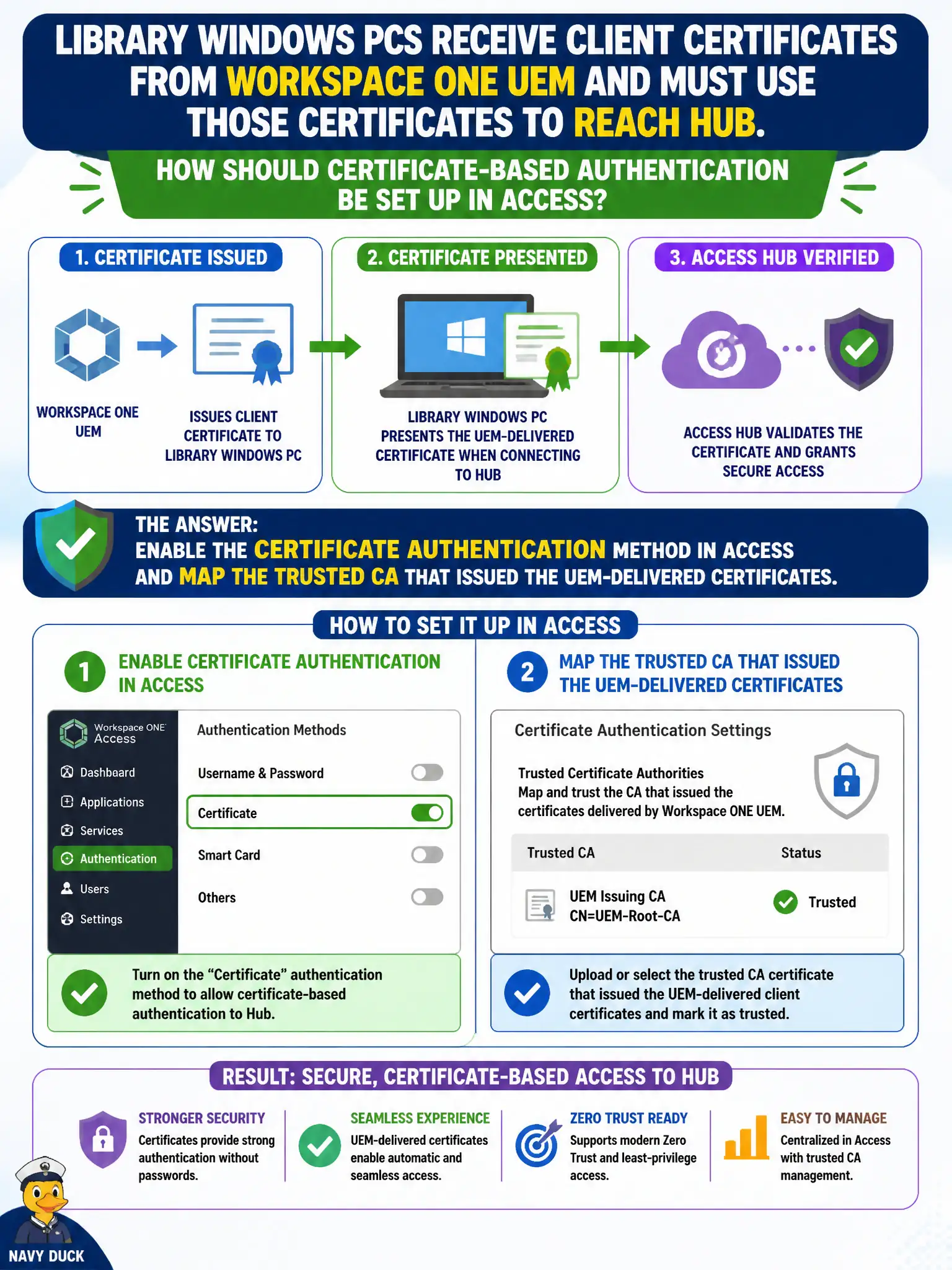
A cert on the PC is just a plastic badge until Access knows which stamp is real. Enable certificate authentication and point Access at the same CA UEM used—password plus “remember me” is not that handshake.
Full Explanation
Enable the Certificate authentication method in Workspace ONE Access and map the trusted CA that issued the UEM-delivered client certificates so library Windows PCs can present those certificates to Hub successfully. A certificate on the endpoint is insufficient until Access trusts the issuing CA and has certificate authentication enabled as a method on the relevant policy. Password authentication with “remember me” is a convenience for passwords, not certificate-based authentication, and fails the library’s cert requirement. Registering the library CA only in Carbon Black Cloud leaves Access unaware of the trust chain and keeps Hub on password. Attaching certificates to an NSX distributed firewall rule may influence identity-aware networking but does not configure Access authentication methods for Hub. Exam caveat: UEM delivery of certificates and Access trust of the issuing CA are both required; either alone fails the handshake. Operational check: confirm UEM installed the client cert, Access lists the same CA under certificate authentication, a library PC reaches Hub via certificate, and retain CA mapping screenshots with the municipal library IT change ticket for audit continuity.