
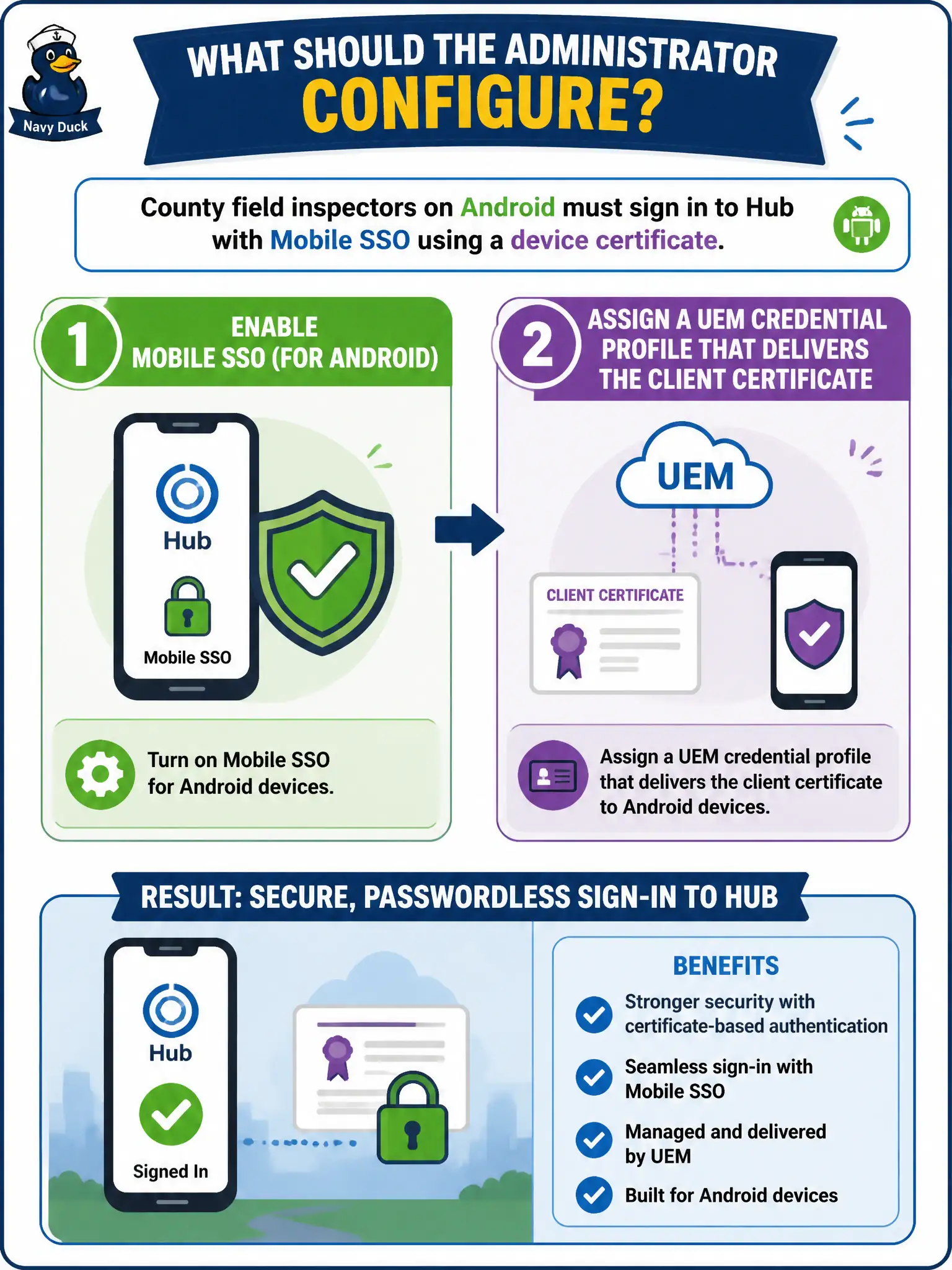
County field inspectors on Android must sign in to Hub with Mobile SSO using a device certificate. What should the administrator configure?
Select an answer to reveal the explanation.
Short Explanation
Android Mobile SSO is a certificate handshake, not the iOS Kerberos trick with a different label. Turn on the Android method in Access and let UEM push the client cert—do not ship an iPhone SSO profile to inspectors' Androids.
Full Explanation
Enable Mobile SSO (for Android) in Workspace ONE Access and assign a Workspace ONE UEM credential profile that delivers the client certificate so county field inspectors authenticate to Hub with device certificate-based Mobile SSO. Android Mobile SSO is certificate-centric and product-distinct from the iOS Mobile SSO Kerberos-oriented path; shipping an iOS SSO profile to Android will not satisfy the Android method. Using only the built-in Access password method forces interactive credentials on every launch and abandons the certificate SSO requirement. Creating a Carbon Black prevention policy that auto-approves Hub logins after sensor check-in conflates endpoint prevention with Access authentication methods and cannot complete Mobile SSO. Exam caveat: platform-specific Mobile SSO methods are common distractors—match Android method plus UEM credential delivery, not iOS Kerberos profiles. Operational check: enable Mobile SSO (for Android), push the credential profile to a pilot inspector device, verify Hub sign-in uses the device certificate without password prompts, and record certificate CA mapping and profile assignment in the county field-ops runbook so public inspection services keep a reproducible civic SSO path.