
City staff iPhones should open Hub apps with Mobile SSO and no extra password prompt. Which Workspace ONE Access configuration is required for that path?
Select an answer to reveal the explanation.
Short Explanation
iPhone SSO is its own door key, not a reused desktop badge or a hardware token. Flip on Mobile SSO for iOS in Access and hand out the certificates that door expects—RADIUS and Windows Kerberos will not magically cover those phones.
Full Explanation
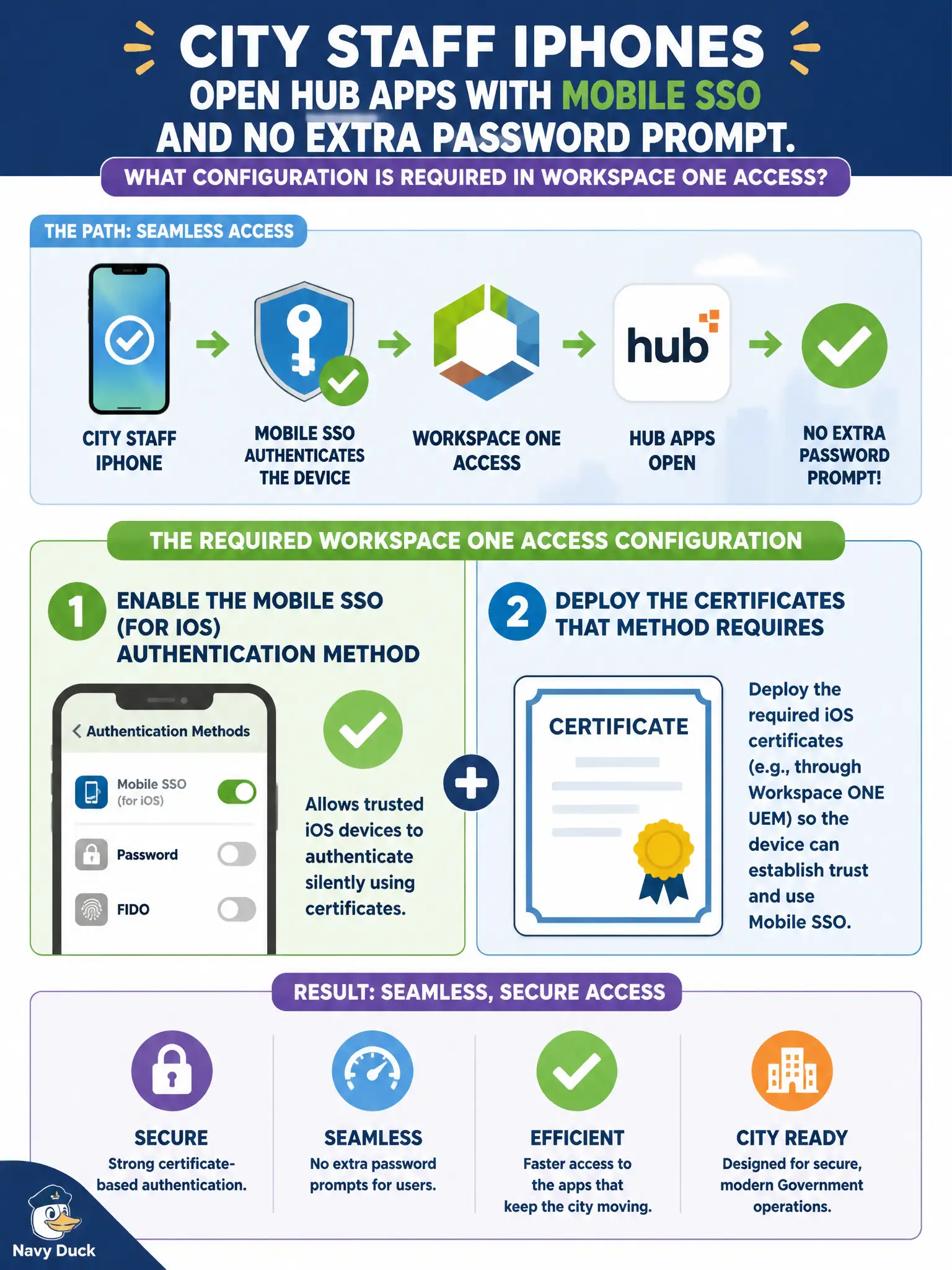
Enable the Mobile SSO (for iOS) authentication method in Workspace ONE Access and deploy the certificates that method requires so city staff iPhones can open Hub apps without an extra password prompt. iOS Mobile SSO is a dedicated Access method with certificate prerequisites; it is not inherited from desktop Kerberos or from generic RADIUS token flows. Enabling only RADIUS and treating every iPhone as a token client forces interactive token behavior that is not the passwordless Mobile SSO path for managed iOS. Turning on Windows Kerberos for domain-joined desktops does not cascade to iOS devices, which use a different Mobile SSO method and certificate model. Publishing the Hub catalog through an NSX gateway firewall rule may allow network reachability but never replaces Access authentication method configuration. Exam caveat: Mobile SSO (for iOS) is distinct from Mobile SSO (for Android) and from Kerberos (Windows SSO)—exam stems often bait platform mix-ups. Operational check: confirm Mobile SSO (for iOS) is enabled, certificates are deployed via UEM, a staff iPhone completes Hub launch without a password prompt, and document the method choice in the city identity change record so civic mobile access remains supportable after the next Access or UEM upgrade.