
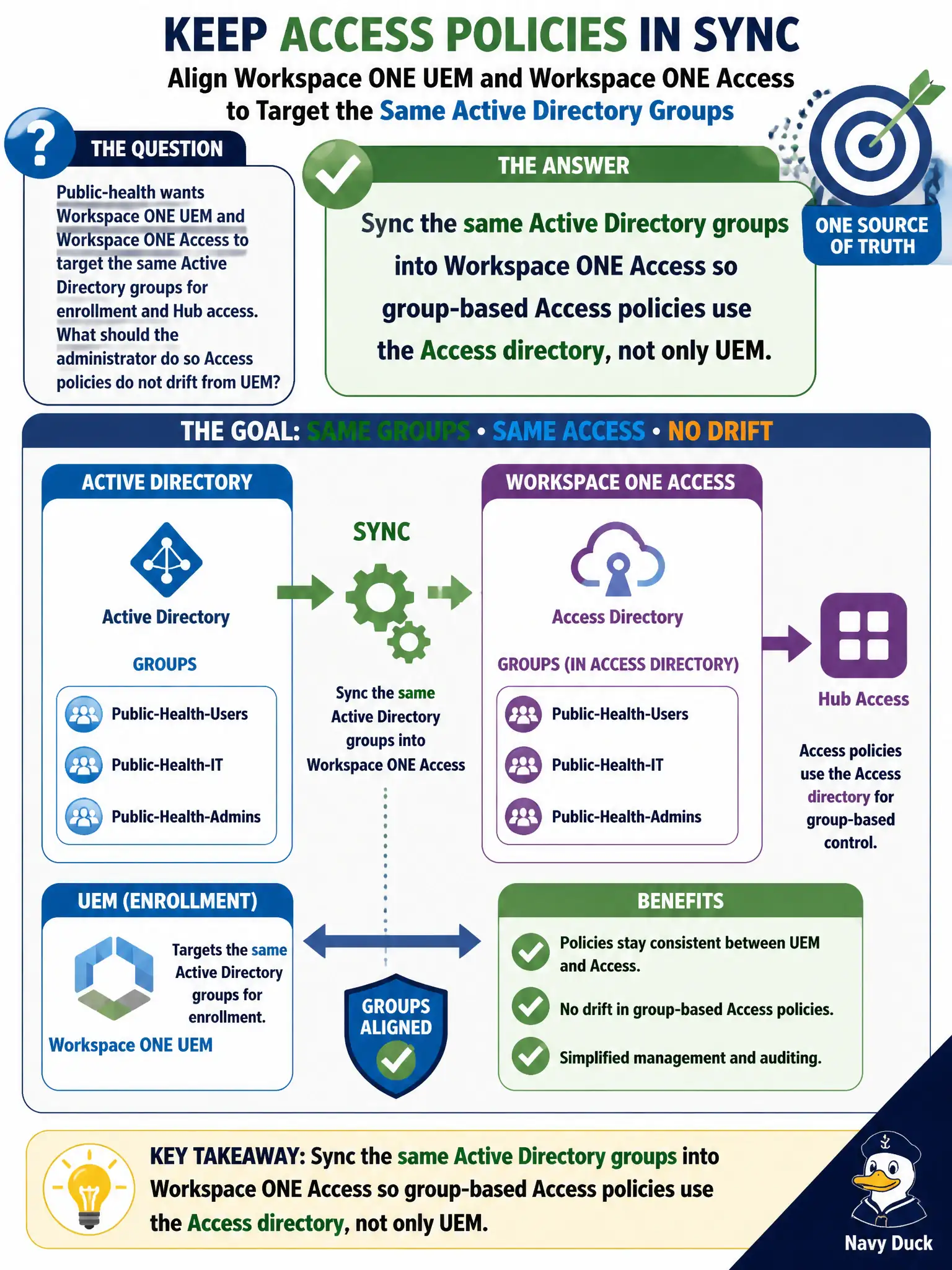
Public-health wants Workspace ONE UEM and Workspace ONE Access to target the same Active Directory groups for enrollment and Hub access. What should the administrator do so Access policies do not drift from UEM?
Select an answer to reveal the explanation.
Short Explanation
UEM and Access are two filing cabinets that can hold the same folders—if you only fill one, the other still looks empty. Sync the same AD groups into Access so Hub policies see the same membership UEM already uses, instead of inventing local users that wander off over time.
Full Explanation
Sync the same Active Directory groups into Workspace ONE Access so Hub and Access policies evaluate the Access directory view of those groups rather than assuming UEM alone is authoritative for Access. Public-health enrollment targeting in UEM and Hub entitlement or conditional access in Access are separate control planes that must be fed the same group membership or they drift. Creating shadow local users only in Access invents a parallel identity store that diverges from AD and becomes an audit liability. Relying on UEM smart groups alone is incorrect because Access does not automatically inherit every UEM directory object for its own policy engine. Binding NSX-T Manager to the public-health OU and using distributed firewall groups substitutes network micro-segmentation objects for Access directory groups and does not drive Hub authentication decisions. Exam caveat: same AD group name in UEM does not imply Access already sees that membership until directory sync into Access is configured. Operational check: verify identical group DNs or mappings in both products, assign a pilot Access policy to a synced group, confirm Hub access matches UEM enrollment membership, and keep the sync evidence with the municipal runbook so public-health audits can prove the civic platforms stayed aligned.