
An elections office needs a handful of local break-glass accounts in Workspace ONE Access while regular staff already authenticate through the county enterprise identity provider. How should the security administrator configure identity providers?
Select an answer to reveal the explanation.
Short Explanation
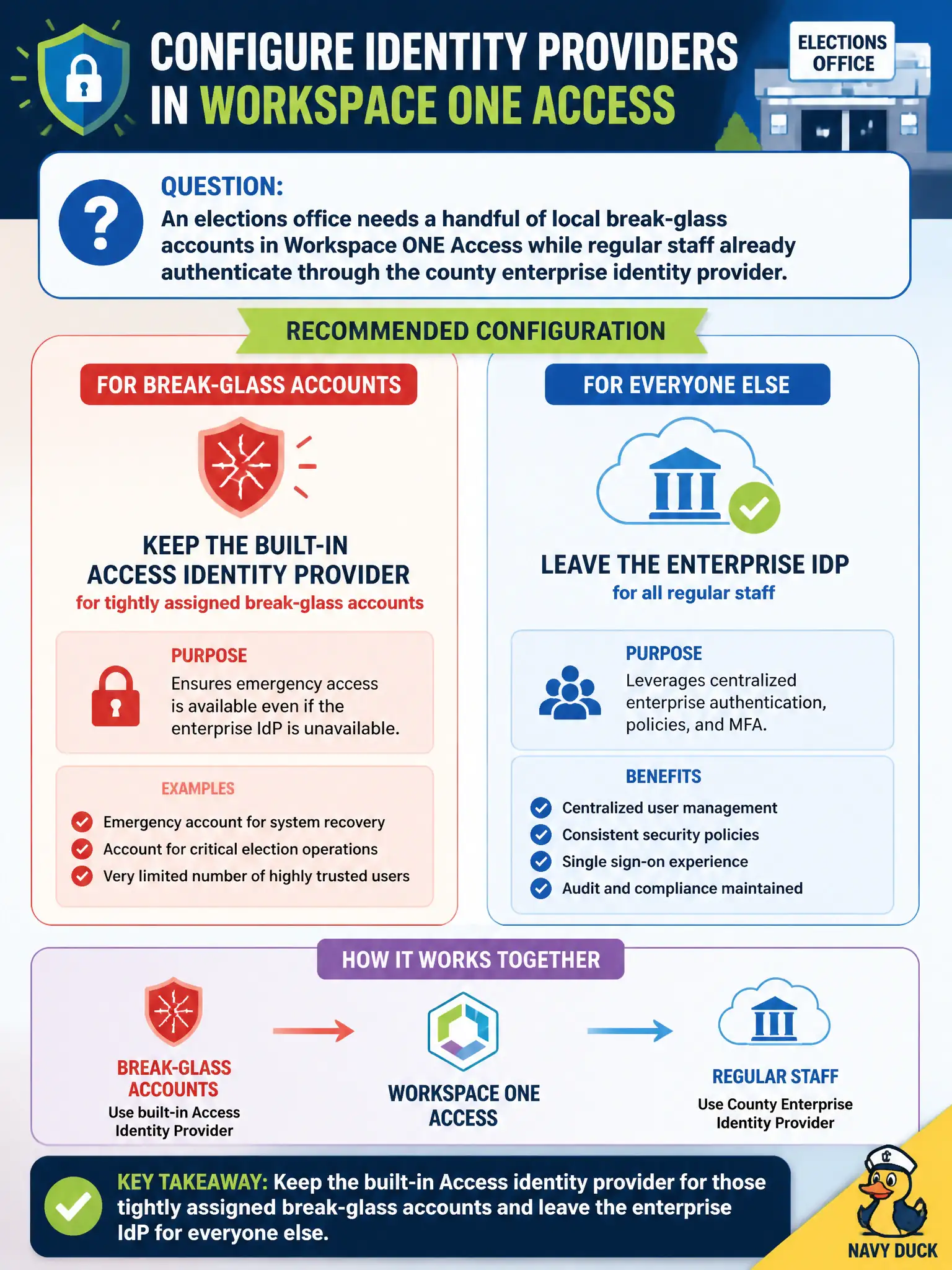
Think of the built-in Access IdP as the locked fire-box on the wall—you hope nobody needs it, but you do not throw away the key just because the county already has a front door. Leave that built-in provider up for a few tightly assigned break-glass apps and send regular staff through the enterprise IdP.
Full Explanation
Keep the built-in Workspace ONE Access identity provider available for a small set of tightly assigned elections break-glass accounts while regular county staff continue through the enterprise IdP. Break-glass must survive enterprise IdP outages, directory misconfigurations, or change freezes that would otherwise lock administrators out of Hub and critical elections apps. Deleting the built-in IdP removes the independent recovery path and forces every emergency account through the same dependency that may be failing. Replacing Access IdPs with a Carbon Black Cloud sensor group confuses endpoint threat posture with identity federation—sensor health never authenticates Hub users. Pointing NSX identity firewall at the elections VLAN addresses east-west or identity-aware network enforcement, not Access IdP design for Hub authentication. Exam caveat: built-in Access IdP retention is about recovery and tightly scoped local accounts, not a license to run day-to-day staff on local directories. Operational check: document which break-glass apps and accounts remain on the built-in IdP, confirm enterprise IdP still covers regular staff policies, test break-glass from the approved jump path, and record the dual-IdP rationale in the municipal change ticket so future elections on-call staff know which failure modes the rejected options would create for civic voting-support systems.